The 12 Best AI Video Creation Tool Options for Builders in 2026
Discover the top AI video creation tool for your project. We compare 12 platforms for builders, focusing on real use cases, features, and pricing.
The AI video space is crowded. This guide cuts through the hype. It's a practical, no-fluff breakdown of the best AI video creation tool for specific jobs, built for creators, marketers, and agencies. The goal is to help you find the right platform for your exact needs, whether you're a DTC brand needing performance creatives or a creator scaling short-form content.
We're focusing on actionable workflows: cloning viral videos, UGC automation, and creating AI influencers from scratch. For each tool, you'll find what it does best, who it's for, its honest limitations, and how to get started fast.
This resource is a direct path to finding the right solution for your content goals. We'll analyze platforms like VidCloner for replicating trending formats, Runway for its creative suite, and Synthesia for professional avatar-led videos. Our objective is to help you build a scalable, efficient content engine. Let's dive in.
1. VidCloner
VidCloner is a specialized ai video creation tool focused on a high-impact need: speed-to-trend. Instead of a general editor, it provides two targeted workflows to replicate viral short-form video formats in minutes. This makes it ideal for creators, agencies, and brands needing a high-volume, trend-responsive content calendar.
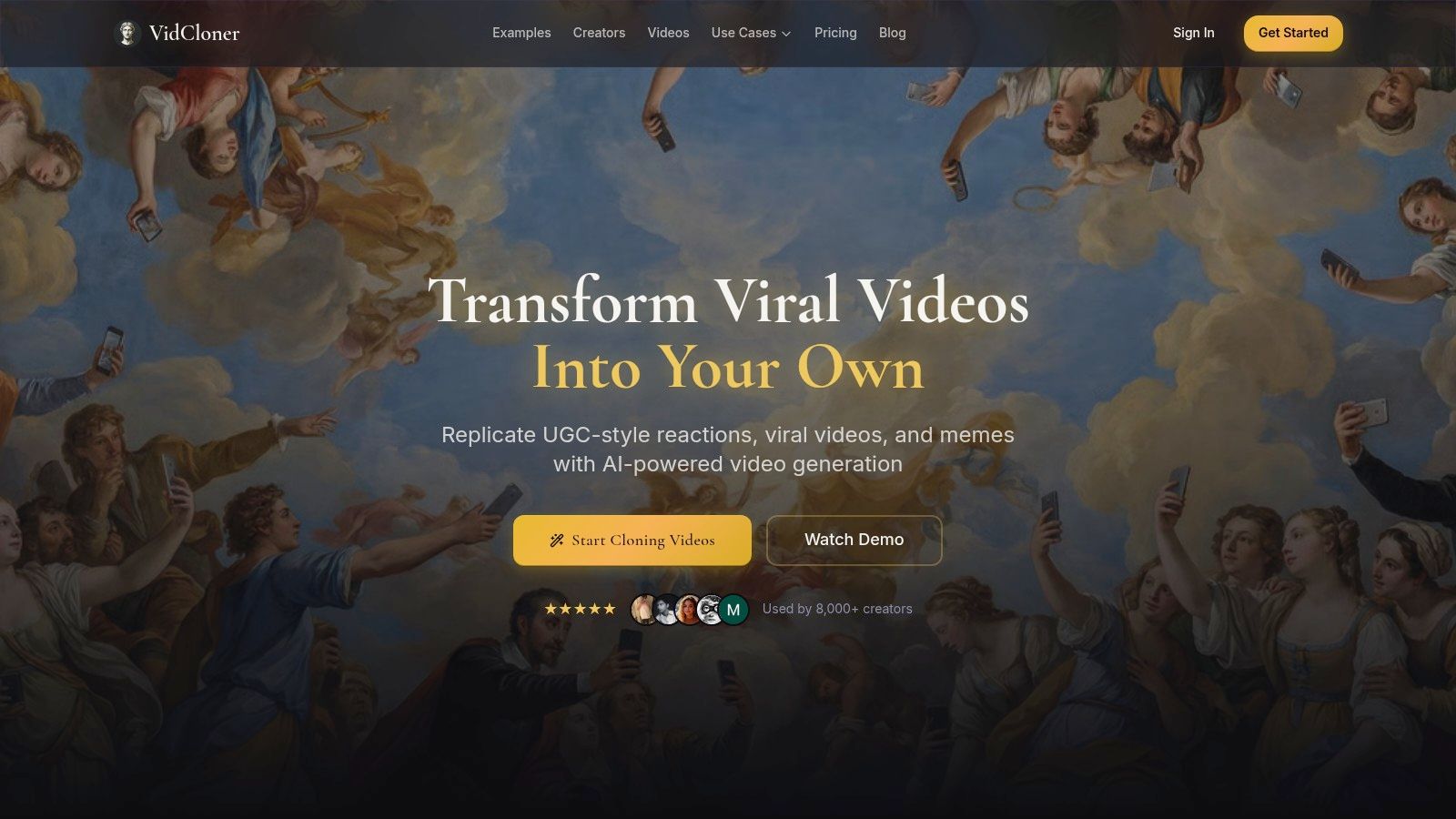
The platform’s standout advantage is its dual-workflow system. The Clone feature lets you swap the actor in a video with your AI avatar, preserving the original motion. The Remake feature recreates popular formats like memes and reaction videos for faceless content. This directly addresses the challenge of scaling UGC-style and personality-driven content.
H3: Practical Use Cases & Features
- URL-to-Video Workflow: Initiate projects with a TikTok link, bypassing manual recreation.
- Dual Production Modes:
- Clone: Ideal for personal brands and influencers wanting to appear in trending dances or challenges without filming. A practical example is an AI influencer "participating" in a viral dance by cloning the original creator's video.
- Remake: Perfect for agencies or DTC brands needing to produce faceless UGC-style ads or reaction content at scale. For instance, remake a popular "product review" format with your own product and script.
- AI Influencer Creation: Use the integrated AI avatar generator to build a consistent digital persona. This is key for brands looking to explore how AI influencers are built and used for long-term campaigns.
H3: Pricing and Plans
VidCloner uses a credit-based subscription model. Each credit typically corresponds to one video generation, making usage predictable.
| Plan | Price | Credits | Key Features |
|---|---|---|---|
| Starter | $19/month | 5 | Clone workflow, basic avatar uploads |
| Creator | $49/month | 15 | Adds Remake workflow & AI avatar generation |
| Master | $59/month | 30 | Adds priority support |
H3: Pros & Cons
Pros:
- Exceptional Speed: Reduces video production from hours to minutes.
- Targeted Workflows: The Clone and Remake features are purpose-built for dominating short-form video trends.
- Accessible Pricing: Tiered plans offer a clear entry point for solo creators.
- Strong Social Proof: Showcases case studies with multi-million view results, validating its effectiveness for cloning viral videos.
Cons:
- Copyright & Policy Risks: Cloning content requires careful consideration of intellectual property and platform policies.
- Cost at Scale: High-volume agencies may find credit limits restrictive.
Website: https://vidcloner.com
2. Runway
Runway is a full-stack generative video platform. It’s an ideal ai video creation tool for professionals who need fine-grained control over motion, camera movements, and scene composition. It is a favorite for creative ads, concept art, and experimental film, offering direct access to powerful models like Gen-3 Alpha for generating video from text and images.
Runway's online editor and transparent credit system set it apart. Teams can use plan calculators to forecast output and expenses precisely, a critical feature for agencies and brands running performance creatives at scale.
H3: Practical Use Cases & Features
- Advanced Video Models: Access to Gen-3 Alpha and other models for text-to-video and video-to-video generation.
- Motion Control: Tools like Motion Brush and keyframing offer precise control over movement.
- Team Collaboration: Features asset storage and workflows designed for creative teams.
- Use Case: A DTC brand can use Runway to generate dozens of conceptual ad variations for A/B testing, animating a static product image with different backgrounds and motion styles.
H3: Pricing and Access
Runway operates on a subscription model with a tiered credit system. Paid plans (Standard, Pro, Unlimited) start at $12/user/month (billed annually) and provide more credits and faster generation times.
Our Take: Runway excels in motion quality and physics. The learning curve for optimizing credit usage is steep, but the control is worth it for professionals. While platforms like VidCloner are built for cloning existing video formats, Runway is the sandbox for creating new visual concepts from scratch.
Website: https://runwayml.com
3. Pika
Pika is a social-leaning ai video creation tool for quick, playful video generation. It excels at fast iteration for short clips, making it a strong choice for TikTok, Reels, and Shorts. The platform is built around a simple web studio and community-focused modules, encouraging experimentation.
Pika is distinguished by its focus on speed and creative effects. Its modules for Scenes, Additions, and Swaps allow users to quickly alter or add elements to existing videos, a great feature for jumping on a new meme format without a steep learning curve.
H3: Practical Use Cases & Features
- Generative Models: The Pika 2.x model line supports text-to-video and image-to-video for rapid concept creation.
- Creative Remixing: Includes tools for modifying scenes, adding new elements, and swapping objects or faces.
- Simple Web Interface: Designed for quick learning and fast results.
- Use Case: A social media manager can use Pika to quickly generate a dozen different short video memes from a single trending image to test performance.
H3: Pricing and Access
Pika uses a freemium model. A free plan is available with watermarked outputs. Paid plans start at $8/month (billed annually) and remove the watermark, provide more credits, and unlock higher-quality generation.
Our Take: Pika is ideal for short-form social experiments where speed is key. It's a great starting point for creators. For cloning specific video styles for advertising, a specialized tool like VidCloner would be more effective, but Pika is fantastic for viral, one-off clips.
Website: https://pika.art
4. Luma AI – Dream Machine
Luma AI’s Dream Machine has gained attention for its high-fidelity text-to-video generation, prioritizing realistic motion. Available on web and iOS, it's an accessible ai video creation tool for creators focused on cinematic shorts and conceptual visuals. Its proprietary Ray model line is optimized to produce coherent, believable movement.
Dream Machine is distinguished by its focus on quality motion within a consumer-friendly interface. It provides a direct path from prompt to high-quality video, powerful for quick-turnaround creative projects.
H3: Practical Use Cases & Features
- High-Quality Motion Models: Access to the Ray model line for smooth, physically plausible motion.
- Multi-Platform Access: Available via a straightforward web UI and a dedicated iOS app.
- High-Resolution Output: Paid plans offer generation in 1080p.
- Use Case: A filmmaker can use Dream Machine to quickly storyboard a complex action sequence, generating short clips to visualize camera angles and character movement before a live shoot.
H3: Pricing and Access
Luma AI offers a free tier with a monthly allotment of credits. Paid subscriptions start at $29.99/month, offering more credits, priority generation, and higher-resolution outputs.
Our Take: Dream Machine delivers impressive motion and realism. Its editing capabilities are minimal, but it's a top choice for pure generation quality. A platform like VidCloner is better for scaling and repurposing existing video formats.
Website: https://lumalabs.ai/dream-machine
5. Synthesia
Synthesia focuses on presenter-led video production. It's a top ai video creation tool for corporate training, internal communications, and localized marketing. It creates professional videos featuring AI avatars that speak from a script, ideal for businesses needing consistent, high-quality explainer videos at scale.
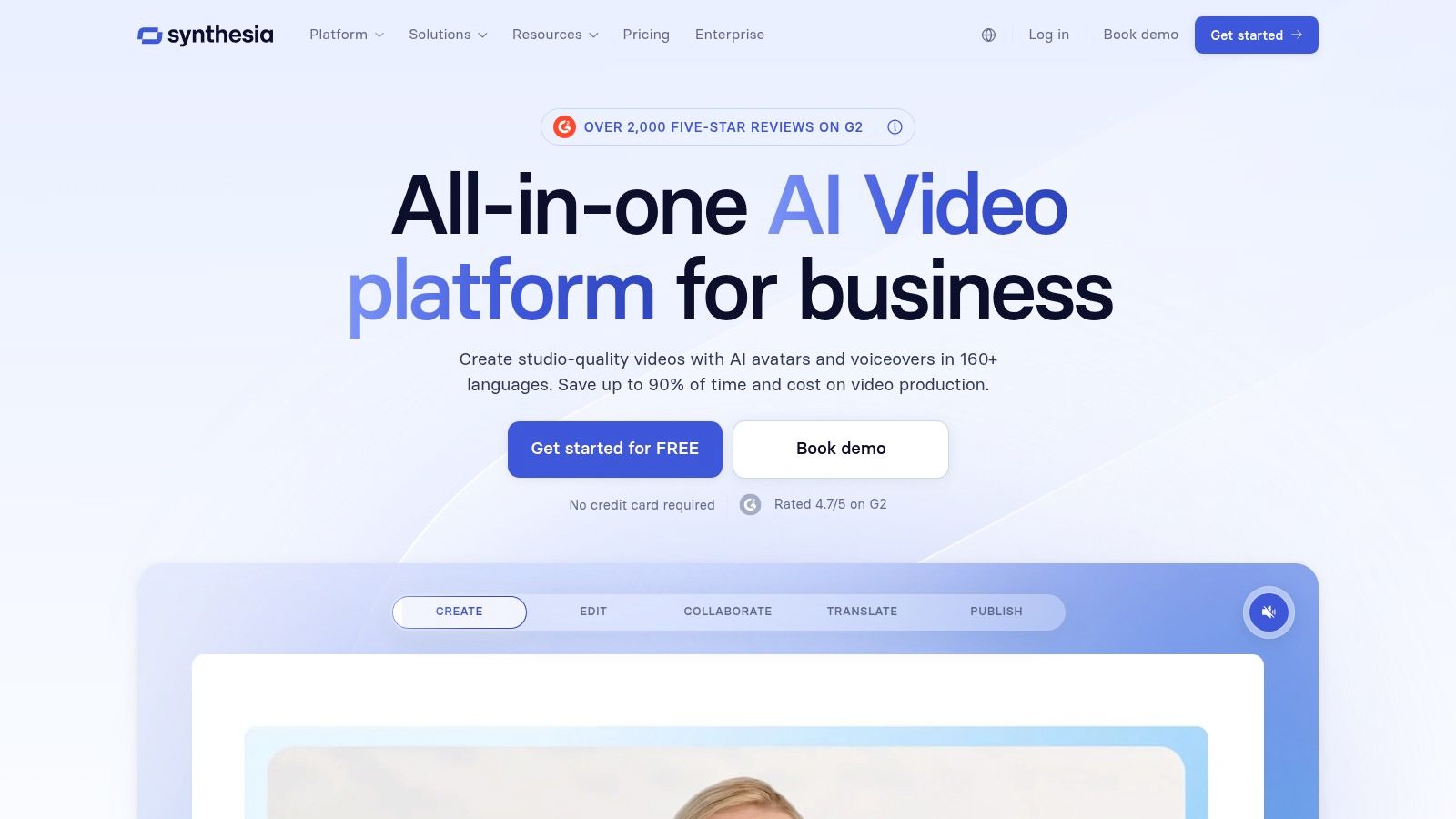
The platform’s strength lies in its expansive library of stock avatars and support for over 140 languages, allowing companies to quickly create localized content without hiring actors. Its mature enterprise features make it accessible for non-technical teams.
H3: Practical Use Cases & Features
- Extensive Language Support: Create videos with voiceovers in over 140 languages.
- Custom Avatars: Option to create a personal digital twin for branded messaging.
- Enterprise Integrations: Offers SCORM export for LMS compatibility and API access for automated workflows.
- Use Case: A global corporation can use Synthesia to produce standardized HR onboarding videos, translating the same script into 20 languages, each delivered by a professional avatar.
H3: Pricing and Access
Synthesia offers plans based on video minutes. The "Creator" plan starts at $22 per month (billed annually). Business and Enterprise plans provide more minutes and custom avatars with custom pricing.
Our Take: Synthesia is the leader in scalable, presenter-based video. Its polish is unmatched for corporate use cases. It isn't designed for the creative, generative tasks that platforms like Runway excel at, but its efficiency for training is a massive asset.
Website: https://www.synthesia.io
6. HeyGen
HeyGen operates as an all-in-one avatar video studio for polished, presenter-led content for marketing and training. This ai video creation tool is effective for teams needing to produce consistent, branded communications at scale, offering a suite of features for generating videos with realistic avatars and translating content.
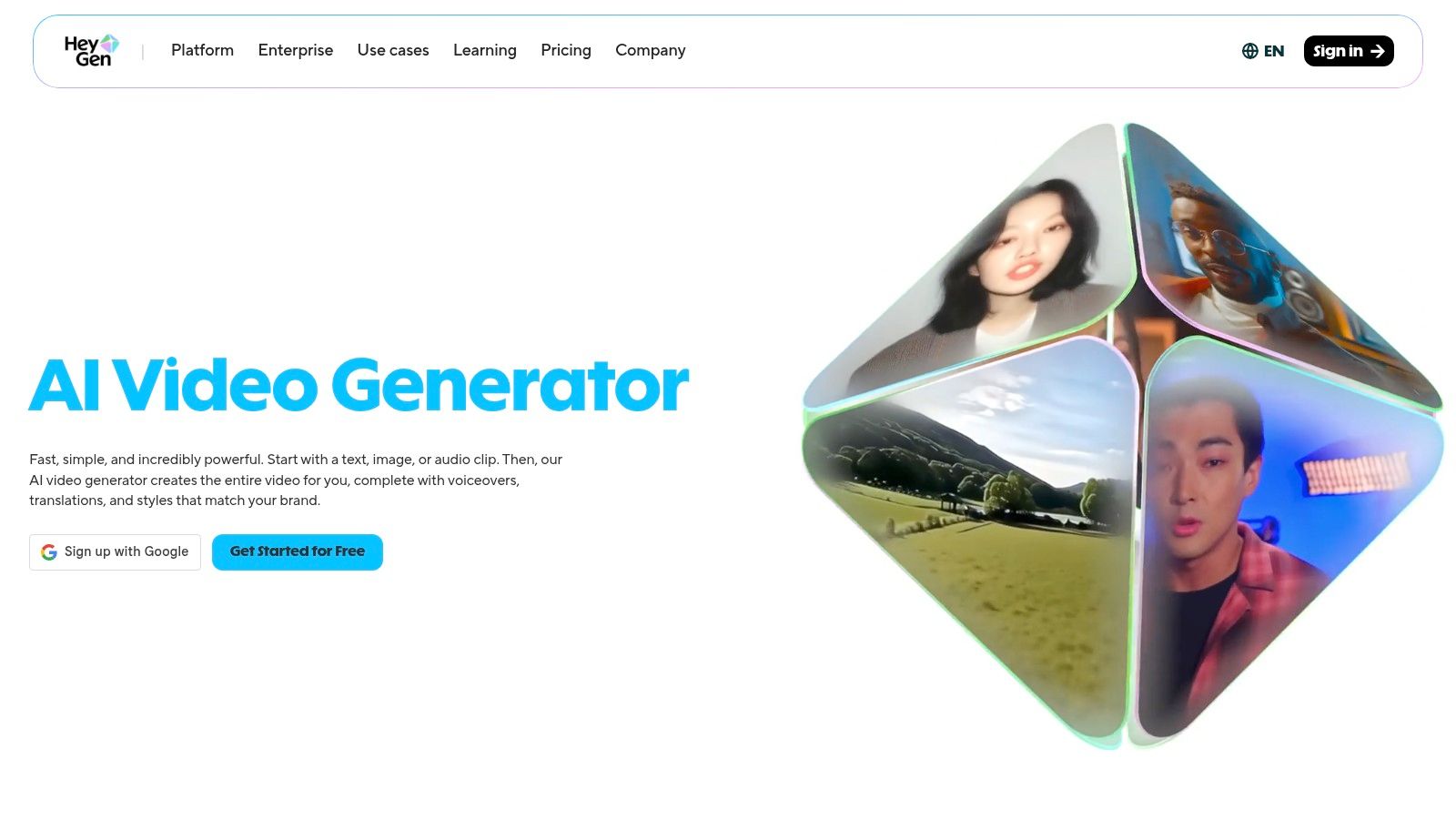
HeyGen stands out with its emphasis on enterprise-ready workflows. Features like its AI Studio editor and a robust API make it simple to integrate into existing marketing stacks. Its primary strength lies in creating high-quality, avatar-driven videos quickly.
H3: Practical Use Cases & Features
- AI Studio Editor: An intuitive editor for customizing avatars, adding captions, and multi-user editing.
- Collaboration & API: Team-focused features and an API allow for automated video production.
- Video Translation: Built-in dubbing and translation tools to localize content.
- Use Case: An L&D department can use HeyGen to create a series of training modules with a consistent AI instructor, translating them into five languages for international offices.
H3: Pricing and Access
HeyGen offers a free plan. Paid plans start with a Creator plan at $24/month (billed annually) and scale up to Business and Enterprise tiers. Plans are credit-based.
Our Take: HeyGen is a leader in the AI avatar and corporate video space. It excels at producing brand-safe, scalable content. While not for cinematic text-to-video generation like Runway, its ease of use is top-tier for marketing and internal communications.
Website: https://www.heygen.com
7. Colossyan
Colossyan is a specialized ai video creation tool for corporate training and L&D. It excels at producing, localizing, and updating instructional content using AI avatars. The platform simplifies the creation of professional training modules and onboarding videos.
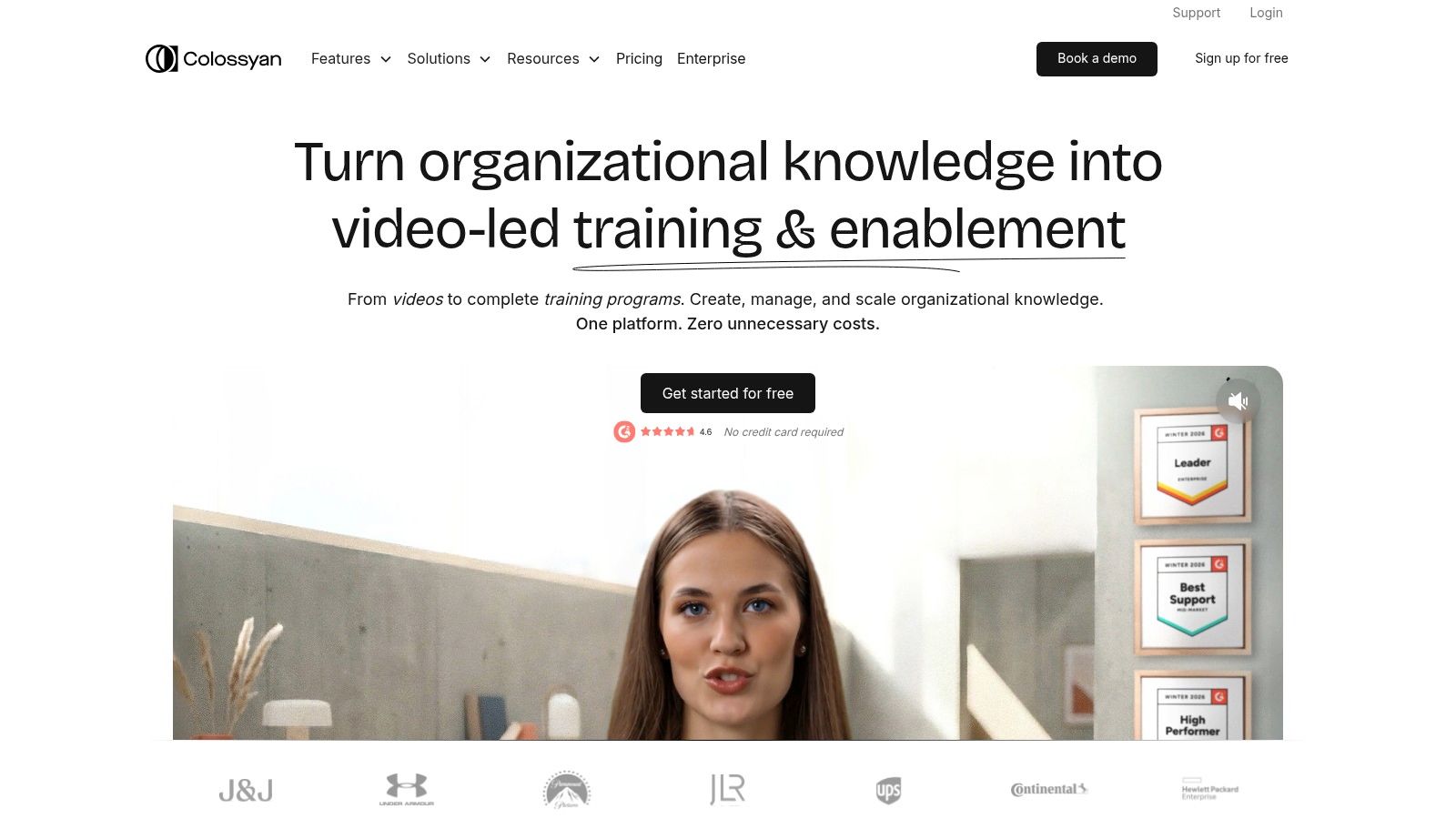
Colossyan is distinct for its deep integration with corporate workflows. Features like SCORM export allow videos to be directly embedded into Learning Management Systems (LMS). Its NEO model focuses on creating more natural and expressive avatar delivery.
H3: Practical Use Cases & Features
- L&D-Focused Tools: Built-in templates, multi-avatar conversations, and automated translation.
- Enterprise Integration: Offers SCORM export, brand kits, and SAML/SSO.
- Flexible Production: Provides annual minute pools for large-scale training rollouts.
- Use Case: A global corporation can use Colossyan to create a single master compliance training video, then automatically translate and dub it with localized avatars for its international offices, tracking completion through its LMS.
H3: Pricing and Access
Colossyan offers a free trial. Paid plans (Starter, Pro, Enterprise) begin at $28 per month (billed annually). Higher tiers unlock more minutes and advanced features.
Our Take: Colossyan is purpose-built for the L&D market. Its feature set is about efficient, scalable instructional content, not creative projects. It's a top choice for any organization that needs to manage training videos at scale.
Website: https://www.colossyan.com
8. D‑ID
D-ID specializes in creating talking-head videos from static photos. This ai video creation tool is built for speed, allowing users to generate presenter-style videos by uploading an image and a script. It's useful for corporate training and customer support applications where a human-like interface is needed.
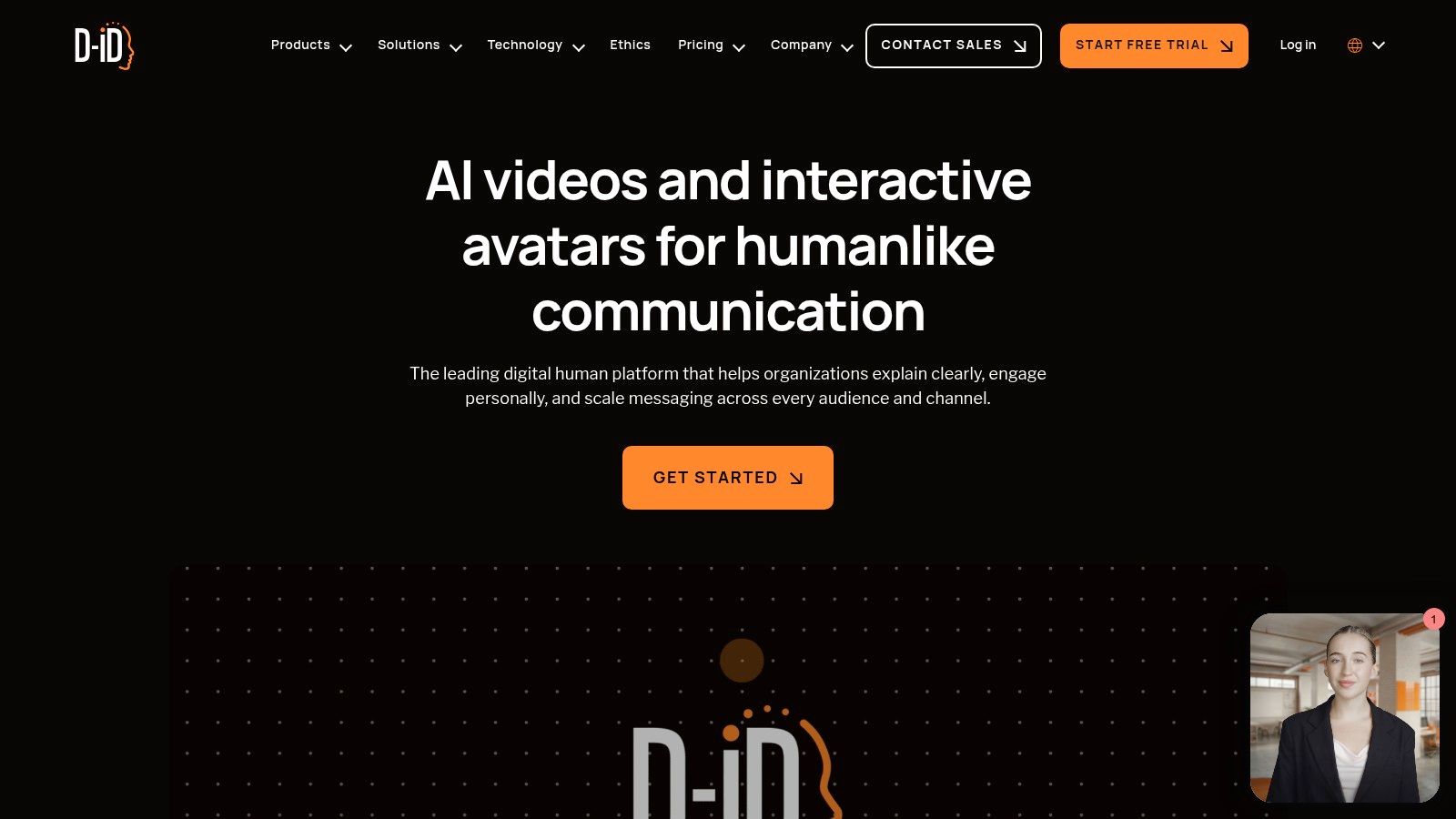
D-ID is unique for its dual focus on pre-rendered videos via its Creative Reality™ Studio and real-time conversational avatars through its Agents platform. This allows businesses to build interactive experiences like virtual receptionists.
H3: Practical Use Cases & Features
- Creative Reality™ Studio: Generate talking avatars from a text script or audio file and a single image.
- Live Portrait & Agents: Enables the creation of interactive, real-time conversational avatars.
- API Access: Provides a robust API for integrating generation capabilities into third-party apps.
- Use Case: A company can use D-ID to create a series of internal training videos featuring a consistent AI-generated instructor from a single photo.
H3: Pricing and Access
D-ID offers separate pricing for its Studio and API. The Studio has a free trial. Paid plans start at $4.70/month (billed annually) for 10 minutes of video. API plans are usage-based.
Our Take: D-ID is exceptionally good at turning photos into speaking avatars quickly. It’s not for cinematic scene creation like Runway. The real-time Agent feature is a powerful differentiator. For scaling faceless content, it's effective, though it lacks the video cloning capabilities of VidCloner.
Website: https://www.d-id.com
9. Elai.io
Elai.io specializes in creating presenter-led videos from text, a strong ai video creation tool for corporate training and marketing. Its strength is its library of 80+ digital avatars and 75+ languages, allowing businesses to produce localized content at scale without actors or studios.
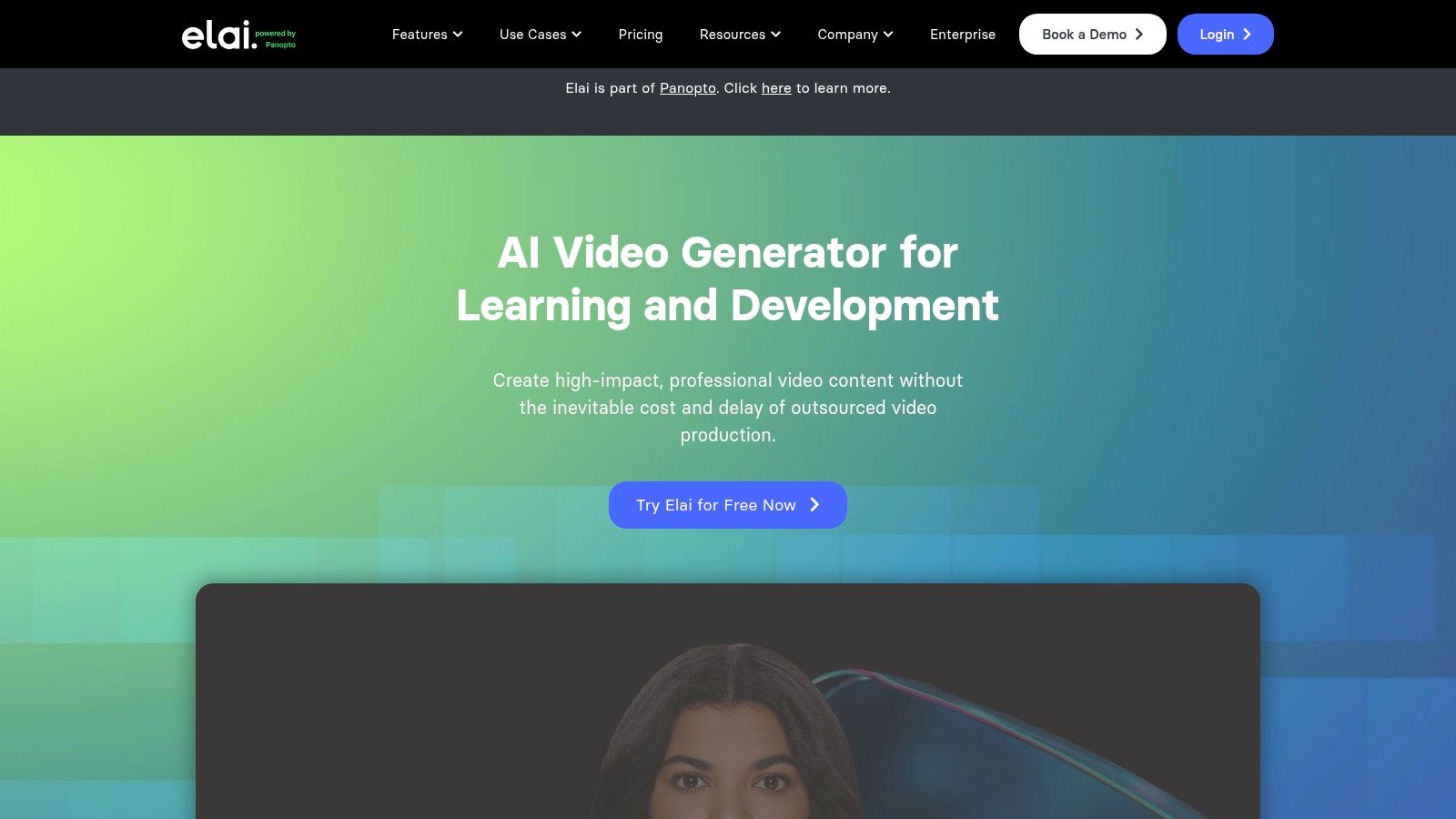
Elai.io is distinguished by its focus on enterprise and educational features. Options to create personal selfie avatars, clone your voice, and integrate with LMS via SCORM make it a practical choice for teams.
H3: Practical Use Cases & Features
- Presenter-Led Generation: Converts scripts or URLs into videos featuring one of 80+ stock avatars.
- Personalization: Offers personal avatar creation and voice cloning (additional cost).
- Enterprise Ready: Includes collaboration tools, a brand kit, SSO, and API access.
- Use Case: A global SaaS company can use Elai.io to create localized "how-to" videos for a new feature launch, serving customers in North America, Europe, and Asia simultaneously.
H3: Pricing and Access
Elai.io uses a subscription model based on video minutes. A Free plan is available. The Basic plan starts at $23/month (billed annually) for 15 minutes of video.
Our Take: Elai.io is excellent for creating polished, presenter-style content efficiently. This isn't a tool for creating dynamic, cinematic scenes. For creating new, avatar-driven training or marketing material, Elai.io is a solid choice.
Website: https://elai.io
10. InVideo AI
InVideo AI is built for speed, a script-to-video generator for social media managers. This ai video creation tool excels at turning a simple text prompt into a publishable short-form video, complete with stock footage, captions, and an AI voiceover. It is optimized for producing YouTube Shorts, Reels, and TikToks with minimal effort.
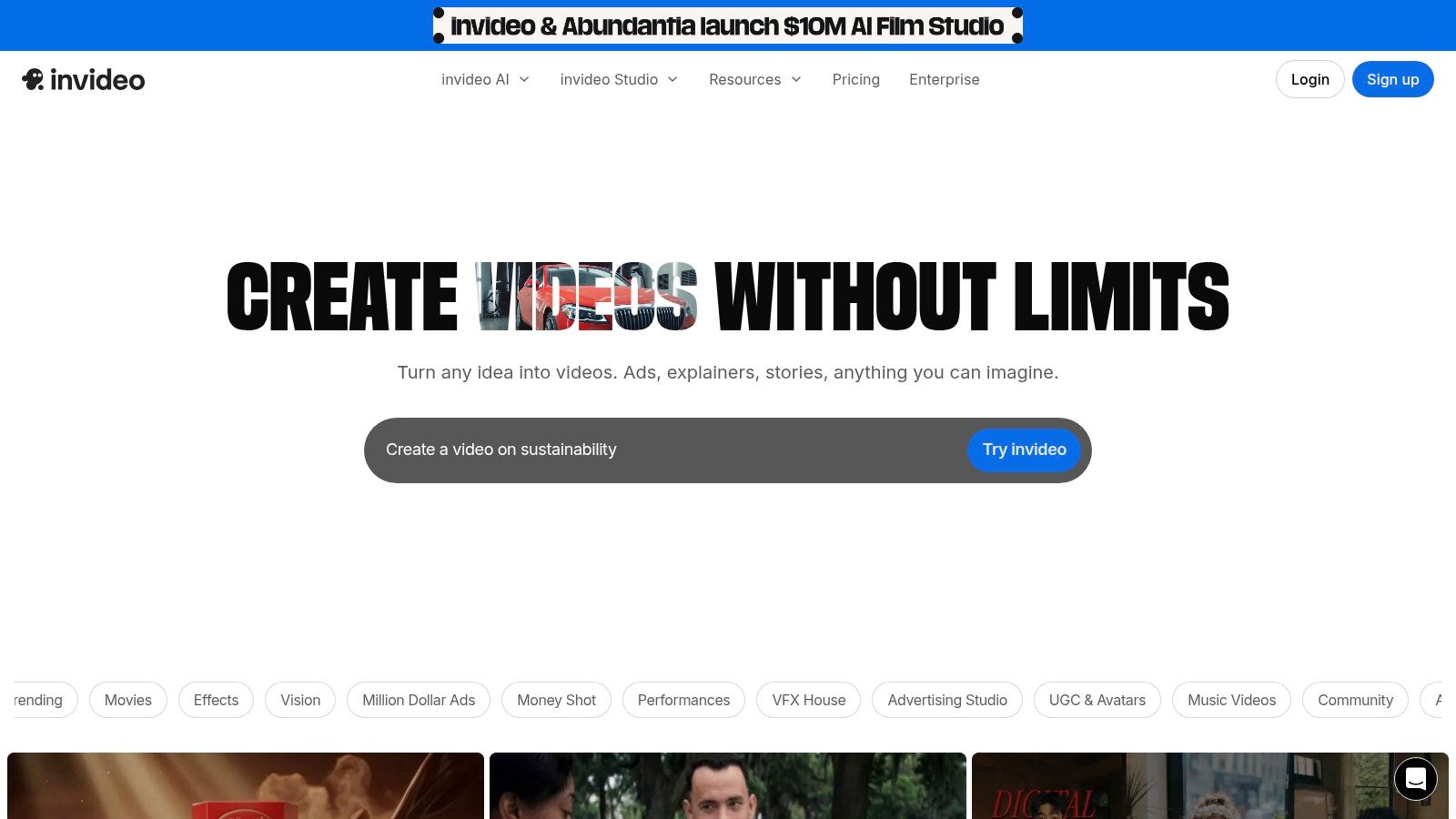
InVideo AI is distinguished by its prompt-driven workflow targeting short-form content. By integrating a massive stock asset library, it allows users to quickly assemble draft videos that can be tweaked in its classic online editor.
H3: Practical Use Cases & Features
- Prompt-Driven Creation: Generates videos from text prompts, automatically sourcing from a large stock asset library.
- Social Media Templates: Offers pre-built templates and export settings for short-form social formats.
- Classic Online Editor: Provides a familiar timeline-based editor for refining AI drafts.
- Use Case: A social media manager can input a blog post title and get a 60-second summary video for Instagram Reels, complete with dynamic captions, all generated in minutes.
H3: Pricing and Access
InVideo AI follows a freemium model. The Free plan has a watermark. Paid plans start at $20/month (billed annually) and remove watermarks and increase export limits.
Our Take: InVideo AI is a strong choice for producing a high volume of short, simple videos quickly. It's an ideal starting point for faceless content channels or brands needing quick ad drafts before moving to a specialized tool like VidCloner for scaling a successful format.
Website: https://invideo.io
11. Fliki
Fliki specializes in turning text into video with an emphasis on high-quality narration. This ai video creation tool is built for creators who prioritize clear, human-sounding voiceovers for explainers and tutorials. Its strength is a massive library of AI voices and extensive language support.
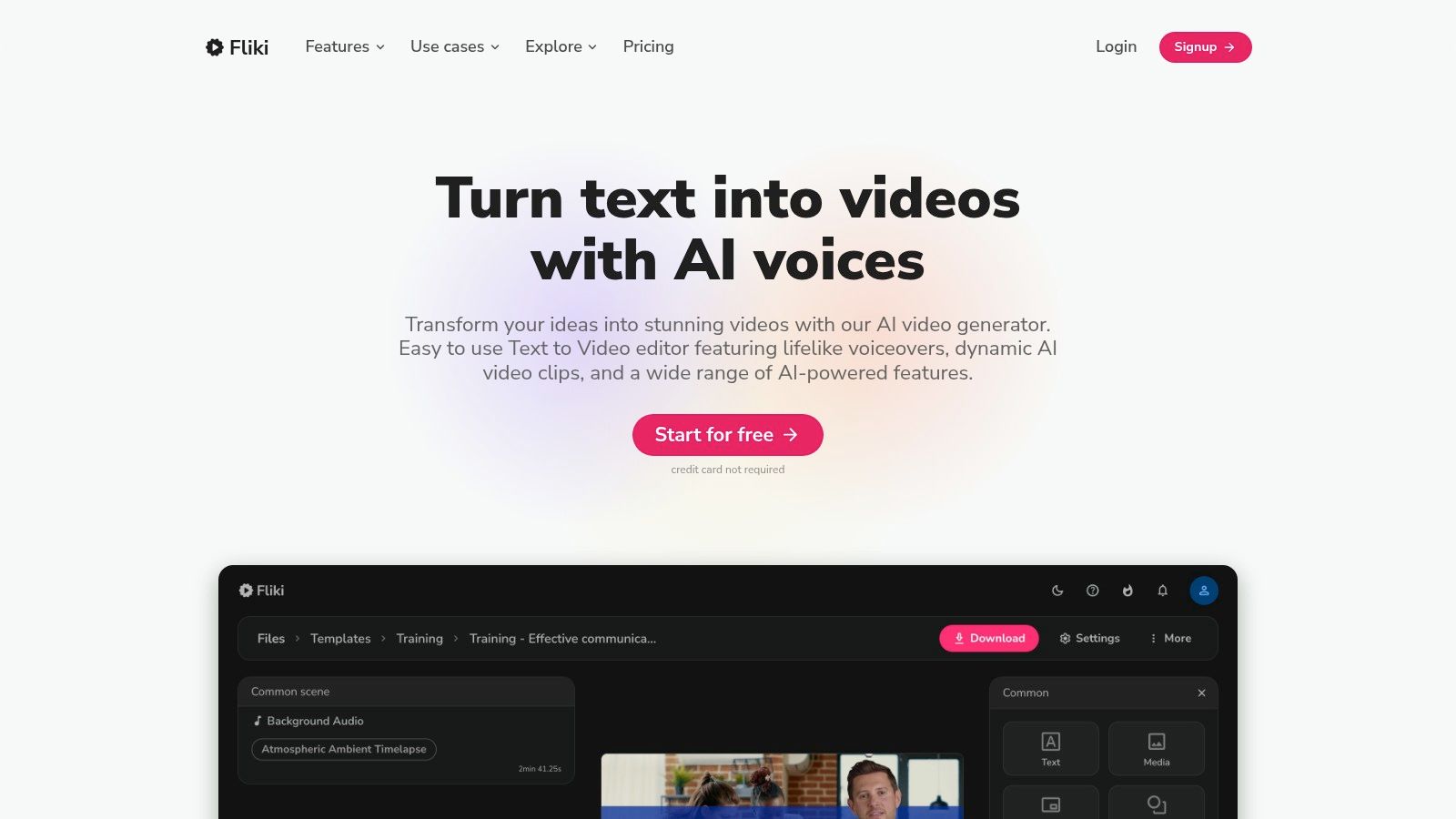
The platform is engineered for speed and simplicity. By combining automated stock media selection with its powerful text-to-speech engine, Fliki allows creators to produce faceless videos quickly.
H3: Practical Use Cases & Features
- Ultra-Realistic Voices: Access to over 1,000 AI voices in more than 80 languages.
- Multi-Format Input: Create videos from scripts, blog articles, or tweets.
- Rich Stock Media Library: Integrates millions of images, video clips, and music tracks.
- Use Case: A marketer can paste a blog post URL into Fliki. The tool will automatically generate a script, select a voice, and create a short promotional video with stock footage and subtitles, ready for social media.
H3: Pricing and Access
Fliki offers a free plan with 5 minutes of credits per month. Paid plans (Standard, Premium) start at $21/month (billed annually) and provide more minutes and 1080p video quality.
Our Take: Fliki is a top choice for narration-heavy content where voice quality is paramount. It's exceptionally efficient for creating faceless YouTube videos or repurposing written content. Its text-to-speech engine is among the best in the market.
Website: https://fliki.ai
12. Kapwing AI
Kapwing AI integrates generative video tools into a familiar, browser-based nonlinear editor (NLE). This makes it a practical ai video creation tool for teams that need to go from a text prompt to a fully edited video in a single workflow. It combines text-to-video generation with a full suite of traditional editing features.
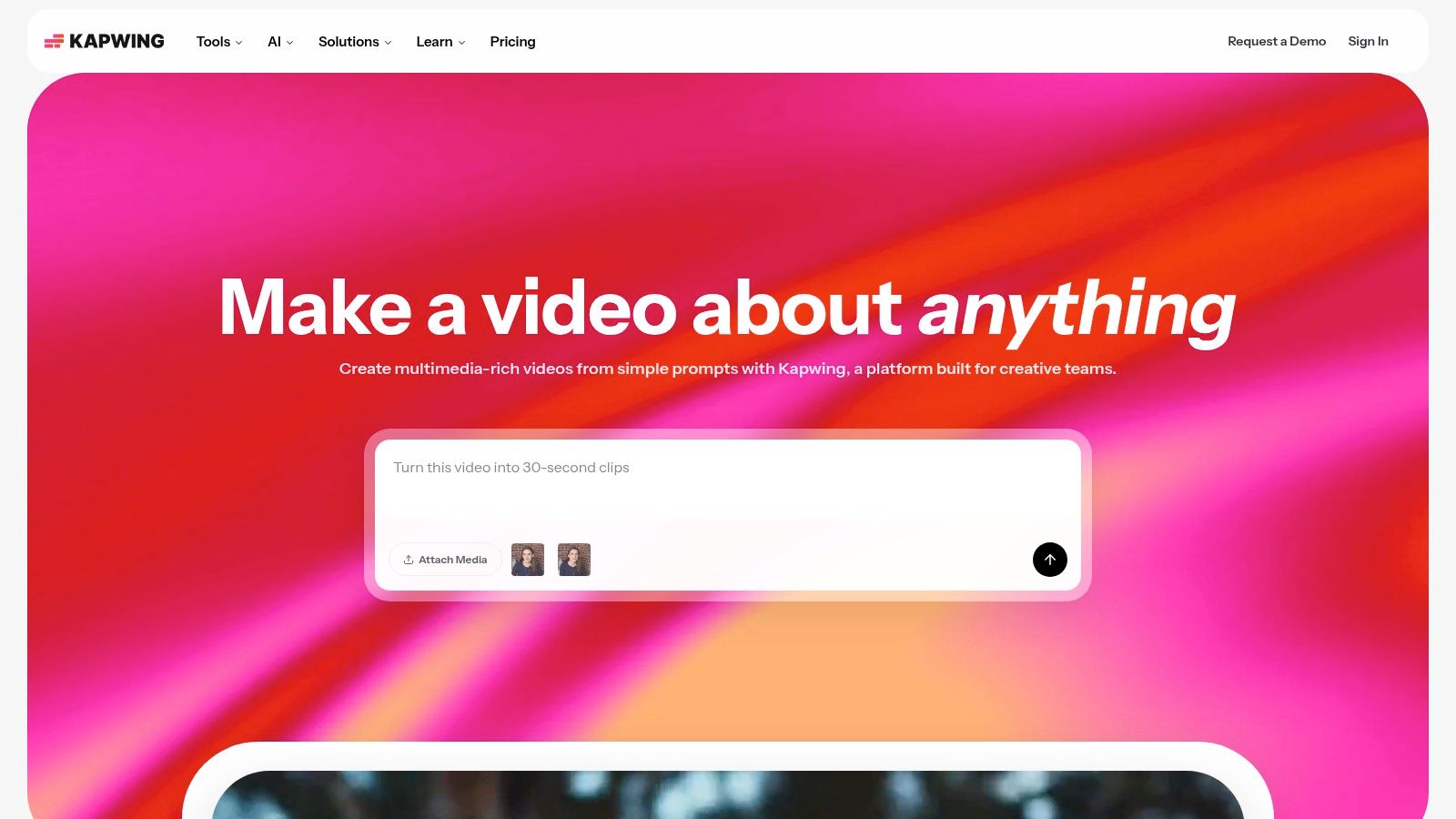
Kapwing stands out for its all-in-one nature. Users can generate, tweak, add text, apply branding, and export from one tab. Its credit system is transparent, tying costs to specific AI actions.
H3: Practical Use Cases & Features
- Integrated Generation: Create video from text prompts or images directly on the editing timeline.
- Full Editing Suite: Access subtitles, transitions, text overlays, and brand kit management.
- AI Digital Avatars: Features an "AI Twin" function to create a digital avatar.
- Use Case: A marketing team can use Kapwing to generate a product demo video, immediately add subtitles, create a dubbed version, and apply the company's branding, all within minutes.
H3: Pricing and Access
Kapwing offers a Free plan. The Pro plan, starting at $16/user/month (billed annually), provides credits for AI features and 4K export.
Our Take: Kapwing is ideal for teams that prioritize workflow efficiency. The ability to generate and then immediately edit in a robust NLE is its greatest strength. It serves a different need than tools focused on cloning, like VidCloner, by offering a complete production environment.
Website: https://www.kapwing.com
H2: Top 12 AI Video Creation Tools: Quick Comparison
| Product | Core features | UX / Quality | Best for (Target) | Unique selling point | Pricing |
|---|---|---|---|---|---|
| VidCloner | Clone & Remake workflows; paste TikTok URL; avatar upload + AI avatar generation | Fast, platform-ready outputs; realistic UGC-style motion | Creators, brands, agencies scaling short-form UGC, memes, faceless content | Speed-to-trend: actor replacement + remake viral formats; strong social proof | Starter $19/mo (5 credits); Creator $49/mo (15, AI avatars & Remake); Master $59/mo (30, priority) |
| Runway | Text/image→video & video→video; online editor; team workflows | High motion/physics quality; model selection learning curve | Teams, creatives, ads, experimental gen‑video | Cutting‑edge models (Gen‑4.x); transparent cost/seconds guidance | Credit‑based (seconds per model); plan calculators |
| Pika | Text→video (Pika 2.x); remix modules (Scenes, Swaps, Effects) | Fast to learn; playful, social‑leaning outputs | TikTok/Shorts creators experimenting with trends | Remix/community features for quick iterations | Affordable entry tiers; tier limits on resolution/output |
| Luma AI – Dream Machine | Dream Machine / Ray models; web + iOS access; realistic physics | Strong realism and smooth motion for consumer tools | Cinematic shorts, concept visuals, ideation with motion coherence | High‑fidelity motion/physics for realistic scenes | Paid tiers with 1080p; subscription credit bundles |
| Synthesia | Presenter avatars; 140–160+ languages; templates; SCORM/API | Consistent, professional presenter quality at scale | L&D, enterprise localization, marketing explainers | Huge language/voice coverage + enterprise features (SSO, SCORM) | Minutes/credits model; enterprise pricing |
| HeyGen | Avatar studio with dubbing, translation, brand kit, API | Easy to produce polished presenter videos; collaborative | Marketing, training, sales enablement teams | Collaboration + dubbing/translation + API automation | Tiered subscriptions with credits; regular feature releases |
| Colossyan | L&D avatar focus; multi‑avatar scenes; SCORM & SSO | Purpose-built training UX; template-driven | Enterprise training, localization, LMS workflows | LMS exports, localization templates, annual minutes pools | Annual pools/minutes options; higher-tier locks |
| D‑ID | Photo→talking‑head; Creative Reality Studio; Agent mode | Extremely fast script→talking videos; interactive agents | Quick talking‑head clips; real‑time conversational agents | Agent mode for live, interactive avatar experiences | Separate Studio vs API plans; fragmented pricing |
| Elai.io | Text/URL→video; 80+ avatars; voice cloning; 4K exports | Competitive per‑minute costs; good avatar/voice variety | Marketing, product walkthroughs, training | 4K exports + voice cloning + many avatars | Tiered plans; 4K on Team/Advanced; top‑up credits |
| InVideo AI | Script→video; stock library; templates; online editor | Fast idea→publish flow; community ecosystem | Social clips, ads, quick drafts for Shorts/Reels | Large stock asset library + social templates | Free plan (watermark); paid tiers for full features |
| Fliki | Text→video with 1000+ voices; auto‑subtitles; stock media | Excellent TTS/narration quality; simple workflow | Faceless explainers, tutorials, listicles, promos | Ultra‑realistic TTS & broad language voices | Standard+ 1080p; generous annual minute pools on paid tiers |
| Kapwing AI | AI video generator integrated into full NLE; subtitles/dubbing | Integrated generation + editing in browser; some model caps | Teams needing generation → editing → publish in one tool | All‑in‑one: generation plus familiar online editor | Plan limits on model access/daily caps; transparent credits |
H2: A Builder's Guide to Choosing an AI Video Tool
There is no single "best" ai video creation tool; there is only the right tool for your specific job. The real advantage comes from integrating a tool into a repeatable, efficient workflow that solves your biggest production bottleneck.
Your choice will dictate your workflow, creative possibilities, and production speed. Start by isolating the most time-consuming part of your current video process. Is it the need for fresh ad creatives? The slow turnaround on training videos? The struggle to keep up with social media trends? An honest assessment of your primary pain point is the best guide to selecting the right platform.
H3: A Framework for Selecting Your AI Video Tool
Move beyond feature lists and consider your core operational needs. Your final decision should be based on a combination of your content goals, your audience, and your available resources.
Here's a simplified framework to guide your decision:
- For Performance Marketers & DTC Brands: Your goal is rapid testing and scaling of ad creatives, especially UGC-style content. Your primary need is speed and variation. Tools like VidCloner are built for this, allowing you to automate the creation of countless variations from a single viral video. InVideo AI also offers a strong solution for quickly turning prompts into campaign assets.
- For Social Media Creators & Influencers: You need to produce high-volume, trend-led content. This could involve creating faceless content, generating AI influencer personalities, or quickly hopping on new formats. Look at VidCloner for trend replication and cloning viral videos, Pika for artistic effects, and Kapwing for its all-in-one editing suite.
- For Corporate & Enterprise Use: Your focus is on professional communication and training. Consistency and security are paramount. Synthesia, Colossyan, and HeyGen are the clear leaders here, providing polished avatars and robust collaboration features for scalable corporate video production.
- For Creative Agencies & Artistic Exploration: You need maximum creative control and high fidelity. Runway and Luma AI's Dream Machine are your sandboxes, offering cinematic quality and granular controls for creating original visual work.
H3: Your Next Steps: From Selection to Execution
Once you have identified a tool, adopt a methodical approach to integration.
- Start with a Pilot Project: Choose one small, low-stakes project. If you're a DTC brand, task your selected AI tool with creating five variations of one successful ad.
- Evaluate Performance: Judge the output on the entire process. How much time did it save? Were the results aligned with your brand?
- Build a Repeatable Workflow: Document the steps that worked. Create a simple standard operating procedure (SOP). This is how you build a true content engine.
AI video creation tools augment creativity by removing technical barriers. They free you to focus on strategy, storytelling, and connecting with your audience. The goal is to build a system where you can operate at the speed of culture, turning ideas into impactful content almost instantly.
Ready to stop chasing trends and start setting them? If your goal is to rapidly scale your short-form video output by cloning what already works, VidCloner is the definitive AI video creation tool for the job. It's built specifically for creators and marketers who need to produce high volumes of proven content, fast. Start cloning viral videos in minutes with VidCloner.
H2: AI Video Creation Tool FAQ
H3: What is the best AI tool for cloning viral videos?
For cloning viral videos, especially from platforms like TikTok, a specialized tool like VidCloner is the most direct solution. Its "Clone" workflow is specifically designed to replace the actor in a video while preserving the original motion and timing, making it highly effective for trend replication.
H3: How can I create faceless content with AI?
You can create faceless content in several ways. Tools like InVideo AI and Fliki can generate videos using stock footage and AI voiceovers from a script. For more dynamic faceless content, VidCloner's "Remake" feature lets you recreate popular video formats (like memes or reaction videos) without showing a person's face, a powerful method for UGC automation.
H3: Can I create an AI influencer with these tools?
Yes. Creating an AI influencer involves two main parts: generating the visual persona and generating the content. You can use an AI image generator to create a consistent face and then use a tool like D-ID or HeyGen to animate it. For a more advanced workflow, VidCloner allows you to create an avatar and then use its "Clone" feature to place that AI influencer into existing trending videos.
H3: What is the most realistic AI video creation tool?
Realism depends on the use case. For cinematic scenes with believable motion and physics, Luma AI's Dream Machine and Runway are currently leading the pack. For realistic human presenters, Synthesia and HeyGen produce highly polished, professional avatars suitable for corporate content.
H3: Is it possible to automate UGC-style video creation?
Yes, UGC automation is a key use case for AI video tools. You can use platforms like VidCloner to remake popular UGC formats with your own product and script, creating an endless supply of authentic-looking ads. Tools like InVideo AI can also assemble UGC-style clips from stock footage and text prompts, providing a quick way to generate ad variations for testing.