12 Best AI Video Generation Tools for Builders (2024 Guide)
Discover ai video generation tools to craft viral content, automate UGC, and grow your audience in 2026.
AI video generation tools are no longer a novelty; they are essential for scaling content production. This guide is a builder-focused analysis of the tools that deliver results. It bypasses the hype to provide actionable insights.
This resource is for action. It covers how to select the right platform for high-value tasks: automating user-generated content (UGC), creating AI influencers, producing faceless content, or cloning viral video styles for social media.
This article is structured for quick decision-making. Each tool review breaks down core functions, ideal use cases, and practical limitations. We focus on the operational details you need to build an efficient content engine, whether for corporate training or short-form video. Let's find the right tool for your project.
I. Tools for Social Content & Viral Marketing
This category focuses on platforms designed for speed, trend replication, and formats optimized for social media feeds like TikTok, Instagram Reels, and YouTube Shorts. These are ideal for creators, marketers, and agencies who need to produce high volumes of engaging, short-form content quickly.
1. VidCloner
VidCloner is a specialized AI video generation tool for one specific, high-value task: turning viral short-form videos into your own branded or personal content. Its workflow is designed for creators and marketers who need to capitalize on trends instantly. The premise is simple: paste a TikTok URL and let the AI generate a new, platform-ready video.
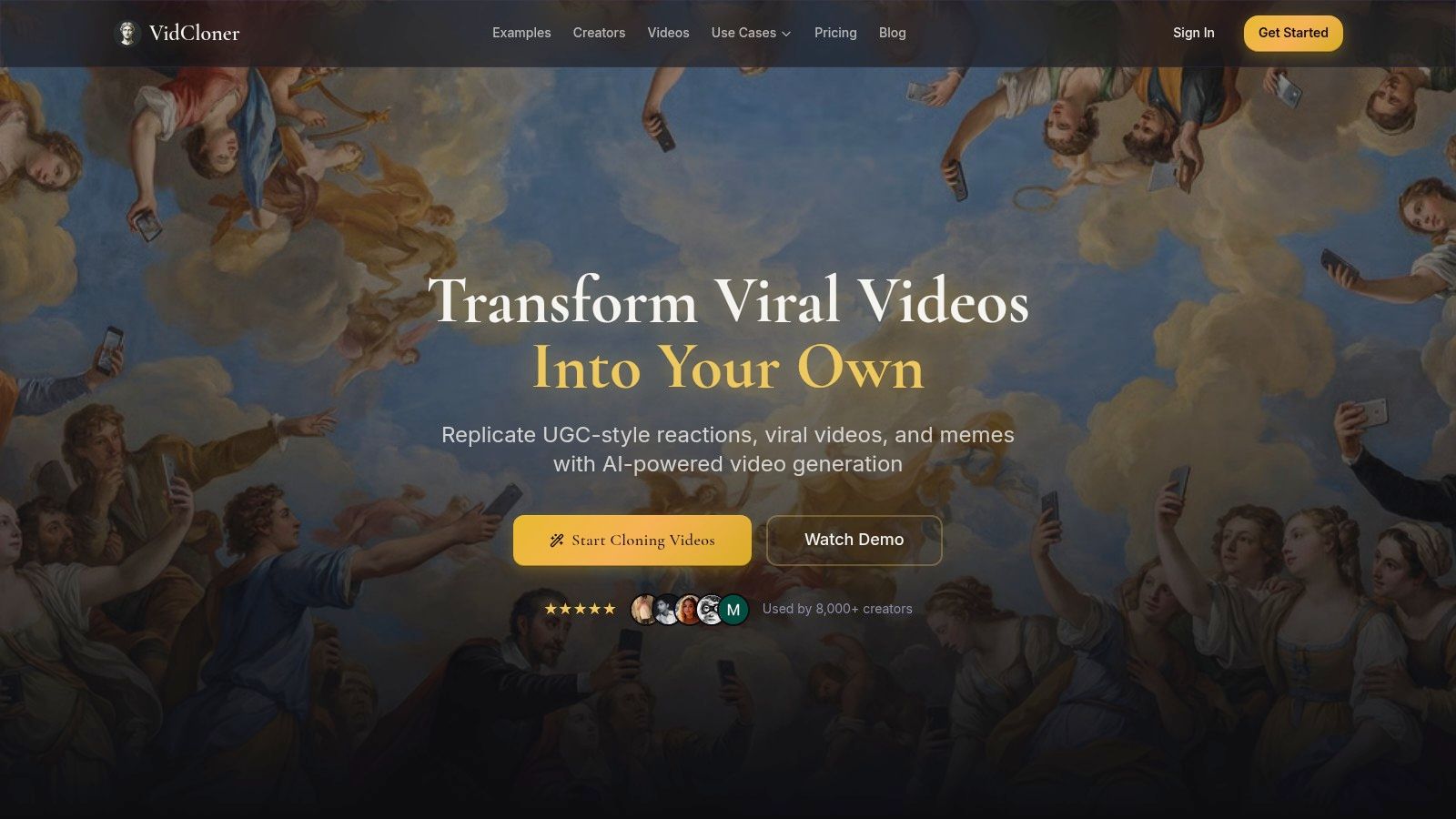
This tool is a specialized solution for trend-driven content. Its Clone function swaps the original actor with your AI avatar, ideal for creating an AI influencer or personalized reaction videos. The Remake function recreates the video's format for faceless content. This makes it a powerful asset for scaling UGC-style ads or producing meme content without complex shoots. You can learn more by exploring how the platform operates.
The platform’s interface is built for speed, a major advantage for users without technical editing skills. Social proof from videos with up to 328M+ views validates its effectiveness for growth-focused creators looking to clone viral videos.
Key Features and Pricing
- URL-to-Video Pipeline: Paste a TikTok link to start the creation process.
- Dual Workflows: Choose Clone (avatar replacement) or Remake (faceless recreation).
- AI Avatar Generation: Available on Creator and Master plans for building a digital persona.
- Credit-Based Pricing:
- Starter: $19/month for 5 credits.
- Creator: $49/month for 15 credits, plus AI avatar generation.
- Master: $59/month for 30 credits and priority support.
Pros and Cons
| Pros | Cons |
|---|---|
| Exceptional Speed: Go from viral video idea to published clip in minutes. | Legal Considerations: Replicating content can present copyright issues; responsible adaptation is necessary. |
| Flexible Use Cases: Perfect for UGC automation, faceless content, and memes. | Variable Output: Realism depends on source video quality and avatar complexity. |
| Accessible Pricing: The low-cost entry point makes it easy to start. | Credit Limits: High-volume creators will need to upgrade or purchase additional credits. |
| Proven Results: Strong social proof linked to multi-million view videos. | Niche Focus: Less suited for original, long-form content or complex cinematic projects. |
Website: https://vidcloner.com
2. Pika
Pika is a community-driven AI video generation tool focused on the rapid creation of short, stylized clips for social media. It excels at text-to-video and video-to-video effects tailored to meme formats and TikTok-length visuals. It is designed for rapid experimentation.
For social media managers, Pika is a powerful asset for producing engaging short-form content at scale. Its toolset is optimized for remix culture, allowing users to apply "Pikatwists" to existing footage. This is ideal for generating viral-style videos or faceless content without a complex editing suite.
Pricing and Features
Pika uses a credit-based system. Generating or modifying clips consumes credits. The standard output is short, typically 5-10 seconds. A free tier exists, but paid plans are needed to remove the watermark and unlock commercial use rights.
- Ideal Use Cases: Meme creation, short-form UGC ads, trend-led TikToks.
- Pros: Extremely fast results tailored to short-form social content.
- Cons: Clip lengths are intentionally short, requiring other tools for longer narratives.
Website: https://pika.art
3. PixVerse
PixVerse is a platform for one-click storytelling and trend-driven video. Its MultiShot feature automates multi-angle scenes from a single prompt, making it a user-friendly AI video generation tool. It's built for speed, offering audio, lip-sync, and character referencing for fast turnarounds.
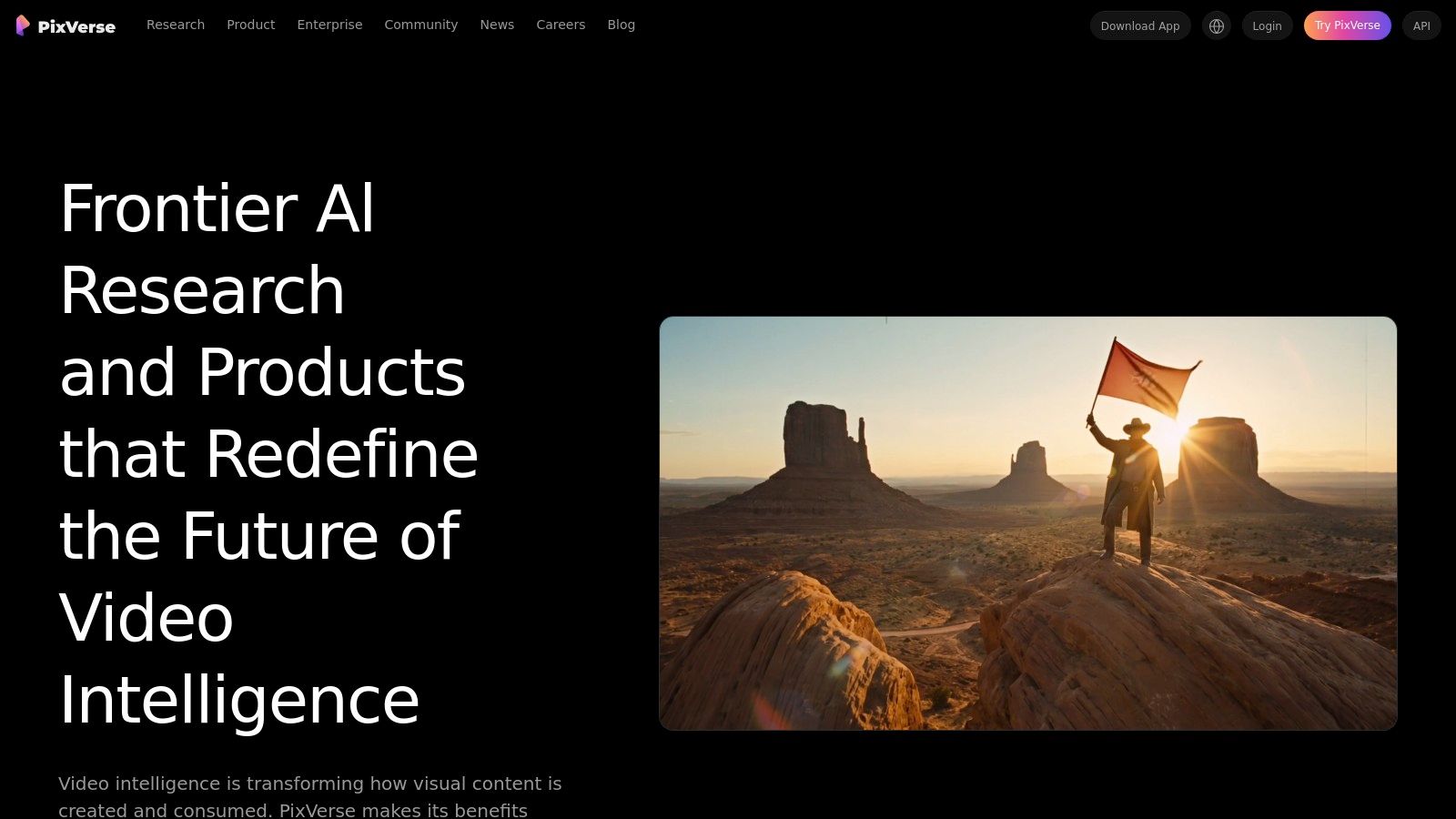
For marketers, PixVerse's AI templates provide a shortcut to producing viral-style outputs. It’s ideal for generating faceless content, short ads, or meme-style videos. Its API and enterprise options also support integrated workflows for businesses automating video creation at scale. This makes it practical for generating UGC-style ads efficiently.
Pricing and Features
PixVerse uses an in-app, credit-based model. A free tier is available. Paid plans unlock more credits and higher-quality outputs. The platform's rapid development means credit rules can change frequently.
- Ideal Use Cases: Trend-led social media shorts, multi-angle product ads, meme generation, faceless content automation.
- Pros: Fast one-click presets are powerful for short-form content.
- Cons: Pricing details are not displayed on the website.
Website: https://pixverse.ai
II. Tools for Creative & Cinematic Generation
These tools are built for creators who need high-quality, stylized, or cinematic footage. They offer more granular control over motion, physics, and visual aesthetics, making them suitable for producing B-roll, concept art, and short films.
4. Runway
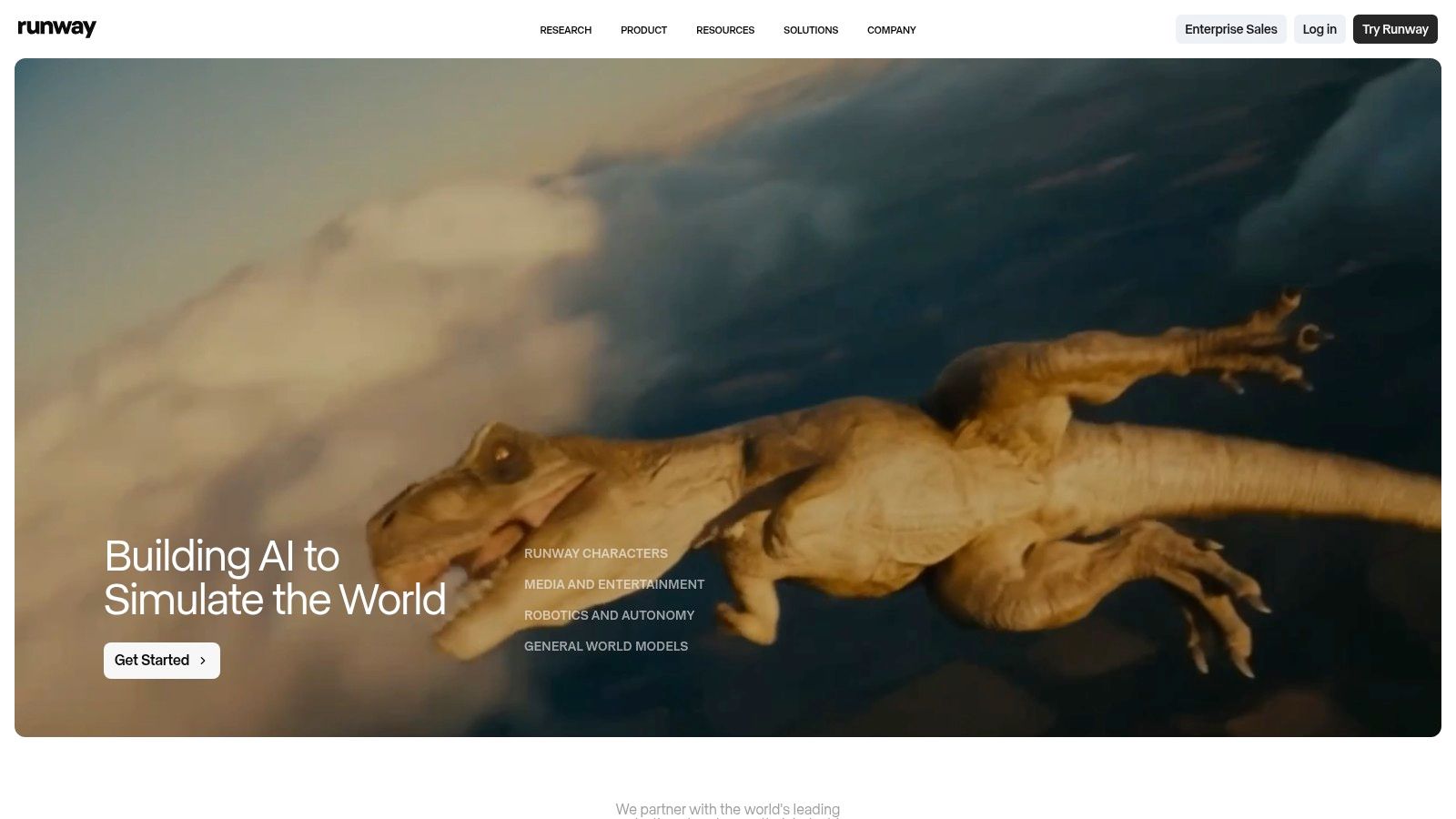
Runway is a full-stack creative suite offering an end-to-end production workflow. It provides powerful models like Gen-3 Alpha, supporting text-to-video and image-to-video generation. This makes it a serious contender among professional-grade AI video generation tools.
Runway is ideal for producing stylized B-roll or conceptualizing short-form ads. The platform integrates generation, storage, and a built-in video editor, minimizing the need to switch between applications. This consolidated workflow is a significant advantage for agencies and freelancers.
Pricing and Features
Runway uses a credit-based system, with clear costs per second of generated video. A free tier is available, but paid plans starting from $12/editor/month are required to remove the watermark and access more credits.
- Ideal Use Cases: Concept clips, stylized B-roll, abstract visuals, short-form ad variations.
- Pros: The broadest single-platform toolset, from ideation to final edit.
- Cons: The menu of models and settings presents a learning curve.
Website: https://runwayml.com
5. Luma AI – Dream Machine
Luma AI’s Dream Machine is a model-first text-to-video generator aimed at achieving cinematic motion and impressive physics. Its strength is producing dynamic shots with strong character and scene consistency.
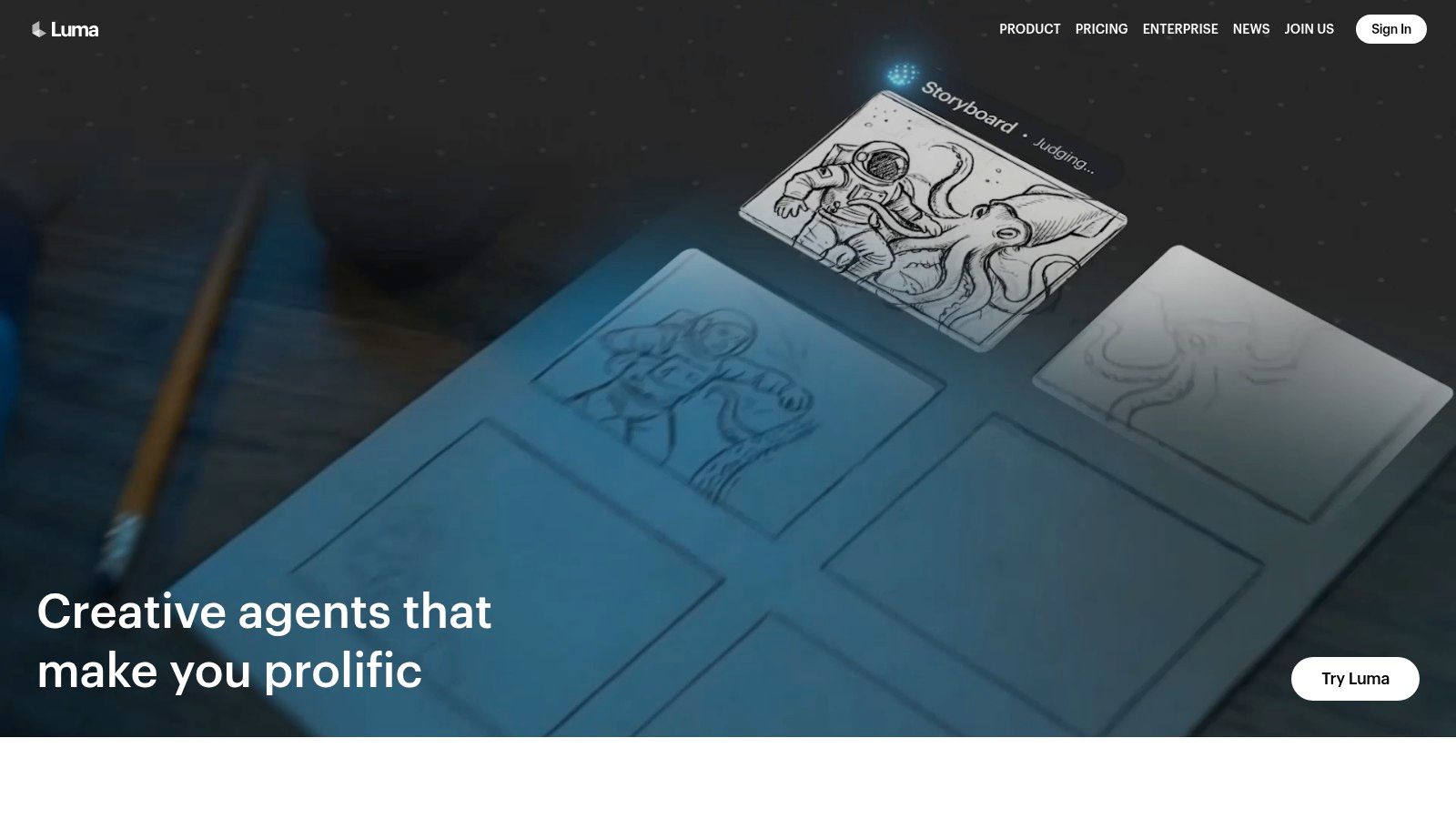
The platform is designed for creators who need to generate visually compelling concepts quickly. Its focus on motion realism is effective for shots involving movement. The straightforward browser-based workflow allows for rapid iteration without a steep learning curve.
Pricing and Features
Luma AI uses a credits-based system for video generation. The free plan offers a limited number of generations, while paid plans are necessary for higher volume and faster processing.
- Ideal Use Cases: Cinematic B-roll, dynamic action shots, abstract visuals with fluid motion.
- Pros: Compelling motion and physics produce highly dynamic shots.
- Cons: Availability of the free plan can be inconsistent, often making a paid plan necessary.
Website: https://lumalabs.ai
6. Kaiber
Kaiber has a niche as a creator-centric platform for producing music visualizers and artistic animations. It excels at generating audio-reactive and dreamlike motion, making it a go-to tool for musicians and visual artists.
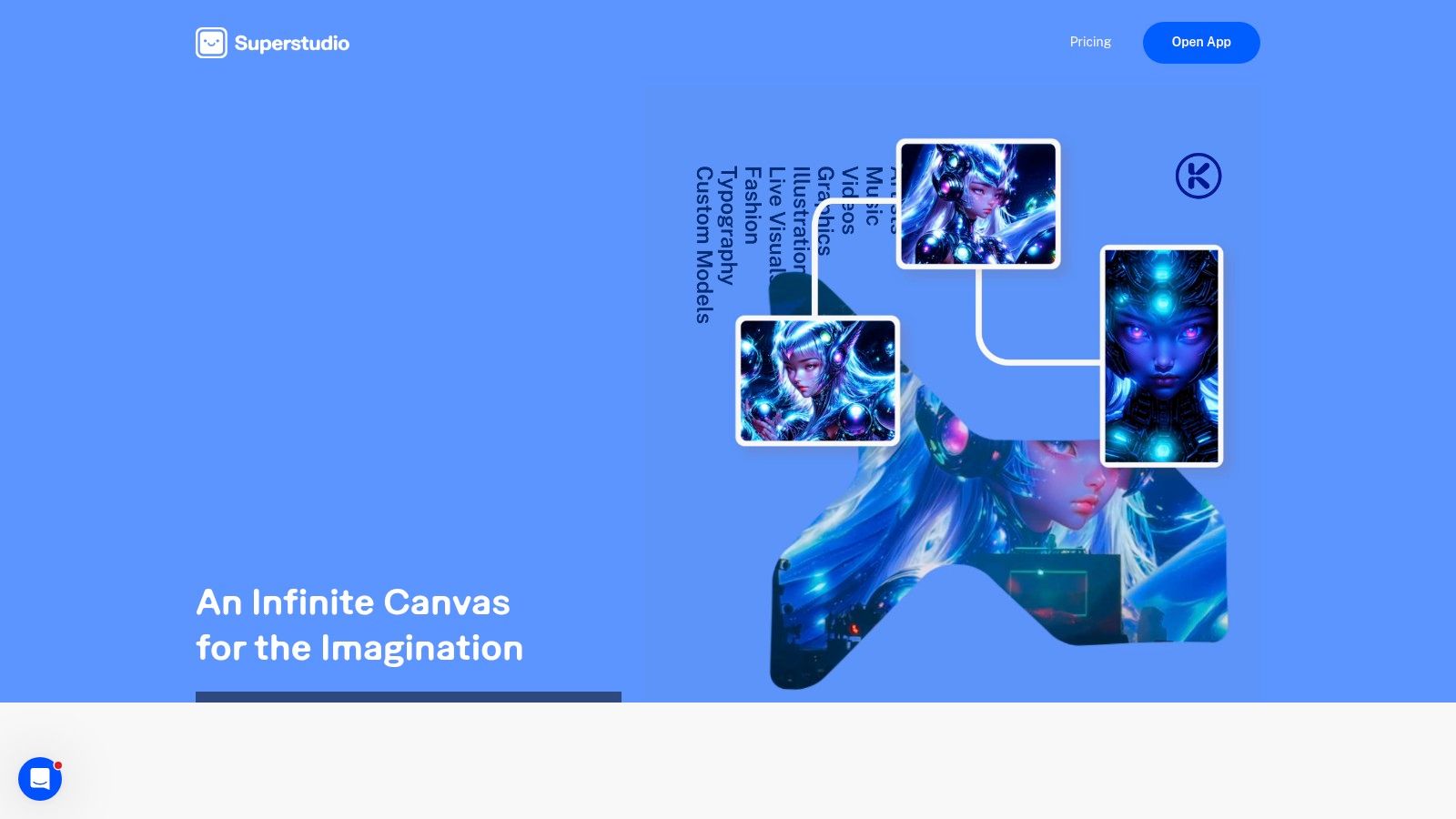
The platform is optimized for short, concept-driven projects. Its core strength is its style transfer and image animation workflows. For creators focused on stylized content, Kaiber's project-based canvases and flexible credit system provide a practical framework.
Pricing and Features
Kaiber operates on a subscription model supplemented by credit packs. Subscriptions provide a monthly credit allowance. Official pricing details sometimes require an account to view.
- Ideal Use Cases: Music-driven visuals, abstract concept animations, stylized B-roll.
- Pros: Excellent for creating stylized, artistic motion and music-synced visuals.
- Cons: Less suitable for producing realistic avatar-based videos.
Website: https://kaiber.ai
III. Tools for Business & Corporate Communication
This section covers AI video generation tools designed for enterprise use cases like corporate training, product explainers, and localized marketing. They prioritize consistency, scalability, and integration over purely creative expression.
7. Synthesia
Synthesia is a purpose-built AI avatar studio for enterprise communication. It creates polished spokesperson videos for corporate training, product explainers, and how-to guides. It delivers a predictable, professional output for brands that need to produce instructional content at scale.
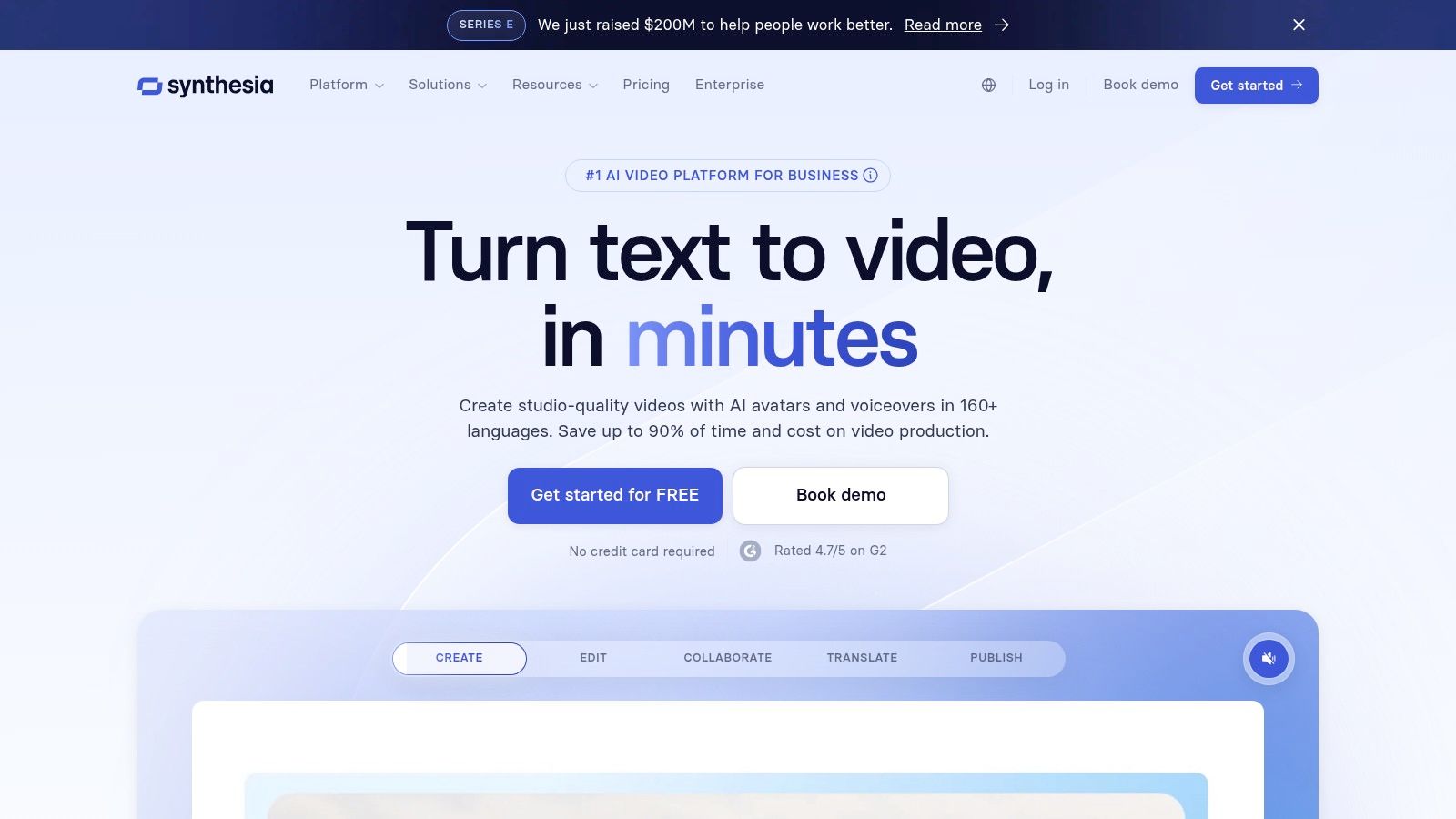
This platform excels where consistency and localization are key. With over 230 stock avatars and support for multiple languages, a global company can create uniform onboarding videos across different regions. Its mature workflows and security features make it a reliable choice for organizations.
Pricing and Features
Synthesia’s pricing is built for business use, starting at $22/month for 10 minutes of video. The real value is in its Enterprise plans, which offer custom avatars and API access.
- Ideal Use Cases: Corporate training modules, employee onboarding, product marketing explainers.
- Pros: Highly polished and professional outputs. Excellent governance and security.
- Cons: Higher cost is prohibitive for solo creators. Best value is at the enterprise level.
Website: https://www.synthesia.io
8. HeyGen
HeyGen is a versatile AI video platform for business applications. It creates spokesperson and avatar-driven content quickly, offering text-to-video, photo-to-video, and robust video translation with lip-sync dubbing. This makes it a go-to for producing localized ads and training materials at scale.
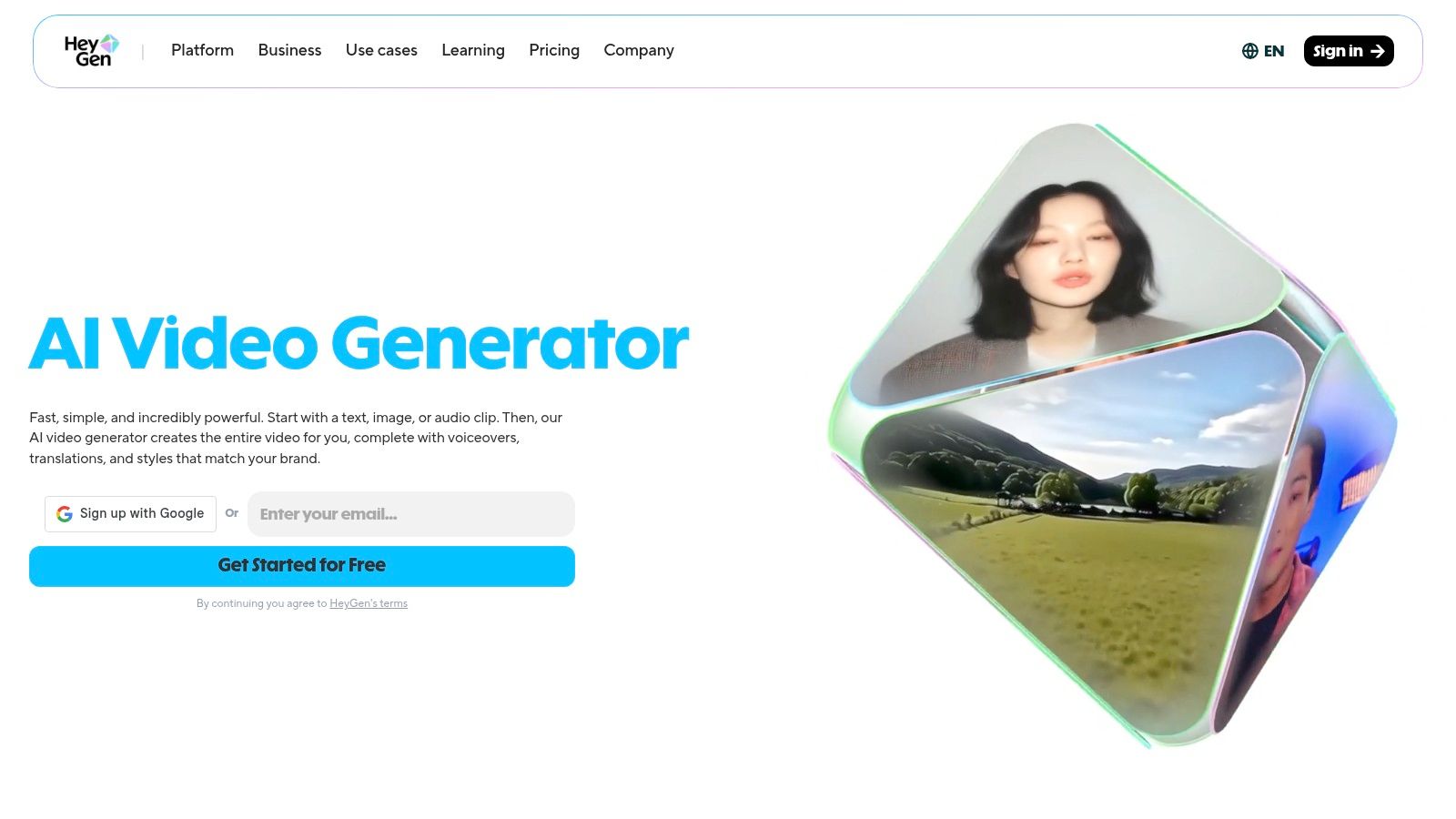
The platform is built for accessibility. For businesses expanding globally, its ability to translate video content into over 175 languages is a significant operational advantage, reducing localization costs. It's a solid tool for creating an AI influencer or brand spokesperson.
Pricing and Features
HeyGen uses a credit-based subscription model. A limited free plan exists. Paid plans start around $24/month. Credit costs vary based on features used. Advanced features are reserved for higher-tier plans.
- Ideal Use Cases: Product explainers, localized advertisements, corporate training videos.
- Pros: Excellent for multilingual content creation with accurate dubbing.
- Cons: The realism of stock avatars varies. Key business features are behind more expensive plans.
Website: https://www.heygen.com
9. Colossyan
Colossyan transforms static documents into professional videos, making it a strong choice for corporate training. It allows users to import PowerPoint (PPT) or PDF files and convert them into video scenes, making it an efficient AI video generation tool for L&D departments.
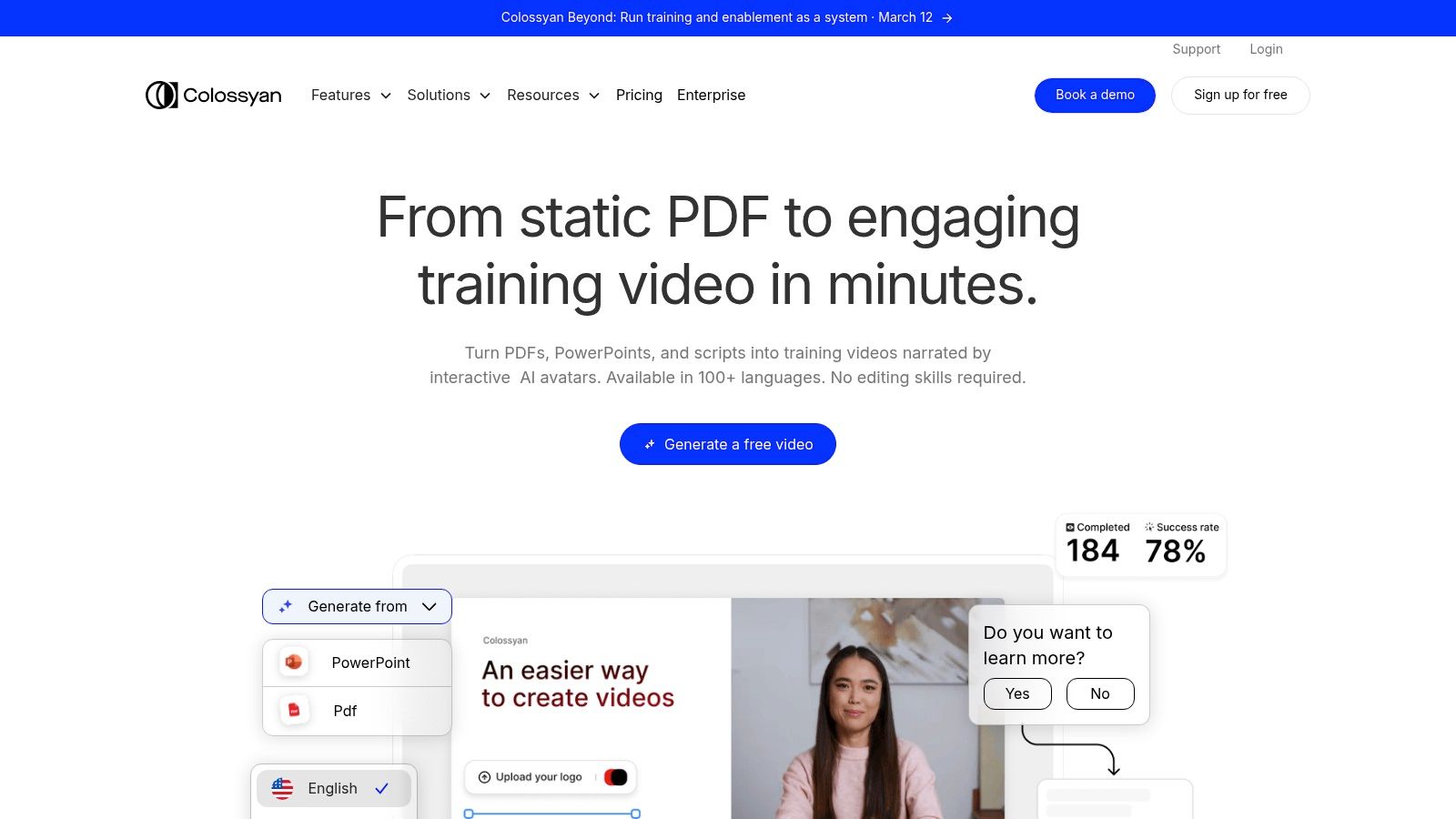
The platform is built around text-to-video generation with AI avatars. It is ideal for producing consistent brand messaging and internal announcements without filming presenters. With built-in subtitles and brand kit support, Colossyan gives teams the components to produce polished content.
Pricing and Features
Colossyan's pricing is structured around annual plans with a set number of generation minutes. Plans start at $28/month (billed annually) for 10 minutes of video. Higher tiers add collaboration features and 4K output.
- Ideal Use Cases: Corporate training modules, L&D content, product how-to videos.
- Pros: Minute-based accounting makes production planning simple. Slide import saves preparation time.
- Cons: The creative range is narrower than generative models. The Starter plan can be restrictive.
Website: https://www.colossyan.com
10. D‑ID
D‑ID transforms still photos into talking-head videos, offering a focused solution for creating spokesperson clips and animated avatars. Its Creative Reality Studio provides a straightforward path for generating content from text or audio.
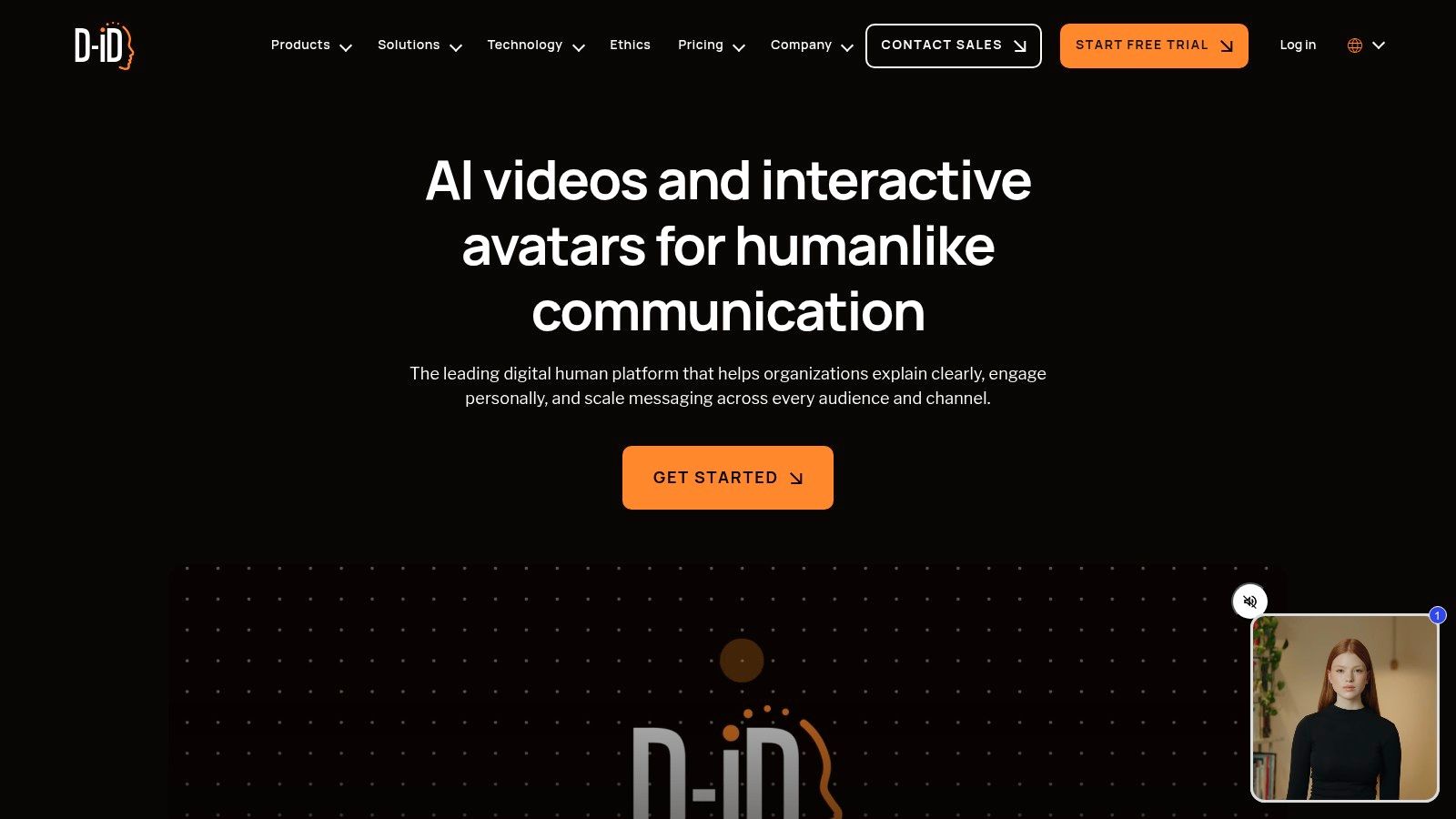
The platform is built for speed, serving users who need to produce presenter-style videos quickly. With a user-friendly studio and a developer API, D-ID supports scalable workflows, from social media posts to integrated AI agents.
Pricing and Features
D-ID's pricing is based on a minute-based credit system. A free trial is offered, but outputs contain a watermark. Paid plans are required to remove branding and access more video minutes.
- Ideal Use Cases: Corporate training videos, quick news announcements, educational explainers.
- Pros: Very fast generation for talking-head videos. Offers both a simple UI and a robust API.
- Cons: Pricing details for higher-tier plans are not always public.
Website: https://www.d-id.com
11. Elai.io
Elai.io focuses on avatar-driven video production for corporate training and marketing explainers. Its strength lies in structured workflows like text-to-video and PowerPoint-to-video, making it a reliable tool for creating consistent, on-brand presentations.
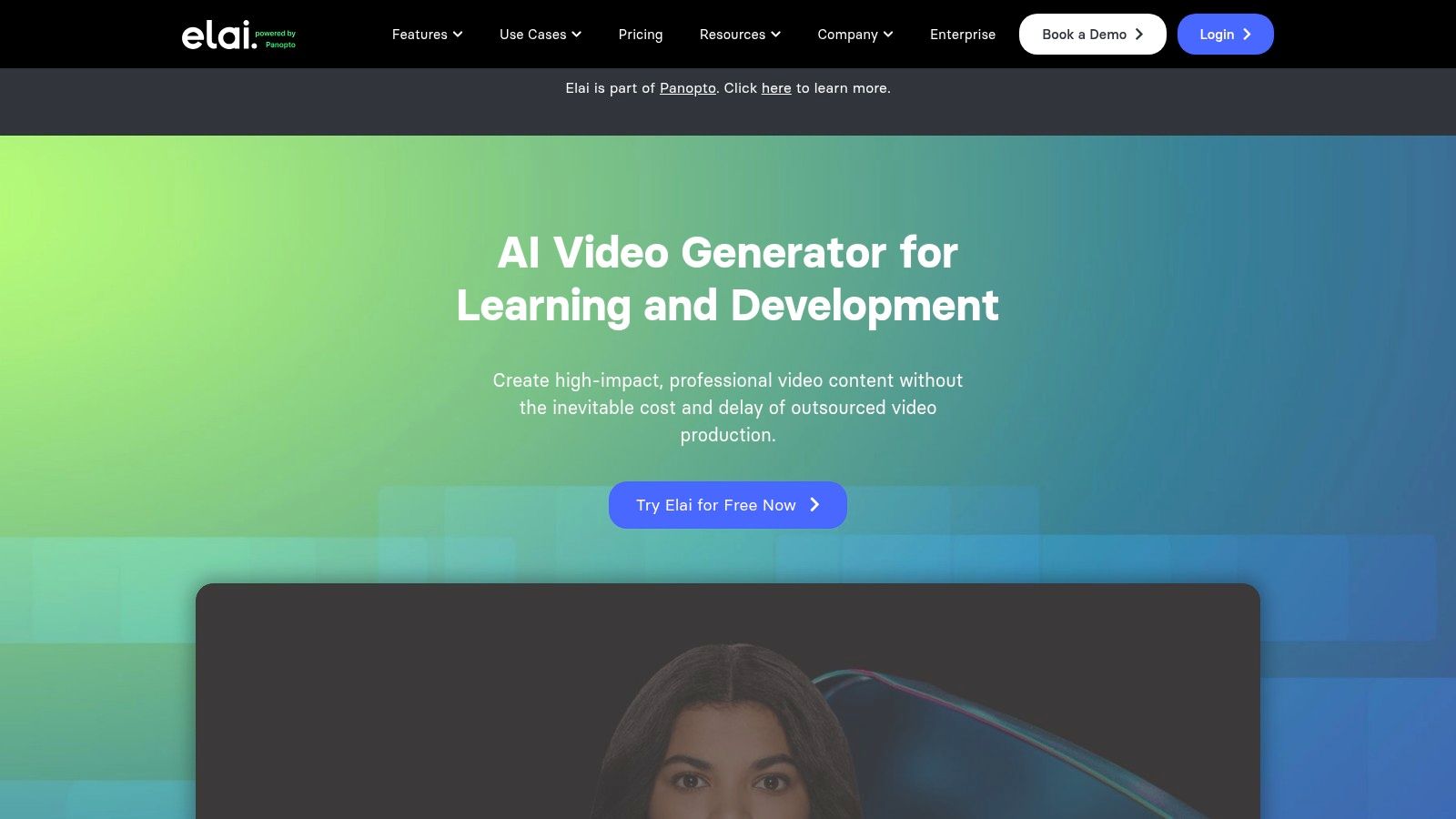
The platform is built for repeatable content. It’s ideal for turning existing documentation into engaging video modules without cameras. For global teams, the large library of avatars and languages allows for rapid localization of training materials.
Pricing and Features
Elai.io operates on a transparent minute-based pricing system. Plans start with a set number of minutes per month. Re-rendering a video to make corrections will deduct minutes again, which can impact costs.
- Ideal Use Cases: Corporate e-learning, product demo videos, localized marketing explainers.
- Pros: Straightforward per-minute pricing makes budgeting predictable.
- Cons: Creative freedom is limited. Re-rendering videos consumes credits.
Website: https://elai.io
12. Tavus
Tavus specializes in creating conversational video replicas and enabling batch video generation for personalized outreach. It is a distinct tool for sales and support. Its core strength is its Conversational Video Interface (CVI), which enables dynamic, two-way experiences.
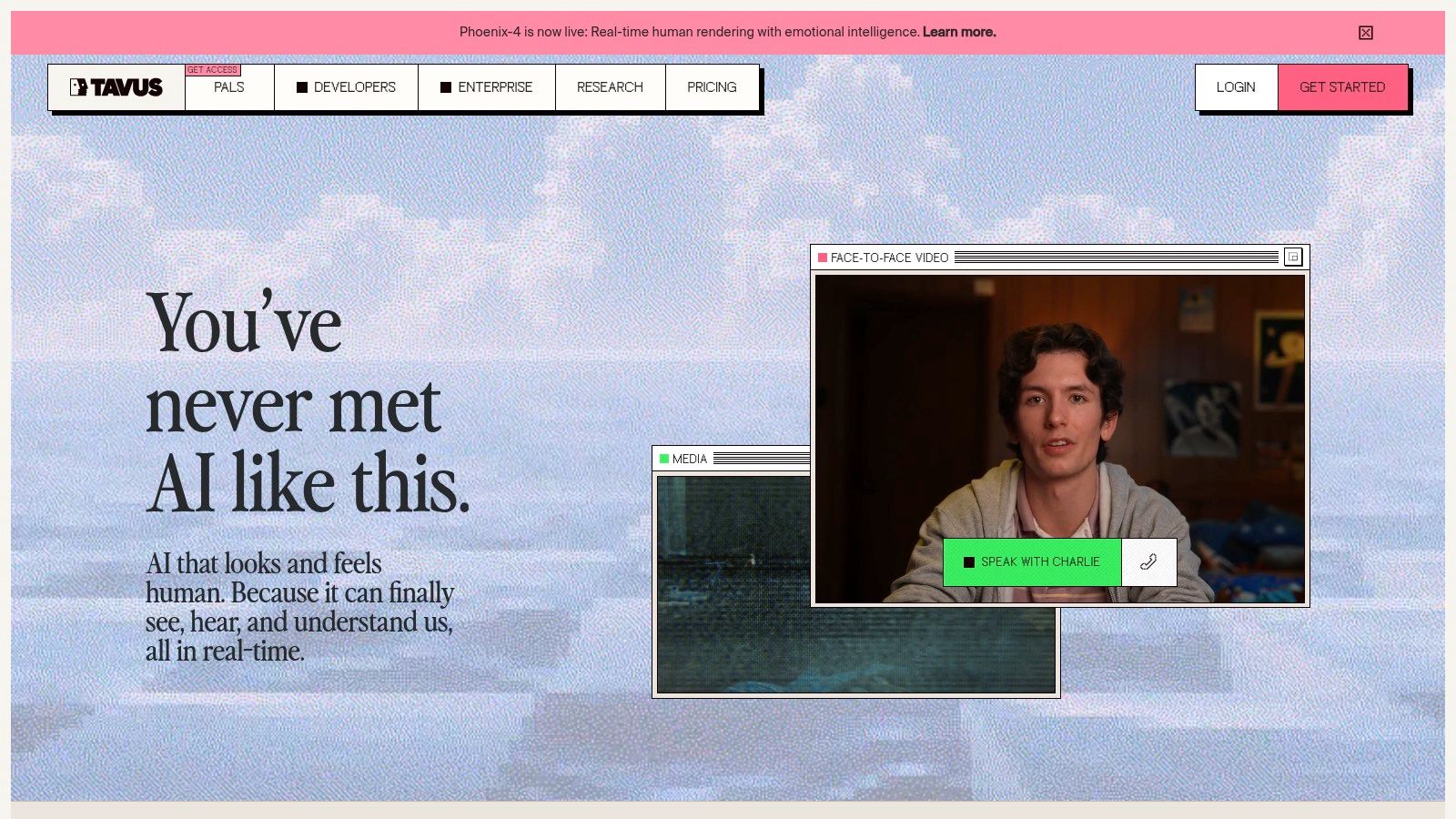
This platform is engineered for scalable business applications. A user can create a custom digital replica and deploy it via API. This is excellent for businesses looking to integrate interactive AI spokespeople into their websites or send thousands of personalized video messages.
Pricing and Features
Tavus's pricing is built for business use, with metering based on interactions, minutes, and concurrency. This model is more complex but provides granular control. The system requires technical polishing to achieve natural-sounding results.
- Ideal Use Cases: Interactive AI sales agents, personalized video outreach, automated customer support bots.
- Pros: Strong focus on interactive, two-way video. Developer-friendly API for integrations.
- Cons: Pricing is more complex. Achieving optimal flow requires significant configuration.
Website: https://www.tavus.io
Your Next Move: From Plan to Production
There is no single "best" AI video generation tool, only the right tool for a specific job. Your goal determines your software. Success now hinges on strategic implementation.
Define your primary production bottleneck. Are you struggling to create enough short-form content to keep up with trends? Or is your main challenge producing professional training videos? Answering this question narrows your options.
A common mistake is choosing a tool based on hype rather than function. A platform like Pika is excellent for artistic clips but less suited for a brand needing to automate hundreds of UGC-style ads.
To make an informed choice, consider these factors:
- Core Use Case: What video type will you produce most often? For faceless content, UGC automation, and cloning viral videos, a specialized platform like VidCloner provides an efficient workflow. For cinematic shorts, Runway or Luma AI offer more creative control.
- Required Skill Level: How much time can you dedicate to learning a new system? Tools like D-ID offer simple interfaces. Advanced systems like Runway have a steeper learning curve.
- Scalability: Do you need one perfect video or one hundred good-enough variations? For performance marketers, scalability is key. This is where tools built for batch processing and trend adaptation, such as VidCloner, show their value.
The most effective way to integrate AI is to start small and measure everything. Choose one specific, recurring video task. Select one or two tools from this list and run a focused test. Create a batch of videos and evaluate them against your manual process. Ask: how much time did we save? Is the quality sufficient? What was the tangible return?
This data-driven approach moves you from passive interest to active implementation.
Ready to stop chasing trends and start setting them? If your goal is to automate the creation of high-performing short-form videos like UGC ads and faceless content, VidCloner offers the most direct path. Clone any viral style in seconds and build a scalable content engine with our specialized AI video generation tools. Get started with VidCloner today and see how quickly you can turn ideas into assets.
Frequently Asked Questions (FAQ)
What is the best AI tool for cloning viral videos?
For cloning viral videos, especially from TikTok, a specialized tool like VidCloner is most effective. It's designed with a "URL-to-video" workflow that lets you paste a link and either clone the actor with an AI avatar or remake the video's style for faceless content. This is much faster than general-purpose text-to-video generators.
How can I create an AI influencer for social media?
To create an AI influencer, you need a platform that supports custom avatar generation. Tools like HeyGen, Synthesia, and VidCloner offer this feature. You create a digital version of a person (or a fictional character) that can then be used consistently across your videos, building a recognizable online persona without needing a real person on camera for every post.
What are the best AI video generation tools for creating faceless content?
For faceless content, you want tools that can generate compelling visuals without showing a person's face. PixVerse and Pika are great for creating stylized B-roll and animated sequences from text prompts. VidCloner's "Remake" feature is specifically designed to create faceless versions of trending videos, which is ideal for faceless content channels on YouTube or TikTok.
Can I automate UGC ad creation with AI?
Yes, you can automate UGC (User-Generated Content) style ad creation. The goal is to produce videos that look authentic and native to social media feeds. A tool like VidCloner is built for this, allowing you to quickly replicate the format of a high-performing video and insert your own branding or message. This allows for rapid testing of different ad creatives at a fraction of the cost of traditional UGC production.
Are there free AI video generation tools?
Yes, many AI video generation tools offer free trials or limited free plans. Pika, Runway, and Luma AI typically have free tiers that let you generate a small number of short clips, often with a watermark. These are useful for testing the platform's capabilities before committing to a paid plan. However, for commercial use, high-resolution output, and watermark removal, a subscription is almost always required.
What is the most realistic AI video generator?
Realism varies by use case. For talking-head avatars, Synthesia and HeyGen produce highly polished and professional results, though they can sometimes fall into the "uncanny valley." For cinematic and dynamic scenes, Runway's latest models and Luma AI's Dream Machine are leading the way in generating video with realistic motion and physics from text prompts. For cloning a real person, the realism of tools like VidCloner heavily depends on the quality of the source video and the custom avatar.