Top 12 Best Content Repurposing Tool Options for 2026
Find the best content repurposing tool for you. Our 2026 guide covers 12 top AI options for cloning viral videos, automating UGC, and faceless content.
The cycle is relentless: find a trend, script, shoot, edit, publish, and repeat. But what if the source material for your next hit already exists? Content repurposing is no longer about just cross-posting; it's about strategic transformation. This guide is for builders-creators, marketers, and agencies-looking for actionable ways to scale output and ride trends without burning out.
We are breaking down 12 of the best content repurposing tool options available today. The focus is on real use cases, from AI video cloning and faceless UGC automation to turning long-form podcasts into viral shorts. Forget generic fluff; this is your tactical playbook for turning existing content into a high-performance engine.
Each review dives deep into a specific tool, covering its core features, ideal use cases, and pricing. We provide an honest assessment of pros and cons based on practical experience, not just marketing copy. You will also find a short, actionable example for each platform, complete with screenshots and direct links, demonstrating how to transform one piece of content. This includes workflows for platforms like VidCloner, showing you exactly how to clone or remake a video format in just a few steps. This resource is designed to help you quickly find the right platform to multiply your content and maximize your reach.
1. VidCloner
VidCloner stands out as a powerful and highly focused content repurposing tool designed specifically for the speed of short-form video. Instead of offering a broad suite of editing features, it zeroes in on one core function: transforming existing viral TikTok videos into new, brand-aligned content in minutes. This trend-first approach allows creators and marketers to capitalize on what's currently working without getting bogged down in complex production workflows, making it an excellent choice for scaling output efficiently.
Its core strength lies in two distinct AI-driven workflows: Clone and Remake. The Clone feature lets you replace the person in a trending video with your own AI avatar, while the Remake feature recreates popular formats (like reaction videos or memes) without needing you to appear on camera at all. This dual capability makes it ideal for producing faceless UGC, automating reaction clips, and testing ad creatives at an impressive pace. For a deeper dive into the specific steps of each workflow, you can see how the technology works on their site.
Key Features
- AI Video Cloning & Remaking: Paste a TikTok URL to either replace the on-screen actor with an AI avatar (Clone) or recreate the video's format entirely (Remake).
- AI Avatar Generation: Users on the Creator and Master plans can generate custom AI avatars directly within the platform.
- Trend-First Workflow: The entire process is built to move fast, enabling users to ride viral trends almost as soon as they emerge.
- Faceless Content Production: Ideal for creating UGC-style ads, anonymous reaction videos, and meme content without showing a real person.
Practical Use Case: Repurposing a Trending Dance Challenge
Imagine a dance challenge is taking over TikTok. Instead of spending hours learning the choreography and filming, you can use VidCloner to quickly join the trend.
- Find the Video: Copy the URL of a popular video performing the dance.
- Clone the Content: Paste the link into VidCloner and select the Clone workflow.
- Select Avatar: Choose your pre-made AI avatar or generate a new one.
- Generate & Post: The tool creates a new video where your avatar performs the dance. You can now post this polished, trend-relevant clip to your own social channels.
Pricing
VidCloner offers a credit-based subscription model with clear tiers:
- Starter: $19/month for 5 video credits and basic avatar uploads.
- Creator: $49/month for 15 credits, AI avatar generation, and access to both Clone and Remake workflows.
- Master: $59/month for 30 credits and priority support.
Pros & Cons
| Pros | Cons |
|---|---|
| Rapid, Trend-First Production: Go from TikTok URL to a finished video in minutes to capitalize on trends immediately. | Copyright & Ethical Concerns: Cloning viral clips requires careful consideration of rights and platform policies. |
| Two Distinct Workflows: Flexible options for faceless content (Remake) or branded avatar-led videos (Clone). | Credit-Based Scaling: Costs increase with output, as video generation is tied to limited monthly credits. |
| Low Technical Barrier: No advanced editing skills are needed, making it accessible for rapid testing and iteration. | Feature Gating: Key features like AI avatar generation and the Remake workflow are reserved for higher-tier plans. |
| Strong Social Proof: The site showcases user-generated videos with view counts in the millions, suggesting high viral potential. |
Website: https://vidcloner.com
2. Repurpose.io
Repurpose.io is an automation-first content repurposing tool designed for creators and agencies who need to distribute content at scale. Its core strength lies in creating automated, set-and-forget workflows that take content from a single source-like a YouTube video, podcast audio file, or even a Zoom recording-and automatically publish it across multiple social platforms such as TikTok, Instagram Reels, and YouTube Shorts.
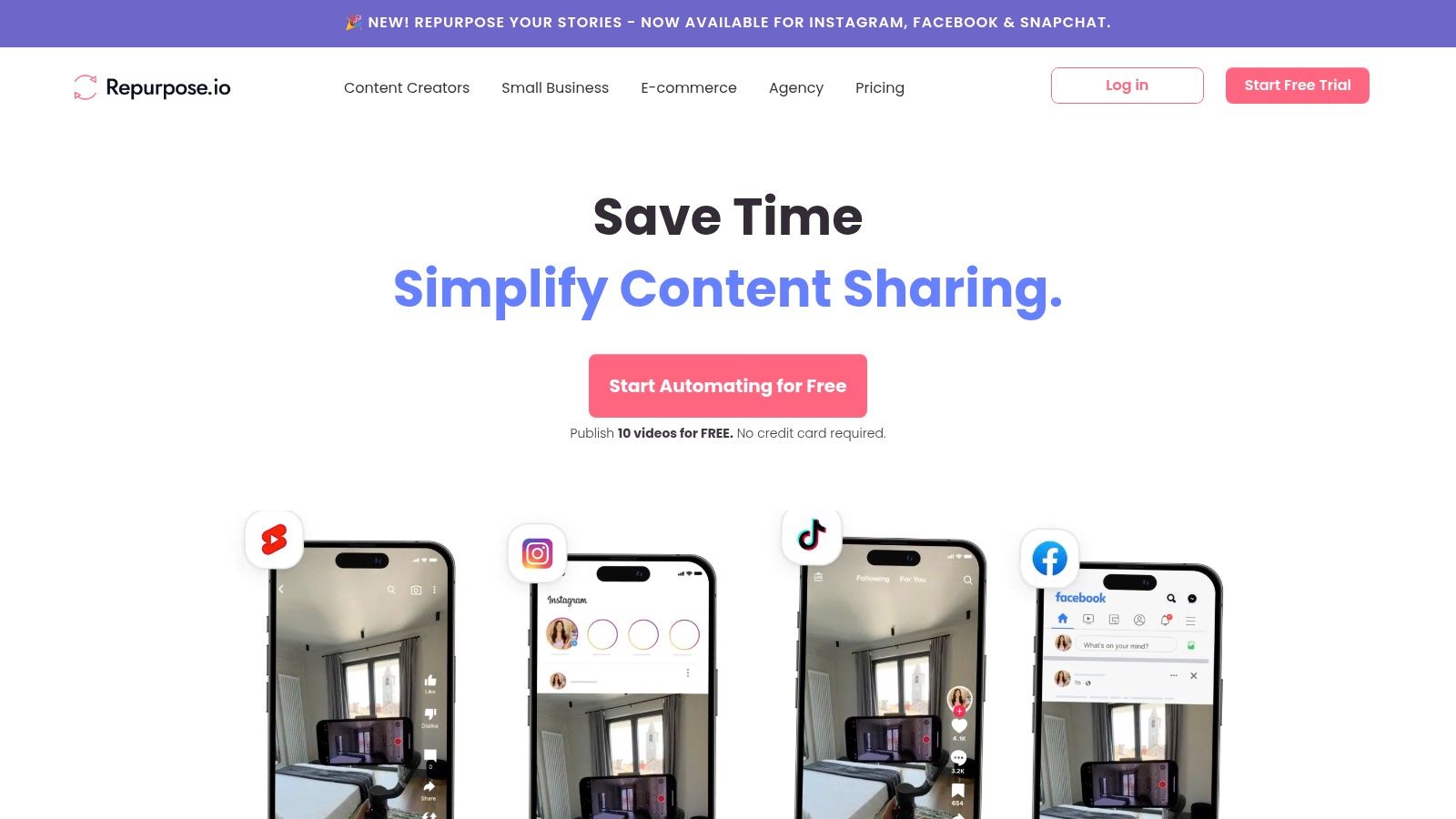
Unlike manual editors, Repurpose.io focuses entirely on the distribution pipeline. You connect your accounts, define rules (e.g., "take every new YouTube video and create a 60-second vertical clip for Reels"), and the platform handles the rest. This makes it a powerful asset for teams managing numerous client accounts or brands with a high volume of pillar content. While it lacks the hands-on creative editing of other tools, its automation capabilities for cross-posting and scheduling are top-tier. For those comparing different automation-focused tools, some alternatives offer a different set of features worth exploring.
Key Features & Pricing
- Workflow Automation: Set rules to automatically convert and post content from sources (YouTube, podcasts, cloud drives) to destinations (TikTok, IG, Shorts, LinkedIn).
- Bulk & Scheduled Publishing: Queue up entire backlogs of content for distribution with presets for aspect ratios and watermarks.
- Agency-Friendly Limits: Higher-tier plans support numerous account connections and high monthly publish caps, with unlimited publishes on the top plan.
Pricing starts at $25/month for the "Podcaster" or "Content Marketer" plan, with a 14-day free trial available. The "Agency" plan offers the highest limits for teams managing multiple brands.
| Pros | Cons |
|---|---|
| True "set-it-and-forget-it" distribution | Less hands-on creative editing |
| Scales effectively for agency workloads | Steeper learning curve for workflow setup |
| 14-day free trial for end-to-end testing | UI is more functional than creative |
Actionable Example:
Let's repurpose a podcast episode. In Repurpose.io, create a workflow from your podcast's RSS feed to Instagram Reels. The tool will automatically pull new episodes, allow you to select a snippet, and generate a vertical video with your branding and captions. For a different approach, you could use a tool like VidCloner to Remake a top-performing podcast clip from a competitor, replacing their audio and branding with your own to replicate a proven format.
3. OpusClip (Opus)
OpusClip is an AI-driven content repurposing tool that excels at turning long-form videos into viral-ready short clips. By pasting a video link or uploading a file, its AI analyzes the content, identifies the most engaging moments using a "Virality Score," and automatically generates multiple vertical shorts. It adds dynamic, animated captions and reframes the video to keep the speaker or subject perfectly centered, making it ideal for creators who need to produce high-velocity content quickly.
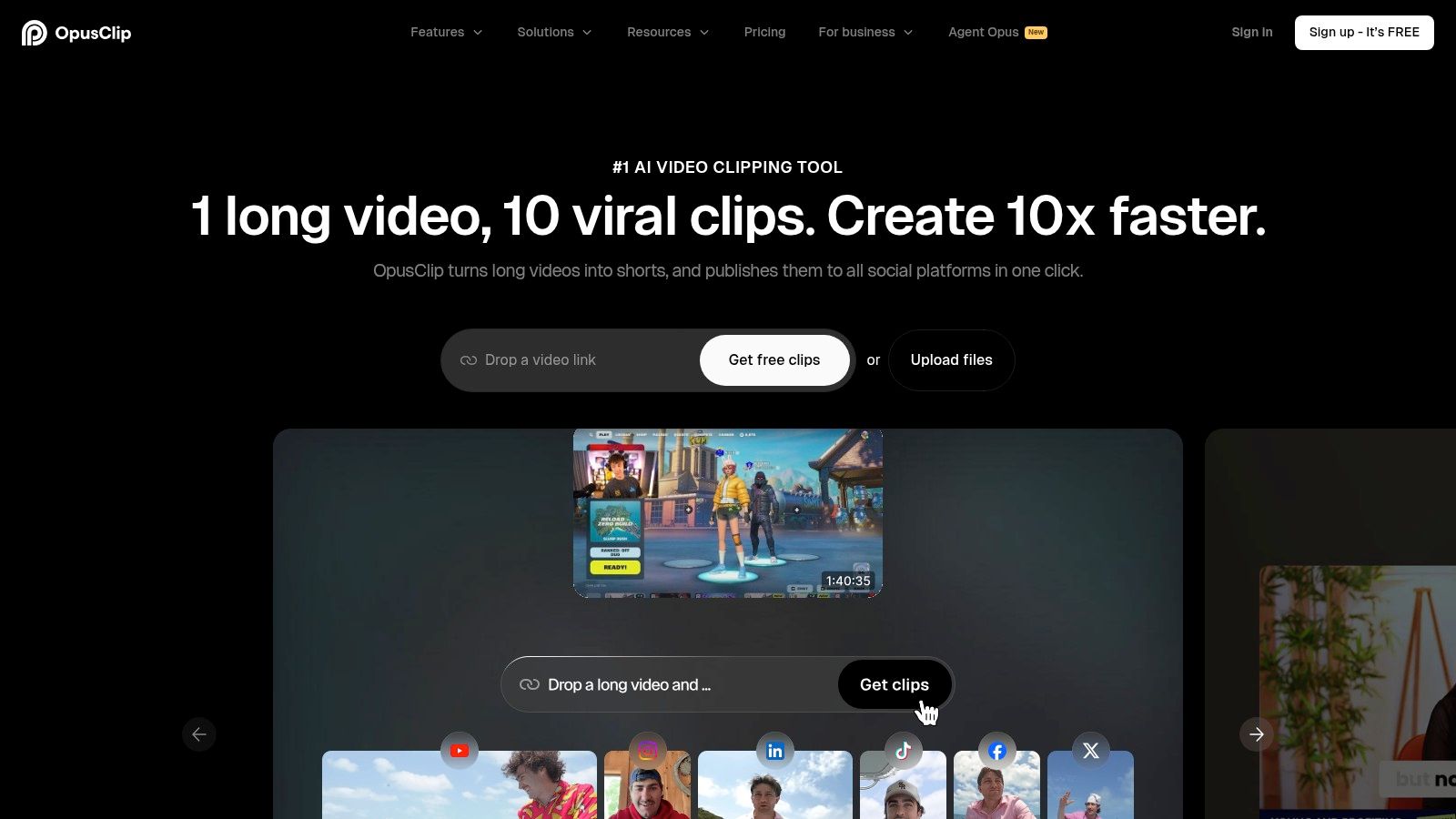
Unlike simple video trimmers, OpusClip focuses on AI-powered discovery and styling. Its core function is to find highlight moments you might have missed and package them with on-trend aesthetics. The platform also offers pro-level features like brand templates, team workspaces, and XML exports for Adobe Premiere or DaVinci Resolve, bridging the gap between automated creation and professional editing workflows. This makes it a strong choice for both solo creators and marketing teams aiming for consistent, high-quality output.
Key Features & Pricing
- AI Virality Clipping: Automatically identifies and extracts high-potential clips from long videos based on predictive engagement metrics.
- Dynamic Captions & Reframing: Adds animated, word-by-word captions and uses AI to maintain focus on the subject in vertical formats.
- Pro Export Options: Exports project files (XML) for further editing in professional software, in addition to standard video files.
- Team & Brand Kits: Supports collaborative workspaces and pre-set brand templates for consistent font, color, and logo usage.
Pricing is credit-based, with a free plan that includes a watermark. Paid plans start at $9/month for the "Starter" tier, with the "Pro" plan at $19/month offering more processing credits and advanced features.
| Pros | Cons |
|---|---|
| Extremely fast clip generation from a single link | Credit-based system requires planning for high volume |
| AI-selected highlights are generally high-quality | Watermark is present on the free plan |
| Pro-level exports for professional workflows | Limited hands-on editing within the platform |
Actionable Example:
Let's repurpose a webinar recording. Upload your Zoom recording to OpusClip. The AI will generate 10-15 short, captioned clips highlighting key questions and insights. Select the top three based on their Virality Score and schedule them directly to TikTok and Reels. For a different approach, you could use a tool like VidCloner to Clone a top-performing User-Generated Content (UGC) ad, replacing the original product with your own to rapidly test a proven creative format. To see more examples, you can find a guide to automating UGC workflows.
4. Vizard.ai
Vizard.ai is an AI-assisted content repurposing tool that strikes a balance between automated discovery and manual polish. It is built for teams working with long-form content like webinars, interviews, or podcasts. Its standout feature is its ability to automatically detect engaging highlights from lengthy videos using AI, which can be guided by specific text prompts. This makes it ideal for creators who need to quickly find and extract shareable moments from extensive recordings.
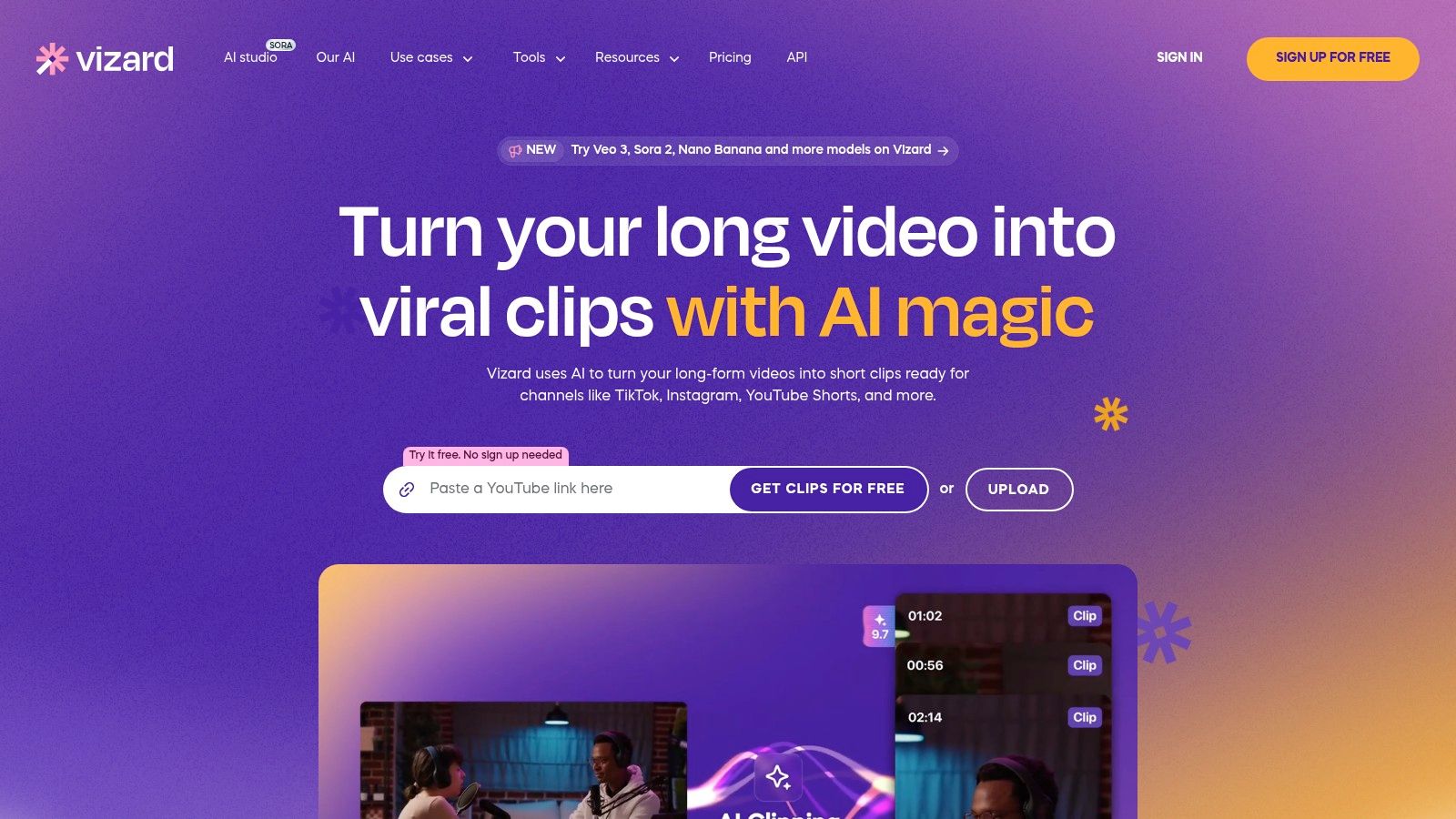
Unlike fully automated distribution platforms, Vizard.ai gives users significant creative control. After the AI identifies potential clips, you can fine-tune them with animated, word-highlighted captions, apply a consistent brand kit, and output the final video in multiple aspect ratios (9:16, 1:1, 16:9). This blend of automation and hands-on editing makes it a strong choice for teams that want to maintain a high-quality, polished look across all social channels while speeding up the initial clip-finding process.
Key Features & Pricing
- AI Highlight Detection: Uses AI to find key moments in long videos, with the option to use prompts to guide the search (e.g., "find questions").
- Dynamic Captions & Multi-Ratio Outputs: Generates animated and word-highlighted subtitles and allows exporting to vertical, square, and landscape formats.
- Team & Scheduling Tools: Supports brand kits, bulk exporting, and a content calendar for scheduling posts directly from the platform.
Pricing is credit-based, with different tiers offering a set number of upload minutes per month. The pricing page is rendered within the app, so you must create an account to view current plans. Credits do have a documented rollover policy.
| Pros | Cons |
|---|---|
| Blends AI automation with manual editing | Pricing is not publicly visible on the main site |
| Excellent for long-form webinar/podcast content | AI suggestions may need manual adjustment |
| Strong team features like brand kits/scheduling | Credit-based model requires usage planning |
Actionable Example:
Let’s repurpose a recorded webinar. Upload the video file to Vizard.ai and use a prompt like "find where the host discusses pricing" to isolate relevant highlights. The AI will generate several clips, which you can then edit, add branded captions to, and export as a 9:16 Reel. For a different approach, you could take a competitor's successful webinar clip, use VidCloner to Remake it by replacing their screen recording and voice-over with your own, and publish a proven format with your unique content.
5. quso.ai (formerly vidyo.ai)
quso.ai is the next evolution of the popular vidyo.ai, acting as an integrated content repurposing tool that turns long-form videos into polished short-form clips. It excels at combining AI-powered clipping with built-in scheduling, creating a single workflow for creators who want to generate, refine, and publish content without switching platforms. Its core value is maintaining the powerful auto-clipping engine of its predecessor while adding essential social media management features.
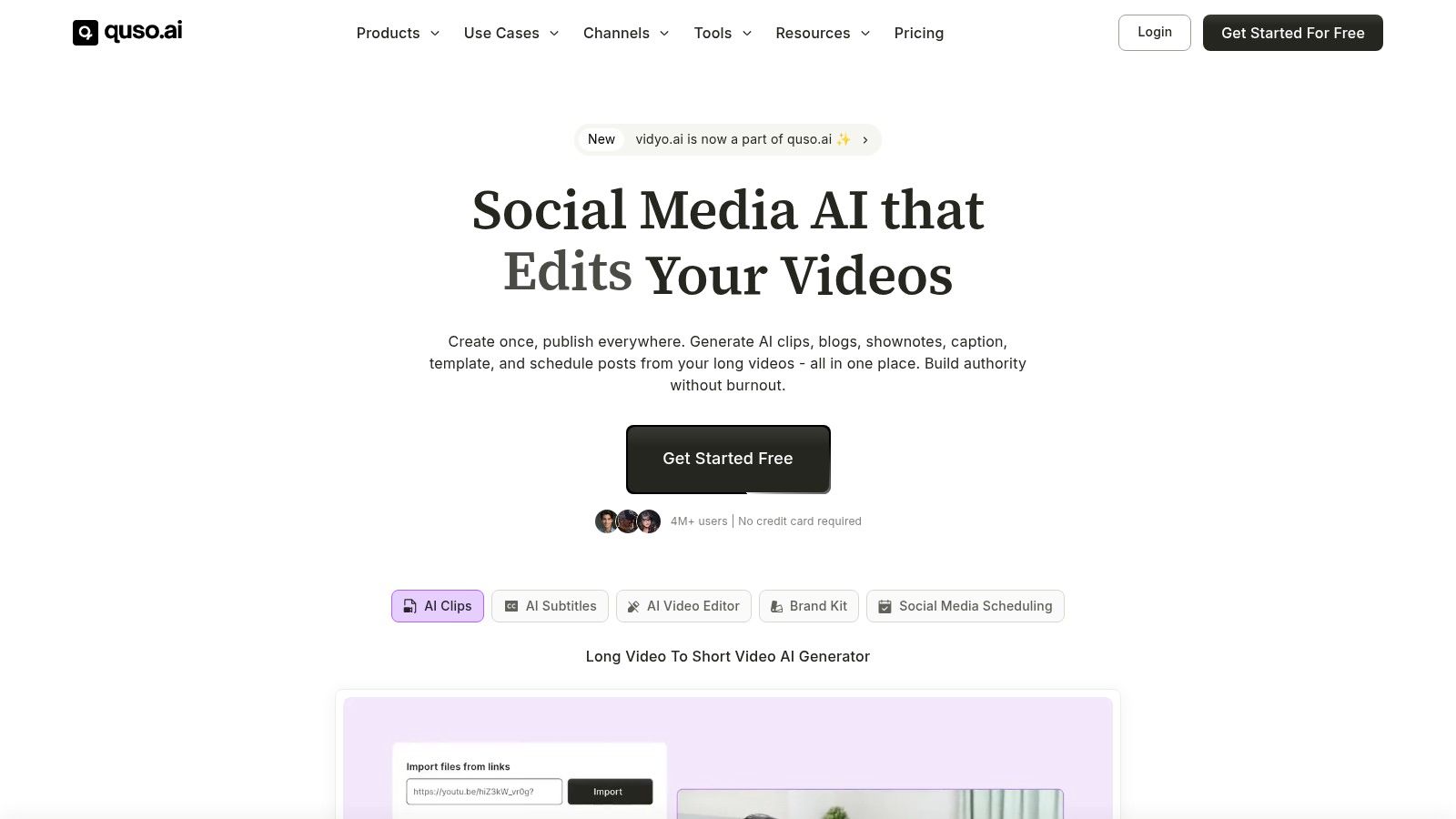
This all-in-one approach distinguishes it from tools that only handle video editing or only scheduling. With quso.ai, you can auto-generate clips from a YouTube link, apply brand templates, add captions with emoji highlights, and schedule the final video to multiple platforms with AI-assisted post copy. While some of its help center resources still reference its former name, the platform provides a direct upgrade path for existing vidyo.ai users, ensuring workflow continuity.
Key Features & Pricing
- Integrated Workflow: Combines auto-clipping, video editing with templates, and a content scheduler for cross-posting.
- AI-Enhanced Editing: Features include auto-captions with emoji highlights, reframing, and an integrated stock B-roll library.
- Social Media Management: Includes content scheduling and AI assistance for writing social media post descriptions.
A free plan is available with limited minutes. Paid plans start at $29.99/month, offering more video upload minutes and premium features.
| Pros | Cons |
|---|---|
| All-in-one clip generation and scheduling | Some branding/documentation still references vidyo.ai |
| Continuity for existing vidyo.ai users | Pricing plans may change post-transition |
| Strong AI features for captions and reframing | New platform, so features are still evolving |
Actionable Example:
Upload a long webinar video to quso.ai and let its AI find the most engaging 60-second segments. Apply your brand’s template, which adds your logo and colors, then use the scheduler to post it to LinkedIn and Instagram. For a different approach, you could use VidCloner to Remake a competitor's high-performing webinar clip by replacing their screen recording and branding with your own, effectively cloning a proven format for your content.
6. Kapwing
Kapwing is a browser-based editor that functions as a versatile content repurposing tool, excelling at quick-turnaround tasks for teams. Its core value lies in a suite of AI-powered features for auto-subtitling, dubbing, and lip-sync translation, combined with simple resizing presets. This makes it a great choice for teams that need to add captions, translate content, and reformat videos for different social platforms without requiring deep editing skills.
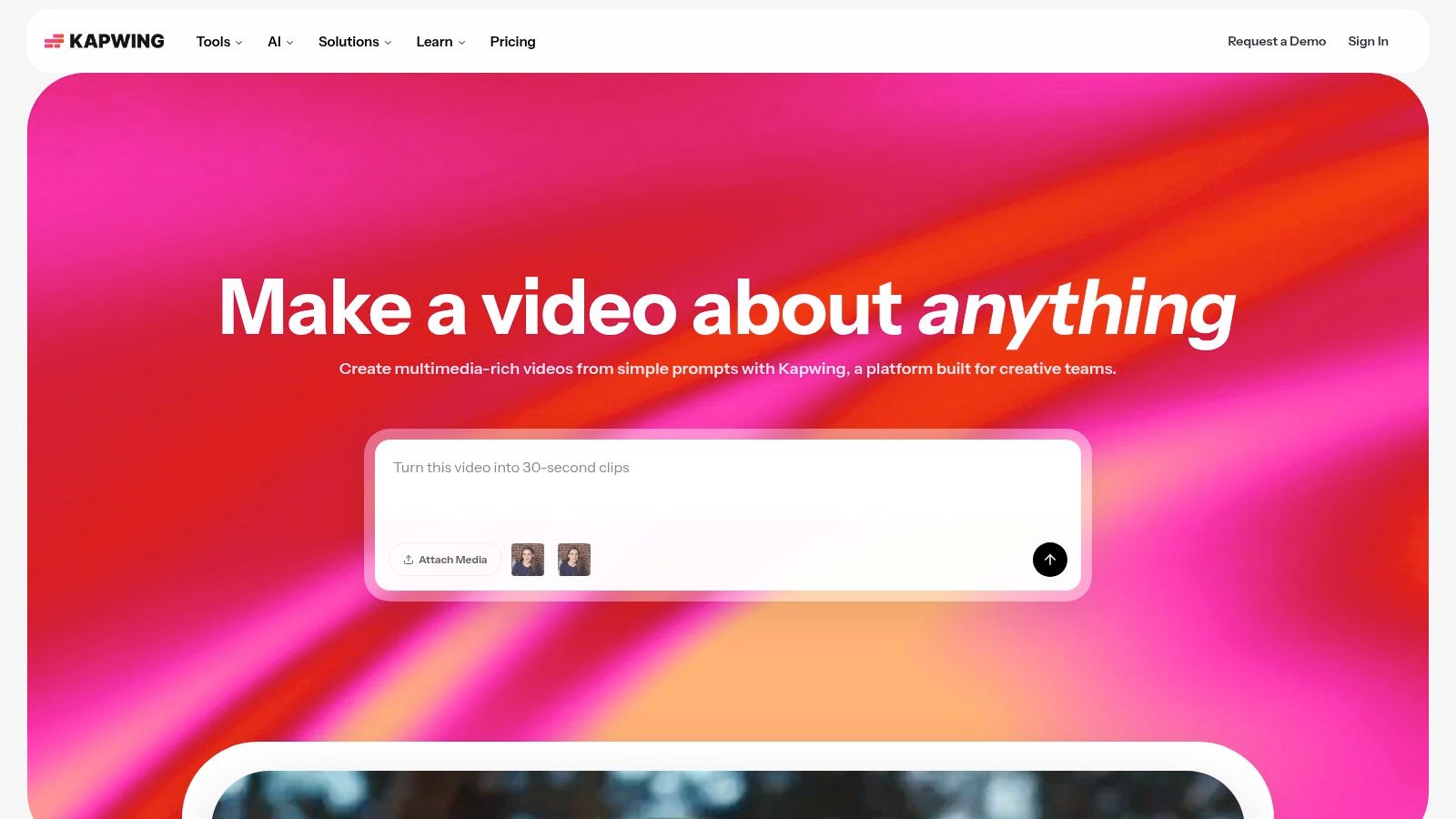
Unlike single-purpose clipping tools, Kapwing offers a more generalist, collaborative editing environment. Teams can use shared workspaces, brand kits, and asset libraries to maintain consistency across projects. Its transparent, credit-based system for AI features allows for predictable usage costs, making it a reliable option for agencies and marketing departments managing content at scale. While its auto-clipping is less specialized, its strength in captioning and reformatting is significant.
Key Features & Pricing
- AI-Powered Localization: Automatically generate subtitles, translate audio, and dub videos with AI-driven lip-syncing.
- Smart Resizing: Instantly reformat videos with presets for TikTok (9:16), Instagram (1:1), and YouTube (16:9).
- Collaborative Workspaces: Includes shared libraries, brand kits, and team access for streamlined content production.
Pricing is free for basic use, with paid plans starting at $24/month per user for the Pro plan, which removes watermarks and increases AI credits. A Business plan is available for larger teams needing more storage and credits.
| Pros | Cons |
|---|---|
| User-friendly for non-editors | Generalist editor; not a specialized clip finder |
| Strong for batch captioning and resizing | Heavy AI users may need to upgrade for credits |
| Good collaborative features for teams | Auto-clipping is less advanced than dedicated tools |
Actionable Example:
Let's repurpose a long-form interview video for TikTok. Upload the video to Kapwing and use the "Smart Cut" feature to identify engaging moments, then apply "Auto subtitles" for accessibility. For a different approach, you could take a viral video from a competitor, use VidCloner to Remake the video by replacing its visual elements with your own brand's assets, and then import it into Kapwing to add your custom subtitles and branding.
7. Descript
Descript is a unique content repurposing tool that merges audio/video editing with a word processor. It operates on a simple but powerful premise: edit your video and audio by editing the text. The platform automatically generates a transcript of your recording, allowing you to cut, copy, paste, and delete sections of your content just like you would in a document. This text-based workflow is ideal for creators repurposing dialogue-heavy content like podcasts, interviews, and webinars into bite-sized clips.
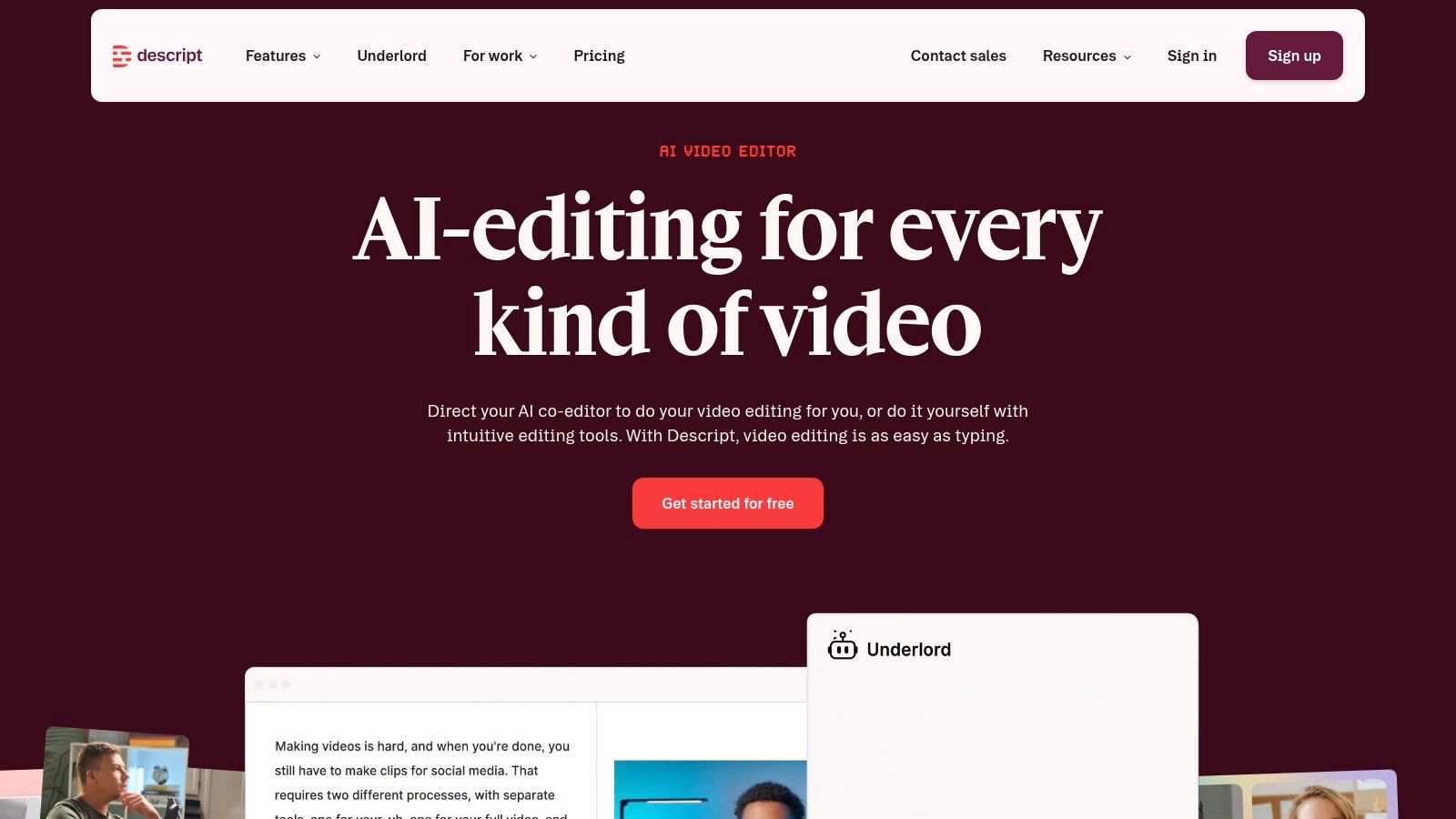
Its standout features, such as one-click filler word removal ("um," "uh") and "Studio Sound" for audio enhancement, streamline the rough-cut process significantly. You can record your screen and camera directly, edit the transcript to create a concise narrative, and then export clips formatted for Shorts or Reels. While it can feel over-engineered for simple, high-volume clipping tasks, its unified capture-to-edit pipeline is incredibly efficient for polishing spoken-word content into professional shorts.
Key Features & Pricing
- Text-Based Editing: Edit video and audio by manipulating its auto-generated transcript.
- AI-Powered Cleanup: Automatically remove filler words and apply Studio Sound to get broadcast-quality audio.
- Screen Recording & Templating: Capture your screen and camera, then apply pre-made templates for quick vertical video exports.
- AI Tools: Includes AI eye-contact correction and Overdub for voice cloning on paid plans.
Pricing includes a free plan with limited features. Paid plans start at $12/month (billed annually) for the "Creator" tier, with a "Pro" plan offering higher limits and advanced tools.
| Pros | Cons |
|---|---|
| Transcript-driven editing saves immense time | Can feel heavy for very quick, high-volume clipping |
| All-in-one capture, edit, and captioning tool | Pricing and feature quotas can change; verify first |
| Powerful AI features for audio and video cleanup | More of an editor than a distribution platform |
Actionable Example:
Let's repurpose a webinar recording. Import the video into Descript to generate a transcript. Highlight a key 30-second quote in the text, use the "Remove Filler Words" feature, and then create a new composition from that selection. Apply a vertical video template with captions and export it for TikTok. For a different approach, if you find a competitor's clip with a great format but weak delivery, you can use a tool like VidCloner to Remake it, replacing their visuals and audio with your polished Descript-edited clip to test a proven structure with superior content.
8. VEED
VEED is a web-based content repurposing tool that acts like a Canva for video, making it exceptionally accessible for non-technical teams and solo creators. Its strength is providing a full suite of quick-fix tools in one browser-based interface, from auto-subtitling and translation to background noise removal. This allows users to take existing video and rapidly prepare it for platforms like TikTok, Reels, and Shorts without needing complex editing software.
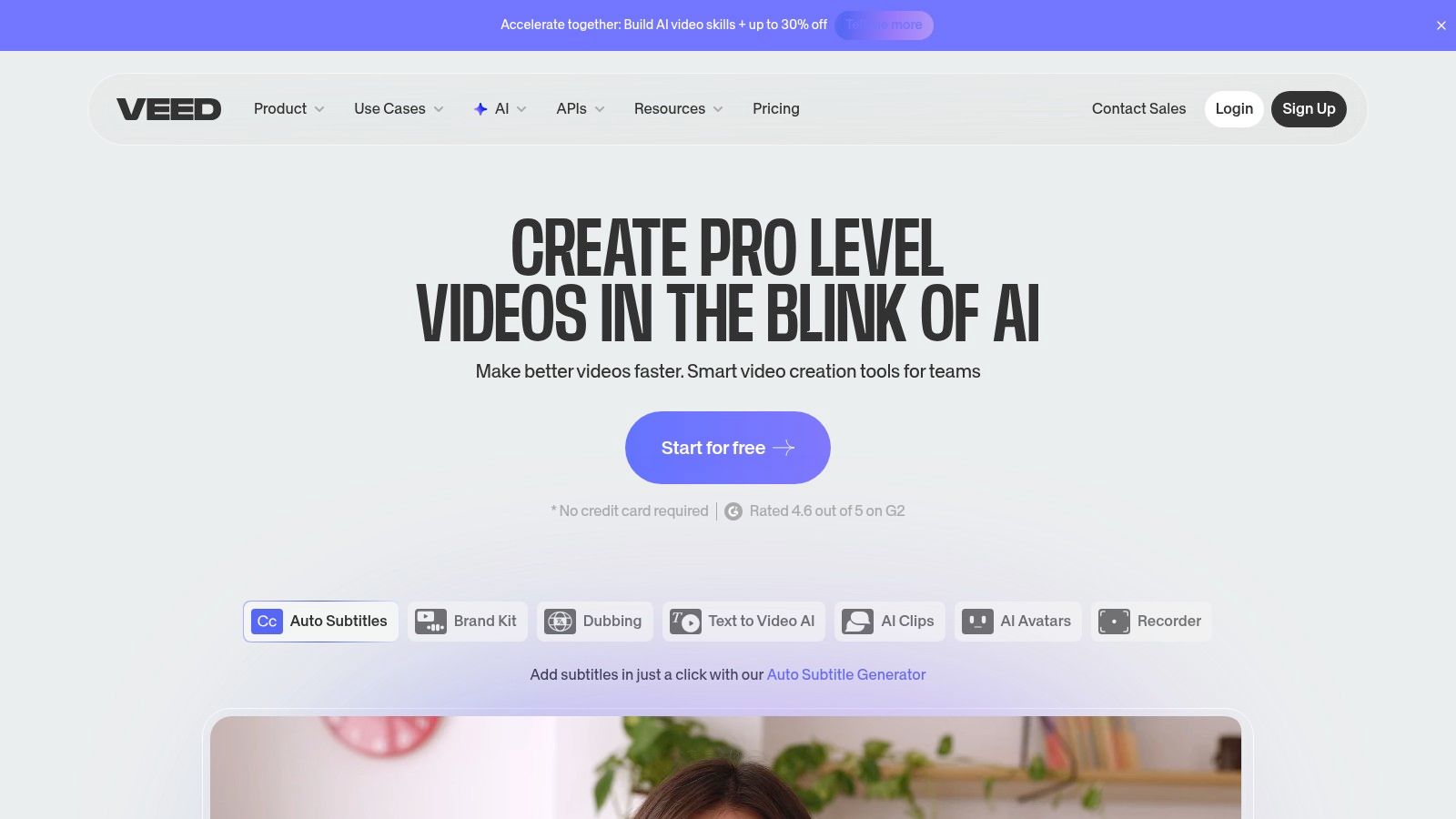
Unlike dedicated clippers that focus solely on finding viral moments, VEED is built for the entire post-production workflow. You can upload a long-form video, resize it with social media presets, clean up the audio, add branded assets from a shared team kit, and generate accurate captions in minutes. This makes it ideal for teams that need a simple, collaborative system to polish and distribute video content at scale without a steep learning curve.
Key Features & Pricing
- Auto-Subtitles & Translation: Generate accurate captions and translate them into multiple languages to broaden audience reach.
- Audio Cleanup Tools: Remove background noise, wind, and other audio imperfections with one-click tools.
- Templates & Brand Kits: Use presets for different social platforms and manage brand assets for consistent content.
- Team Collaboration: Share projects and assets with team members for a streamlined review and approval process.
Pricing information is available on the official VEED.io site; be sure to confirm current AI credit limits and plan details directly.
| Pros | Cons |
|---|---|
| Simple browser workflow for non-technical users | Less specialized auto-clipping than dedicated tools |
| Wide range of "fix-up" tools (audio, captions) | Pricing and AI credit limits can change |
| Strong for team collaboration and brand management | Can be slower with very large video files |
Actionable Example:
To repurpose a webinar recording, upload it to VEED and use the editor to trim it down to a 90-second educational clip. Apply the auto-subtitle feature for clarity and use the "Clean Audio" tool to remove any background hiss. For a different approach, you could find a viral educational Reel, use VidCloner's Clone feature to replicate its structure and timing, then import that template into VEED to add your own footage and branding.
9. Pictory
Pictory is a versatile content repurposing tool that excels at turning long-form text or video content into short, shareable videos. Its primary function is to take inputs like blog posts, webinar recordings, or even just a script, and use AI to generate branded video clips complete with stock footage, captions, and AI-powered voiceovers. This makes it ideal for marketers and brands who want to transform their existing written or spoken content into a steady stream of social media videos.
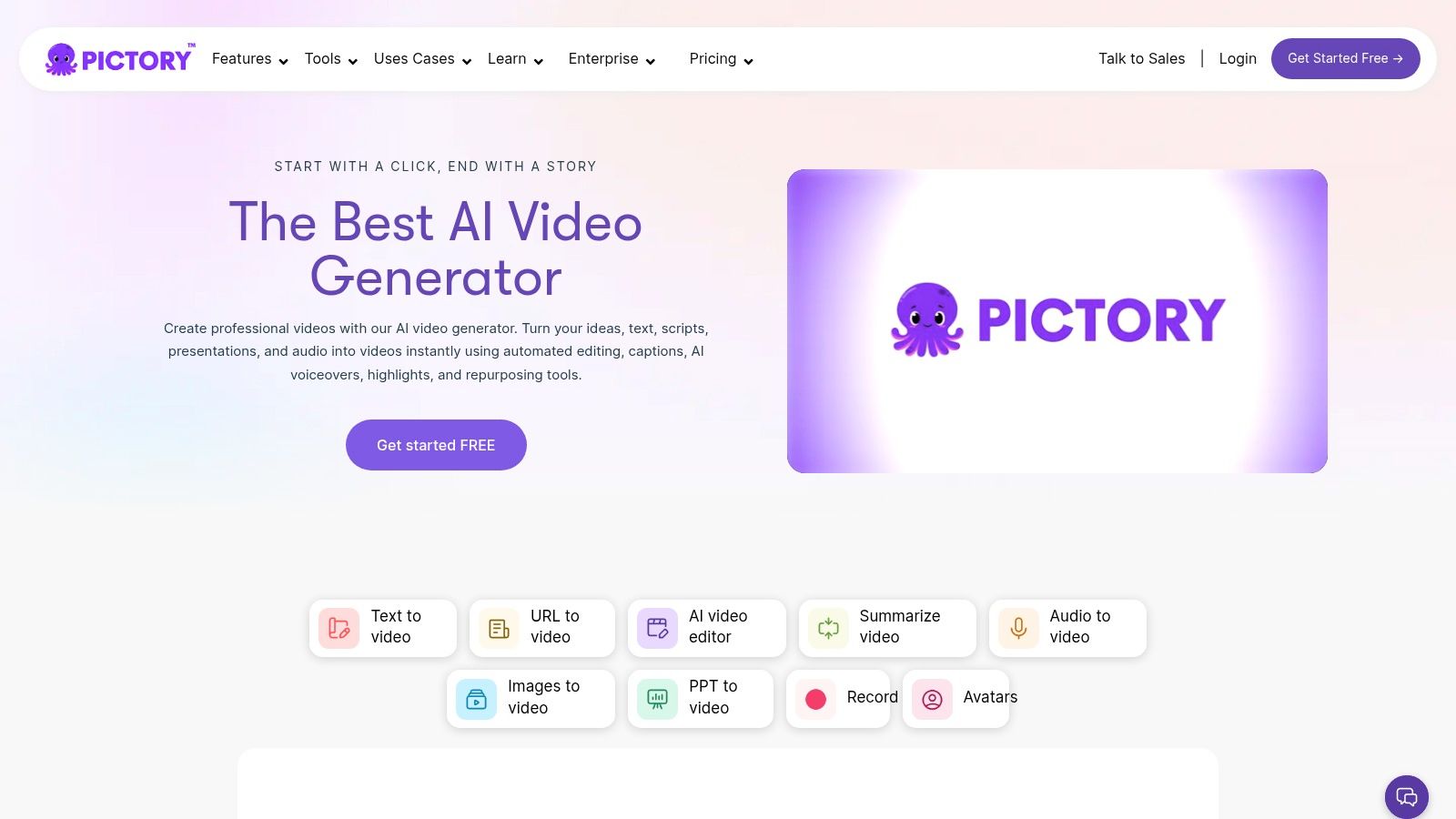
Where Pictory stands out is its flexibility with input sources and its API for automation. Unlike tools focused only on video-to-video editing, it allows users to start from a URL or a text file, automatically creating a video storyboard. The official API also opens up possibilities for building automated, large-scale video creation workflows, a key feature for businesses needing to produce content at volume.
Key Features & Pricing
- Multi-Source Conversion: Creates videos from text scripts, blog post URLs, or by extracting short clips from long videos.
- Stock Media & AI Voices: Integrates with Getty Images and Storyblocks for B-roll and supports ElevenLabs for realistic voiceovers on certain plans.
- API for Automation: Provides an API to programmatically generate videos, enabling scalable and repeatable content pipelines.
Pricing is credit-based, with plans starting around $23/month for the Standard tier. It is important to check the live site, as pricing and included minutes/credits can change.
| Pros | Cons |
|---|---|
| Flexible inputs for non-video assets | Dynamic pricing requires checking the site |
| Official API supports automated workflows | AI outputs may need manual creative edits |
| Strong for turning blogs into videos | Stock media can feel generic without curation |
Actionable Example:
Let's repurpose a blog post. Paste your blog's URL into Pictory's "Article to Video" workflow. The AI will summarize the text into scenes, which you can then customize with stock footage and an AI voiceover to create a short video. For a different approach, you could identify a top-performing informational video in your niche, use VidCloner to Remake its structure and visuals, and then use your blog post content to script a new, more relevant voiceover, effectively cloning a proven format.
10. Flowjin
Flowjin is a specialized content repurposing tool built for audio-first creators, particularly podcasters and webinar hosts. Its main function is using AI to automatically identify and extract engaging short clips from long-form audio and video content, including sources like X (Twitter) Spaces. The platform then generates multiple assets from these clips, including vertical videos, quote graphics, and platform-specific social copy with relevant titles and hashtags.
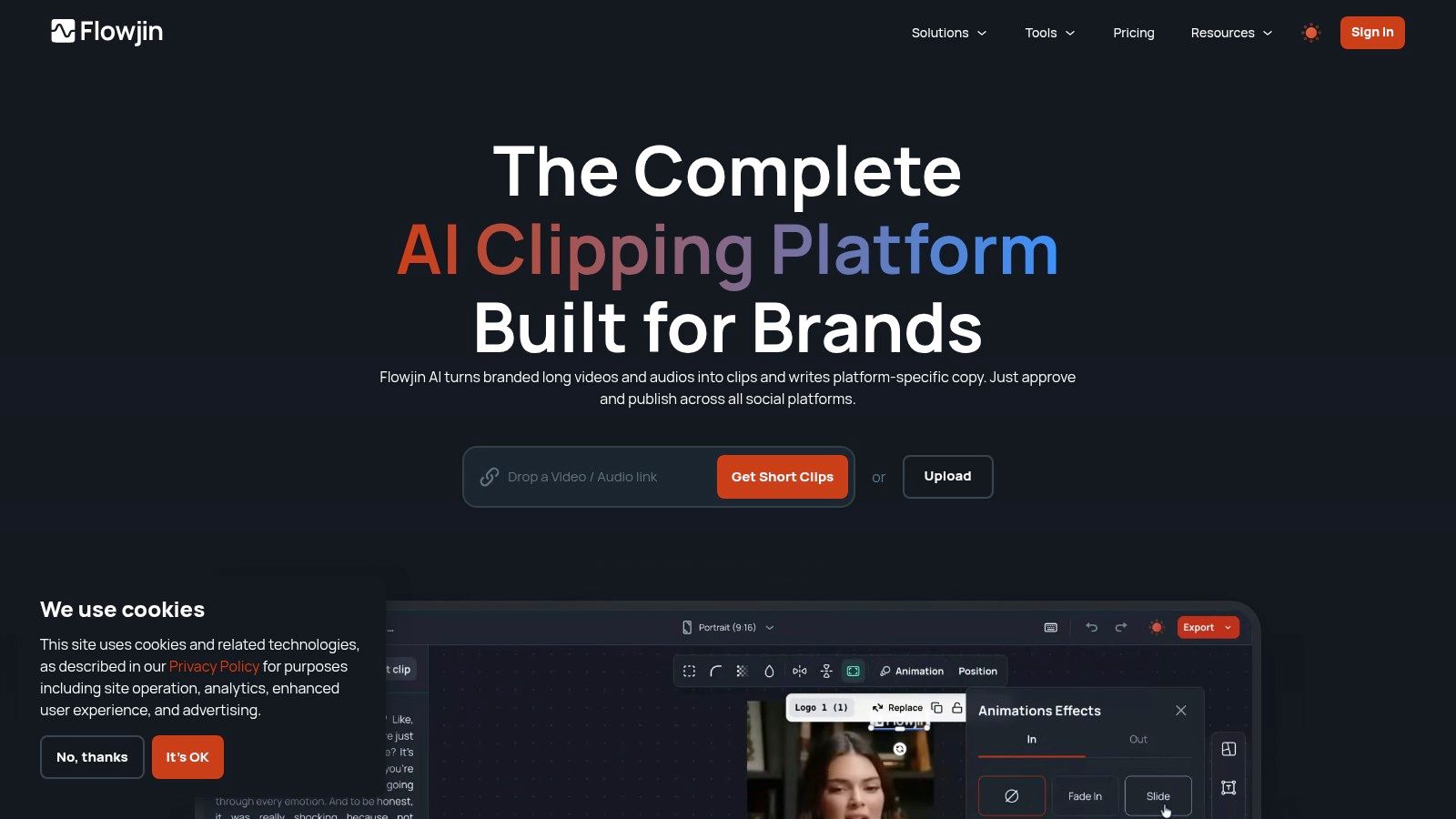
Unlike broad-purpose video editors, Flowjin is designed for speed and efficiency in turning spoken-word content into shareable social media assets. It provides a simple editor for minor adjustments and is rolling out scheduling features to complete the repurposing workflow from discovery to distribution. This makes it an excellent choice for teams focused on thought leadership and converting discussions into a steady stream of promotional content without extensive manual effort.
Key Features & Pricing
- AI Clipping for Audio & Video: Automatically finds viral-worthy moments in podcasts, webinars, and even X Spaces.
- Multi-Asset Generation: Creates vertical videos, quote images, and show notes from a single source file.
- Automated Social Copy: Generates titles, descriptions, hashtags, and calls-to-action tailored for different social platforms.
- Simple Editor & Publishing: Provides basic editing and is introducing scheduling capabilities for a complete workflow.
Pricing is based on minutes processed, starting at $29/month for 60 minutes of uploads.
| Pros | Cons |
|---|---|
| Excellent for audio-first creators (podcasts, Spaces) | Smaller feature set than some larger tools |
| Fast AI-driven clip and asset creation | Scheduling features may still be in rollout |
| Transparent, usage-based pricing model | Less focused on visual-heavy video repurposing |
Actionable Example:
Upload a recent webinar recording to Flowjin. The AI will suggest several short, impactful clips. Select one, let the tool generate a vertical video with captions, and use the auto-generated social copy to post it on LinkedIn. For a different approach, find a popular webinar clip in your niche, use VidCloner to Clone its structure and pacing, and then Remake it by replacing the original audio with your own expert commentary, effectively creating a proven format with your unique insights.
11. Klap
Klap is a rapid, AI-driven content repurposing tool built for speed and multilingual reach. Its primary function is to take long-form videos, either from a YouTube link or a direct file upload, and automatically generate a batch of short-form clips. The platform identifies engaging moments and formats them into vertical videos complete with dynamic captions, making it ideal for creators who prioritize a high volume of content for platforms like TikTok and Reels.
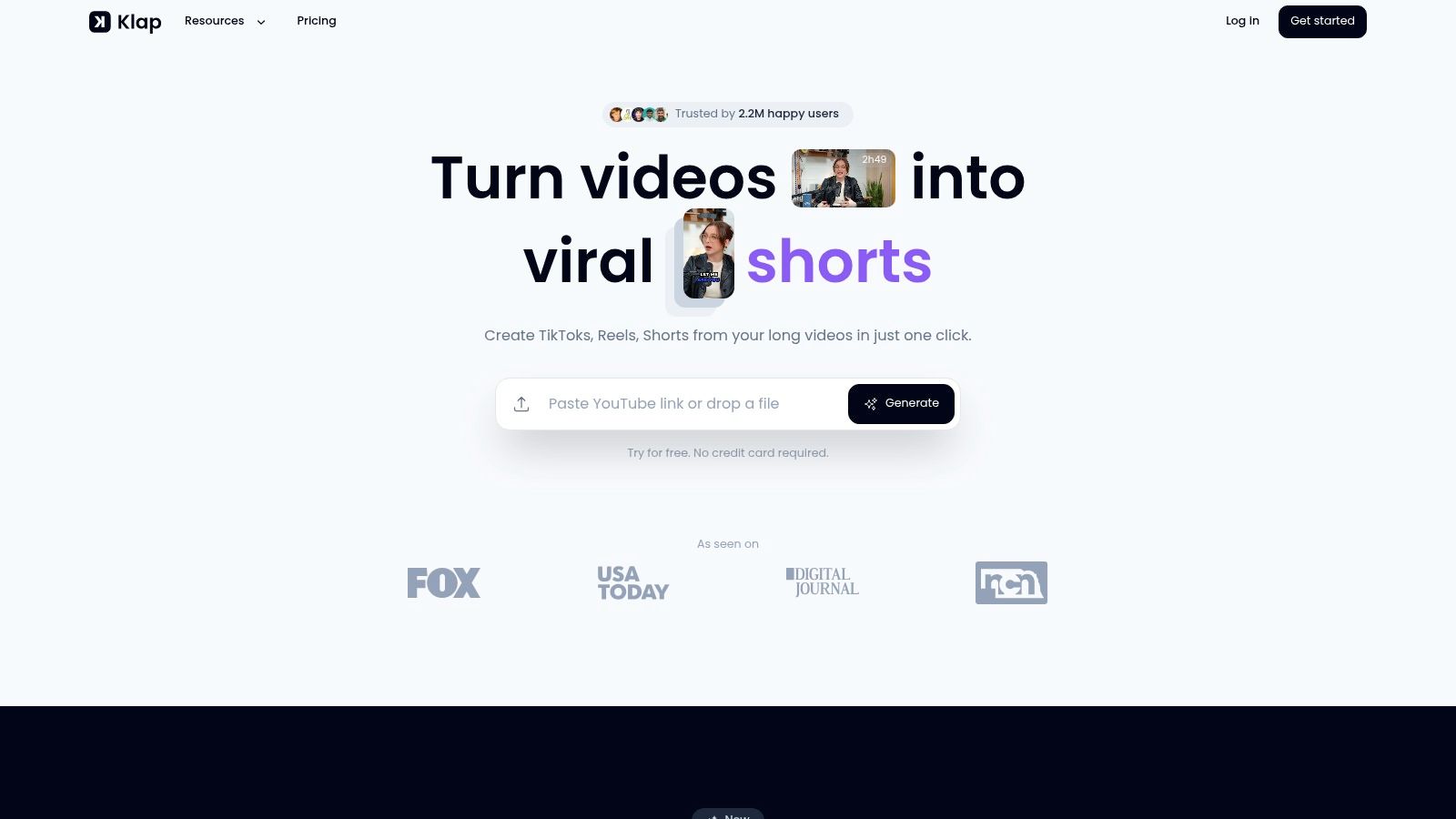
What sets Klap apart is its powerful AI dubbing feature, which translates and dubs video audio into 29 different languages. This capability allows creators to tap into new international markets without needing to re-record their content. While it offers less granular editing control than a traditional video editor, its strength lies in producing a high quantity of ready-to-post clips quickly. The Pro tiers also offer API access and 4K downloads for more demanding workflows.
Key Features & Pricing
- Auto-Clip Generation: Paste a YouTube link or upload a video to receive multiple short-form clips with AI-selected framing and captions.
- AI Dubbing & Translation: Automatically translate and dub your video’s audio into 29 languages to expand audience reach.
- API Access: Pro plans include API access for integrating Klap's clipping engine into custom workflows.
Pricing starts with a free plan for basic testing, with paid plans beginning at $29/month. Higher tiers (Pro and Pro+) increase the number of clips, upload minutes, and video length limits.
| Pros | Cons |
|---|---|
| Extremely fast link-to-clip generation | Less granular control than manual editors |
| AI dubbing for reaching global audiences | Monthly upload limits require planning |
| API access on higher tiers for automation | AI clip selection may not always be perfect |
Actionable Example:
To repurpose a webinar, upload the recording to Klap. The tool will automatically generate 10-15 short, captioned clips highlighting key moments. Select the best ones to share on LinkedIn and Shorts. For a different approach, if you see a competitor's clip performing well, use VidCloner to Remake it by replacing their visuals and audio with your own, effectively cloning a proven format to capture audience attention.
12. Chopcast
Chopcast is a minute-based content repurposing tool that simplifies turning long-form videos, like YouTube uploads, into unlimited short-form clips. Its core model is built on billing users for the minutes of content they upload, rather than charging per export. This approach gives creators and teams predictable costs and the freedom to generate as many vertical clips as they need without hitting a paywall.
The platform is designed for efficiency, automatically identifying potent moments in longer videos and suggesting them as clips. For teams that require a more hands-off solution, Chopcast also offers optional managed services, providing strategy and execution for done-for-you repurposing. This makes it a flexible option that scales from solo creators managing their own channels to larger organizations needing dedicated support. Its predictable pricing and unlimited exports make it a strong contender for high-volume workflows.
Key Features & Pricing
- Minute-Based Billing: Purchase a set number of upload minutes and generate unlimited clips and exports from that footage.
- AI-Powered Clip Creation: Automatically finds engaging moments in long videos and suggests them for repurposing.
- No Watermarks: All paid plans include watermark-free exports, ensuring clean, professional-looking content.
- Managed Services: Optional add-on for teams who want experts to handle their entire content repurposing pipeline.
Pricing is based on purchased minute bundles, starting from a one-time purchase or subscription model. Higher-tier plans include priority processing and strategy calls.
| Pros | Cons |
|---|---|
| Predictable, straightforward minutes-based pricing | Minute caps require planning content upload needs |
| Unlimited clip exports on all paid plans | Fewer advanced editing features than a dedicated NLE |
| Optional managed services for a hands-off approach | AI suggestions may still require manual review and tweaks |
Actionable Example:
Upload a 45-minute webinar to Chopcast. The AI will analyze the video and suggest 10-15 potential short clips based on speaker engagement and keywords. Select the five best clips, add auto-generated captions, and export them for TikTok and YouTube Shorts. For a different approach, you could take the most viral clip from this batch and use a tool like VidCloner to Clone it, creating multiple variations with different hooks or calls-to-action to A/B test your ad creative without re-editing the core video.
Top 12 Content Repurposing Tools Comparison
| Tool | Core capabilities | Best for | Key strengths | Pricing model / limits |
|---|---|---|---|---|
| VidCloner (Recommended) | Clone & Remake workflows; replace actor with AI avatar; paste TikTok URL → platform-ready short | UGC creators, marketers, agencies focused on trend-first faceless/reaction content | Rapid trend-first production; AI avatar generation; strong social proof (8k+ creators, multi‑million view examples) | Starter $19/mo (5 credits); Creator $49/mo (15 credits + avatar gen); Master $59/mo (30 credits + priority); credit-based limits; copyright/deepfake considerations |
| Repurpose.io | Workflow automation source → many destinations; scheduled bulk publishing | Agencies and brands managing many social accounts | True set‑and‑forget distribution; high account & publish limits | Subscription tiers with high monthly caps; 14‑day trial; setup/optimization learning curve |
| OpusClip (Opus) | AI clipping with Virality Score; animated captions; reframe & object tracking; pro exports | Creators needing fast, stylized short clips and pro export options | Very fast clip generation; on‑brand caption styles; wide source support | Credit-based plans; free tier watermark & limited exports |
| Vizard.ai | AI highlight detection (promptable); animated captions; brand kit & scheduling | Teams repurposing webinars, interviews, podcasts | Balanced automation + manual polish; practical brand/scheduling tools | Credit/minutes model; pricing shown dynamically; occasional manual tweaks |
| quso.ai (formerly vidyo.ai) | Auto clipping, reframing, captions; scheduling & cross-posting; stock B‑roll | Creators wanting an all‑in‑one clip → polish → schedule workflow (vidyo.ai users) | Continuity from vidyo.ai; integrated scheduling & templates | Tiered plans; migration/branding updates—verify current offers |
| Kapwing | Browser editor: auto‑subtitles, AI dubbing, lip‑sync, resize presets; team workspaces | Non‑editors and teams needing captions, translations and quick reformats | Friendly for captioning/resizing at scale; collaborative features | Free + paid tiers; higher AI usage may require Business for larger credits |
| Descript | Transcript-driven text editing; Studio Sound; eye‑contact correction; multitrack | Podcasters and creators repurposing dialogue-heavy recordings | Fast transcript-based editing; unified capture→edit→caption pipeline | Plan limits vary; verify quotas—may be heavy for very quick high-volume clipping |
| VEED | Auto‑subtitles/translation; audio cleanup; templates & brand kits; collaboration | Non-technical teams needing Canva‑style repurposing workflow | Easy browser workflow; strong audio and caption “fix-ups” | Tiered pricing; AI credit limits vary—check site for details |
| Pictory | Convert text/URL/long video → short branded clips; stock media & voiceovers; API | Marketers turning blogs, webinars or long content into social snippets | Flexible inputs (text/URL); API for automated scale | Credit/minutes model; dynamic pricing; AI outputs may need manual polish |
| Flowjin | AI clipper for audio/video (incl. X Spaces); quote graphics; auto social copy | Audio-first teams converting podcasts/Spaces into clips fast | Suited for podcasts/Spaces; transparent minutes pricing | Minutes-based tiers; scheduling/publishing features rolling out |
| Klap | Rapid auto-clipping from links/uploads; AI dubbing in 29 languages; API | High-volume creators who need speed and multilingual reach | Extremely fast link→many clips throughput; multilingual dubbing | Clips/month & upload/length caps; Pro/Pro+ for 4K downloads |
| Chopcast | Minute-based repurposing with unlimited clips/exports; optional managed services | Creators and teams wanting predictable minutes billing or done‑for‑you service | Predictable minutes pricing; unlimited exports on paid plans; managed services available | Buy upload minutes; no watermark on paid plans; must estimate minute needs |
Choosing Your Tool: From Automation to AI Creation
We've explored a dozen powerful platforms, each designed to solve a specific part of the content repurposing puzzle. The central takeaway is clear: there is no single "best" content repurposing tool for everyone. The right choice depends entirely on your specific workflow, content sources, and ultimate goals. Your selection process should be a strategic decision, not a random pick.
Understanding your primary bottleneck is the first step. Is it the time-consuming task of manually posting to different platforms? A tool like Repurpose.io is built for exactly that, acting as a distribution engine. Or is your main challenge extracting engaging moments from long-form video podcasts? In that case, an AI clipping tool such as OpusClip, Klap, or Chopcast provides an efficient solution by identifying and packaging viral-worthy segments for you.
Matching the Tool to Your Goal
Before you commit to a subscription, map out your content process.
- For Distribution & Automation: If your core need is to automatically push existing content across channels like TikTok, YouTube Shorts, and Instagram Reels, look no further than Repurpose.io. Its "set it and forget it" model is unmatched for pure, hands-off distribution.
- For Long-Form to Short-Form Clipping: Creators with podcasts, webinars, or long interviews should prioritize tools like Descript, Vizard.ai, or OpusClip. Their AI-powered transcription, editing, and highlight detection features are designed to mine gold from extensive footage.
- For All-in-One Editing & Templating: If you need a versatile editor that combines standard video editing with AI features and templates, platforms like Kapwing and VEED offer a balanced toolkit. They are excellent for teams needing a central hub for various creative tasks.
- For Generative & Trend-Based Creation: For those focused on speed, scale, and capitalizing on proven viral formats, a generative tool offers a distinct advantage. This is where VidCloner stands out. Instead of just editing or distributing existing content, it allows you to remake what's already working, which is a fundamentally different approach to content repurposing. This is ideal for UGC automation, cloning viral videos with your own assets, and producing faceless content at scale.
Key Factors for Your Decision
Your ideal content repurposing tool is the one that removes the most friction from your daily work. Consider how each platform integrates with your existing assets and desired outcomes. Analyze your current content library. Is it primarily long-form audio, screen recordings, or a collection of UGC clips? Choose the tool that is best equipped to handle that specific format. Ultimately, the goal is to find a system that accelerates your journey from raw idea to a published, high-performing video. The right tool doesn't just save you time; it unlocks new creative possibilities.
Frequently Asked Questions (FAQ)
What is the best content repurposing tool for cloning viral videos?
For directly cloning the style and format of viral videos, VidCloner is specifically designed for this purpose. Its "Clone" and "Remake" features allow you to replicate a trending video's structure, either by replacing the actor with an AI avatar or by recreating the format with your own assets. This is highly effective for jumping on trends quickly.
How can I automate UGC (User-Generated Content)?
UGC automation involves systemizing the creation of content that looks user-generated. Tools like VidCloner are ideal for this, as you can take a successful UGC ad format and use the "Remake" feature to produce multiple variations with different products, hooks, or calls-to-action without needing to film new content each time.
Which tool is best for creating faceless content?
Several tools support faceless content creation. Pictory can create videos from text using stock footage and AI voiceovers. Descript allows you to create audio-driven videos without showing your face. However, for trend-based faceless content like reaction videos or memes, VidCloner's "Remake" workflow is a direct and efficient solution for creating faceless content that mimics popular formats.
Can I create an AI influencer with these tools?
Yes, creating an AI influencer is possible. A tool like VidCloner is central to this process. You can use its AI Avatar Generation feature to create a unique, consistent digital persona. Then, use the "Clone" workflow to place this avatar into trending video formats, building a social media presence for your AI influencer without any on-camera talent.
What is the most effective way to turn a podcast into social media clips?
The most effective workflow involves a combination of AI clipping and easy editing. Tools like Descript, OpusClip, and Flowjin are excellent starting points. They use AI to find the most engaging segments in your audio. Descript offers a powerful text-based editor for refining the narrative, while OpusClip and Flowjin are faster for generating ready-to-post clips with stylized captions.
Is it legal to clone someone else's video?
Cloning videos falls into a legal and ethical gray area. It is crucial to respect copyright and intellectual property. Directly copying someone's video without permission can lead to platform violations and legal issues. The recommended approach is to use tools like VidCloner to remake the format or style of a trending video with your own original content (audio, text, branded assets), rather than directly cloning the original content itself. Always review the terms of service for both the social media platform and the content repurposing tool.