A Builder's Guide to YouTube Shorts Editing for Viral Content
Learn youtube shorts editing essentials to craft quick, viral videos with proven hooks, pacing, and scalable production tips.
Editing a YouTube Short that performs isn't about luck or expensive software. It's a deliberate, repeatable process. You need a system for planning the hook, structuring for a vertical screen, mastering quick cuts, and designing captions that hold attention.
This is the exact playbook top creators use to produce videos that consistently win.
The System for Editing High-Performing Shorts
YouTube Shorts are the primary engine for channel growth. To build an audience, you need a dedicated workflow. The scale is too massive to ignore.
YouTube Shorts now generate over 200 billion daily views, a massive leap from 15 billion in 2021. With 2 billion monthly users on the platform, mastering this format is non-negotiable. For a deeper analysis, you can get an in-depth look at YouTube Shorts statistics.
This is a practical, step-by-step system for editing Shorts, designed to take you from rough footage to a polished, optimized video with no wasted effort.
A 3-Step Editing Workflow
The entire editing process has three core phases: craft an irresistible hook, build a story that works vertically, and publish for maximum reach.
Here’s a simple visualization of how these pieces fit together.
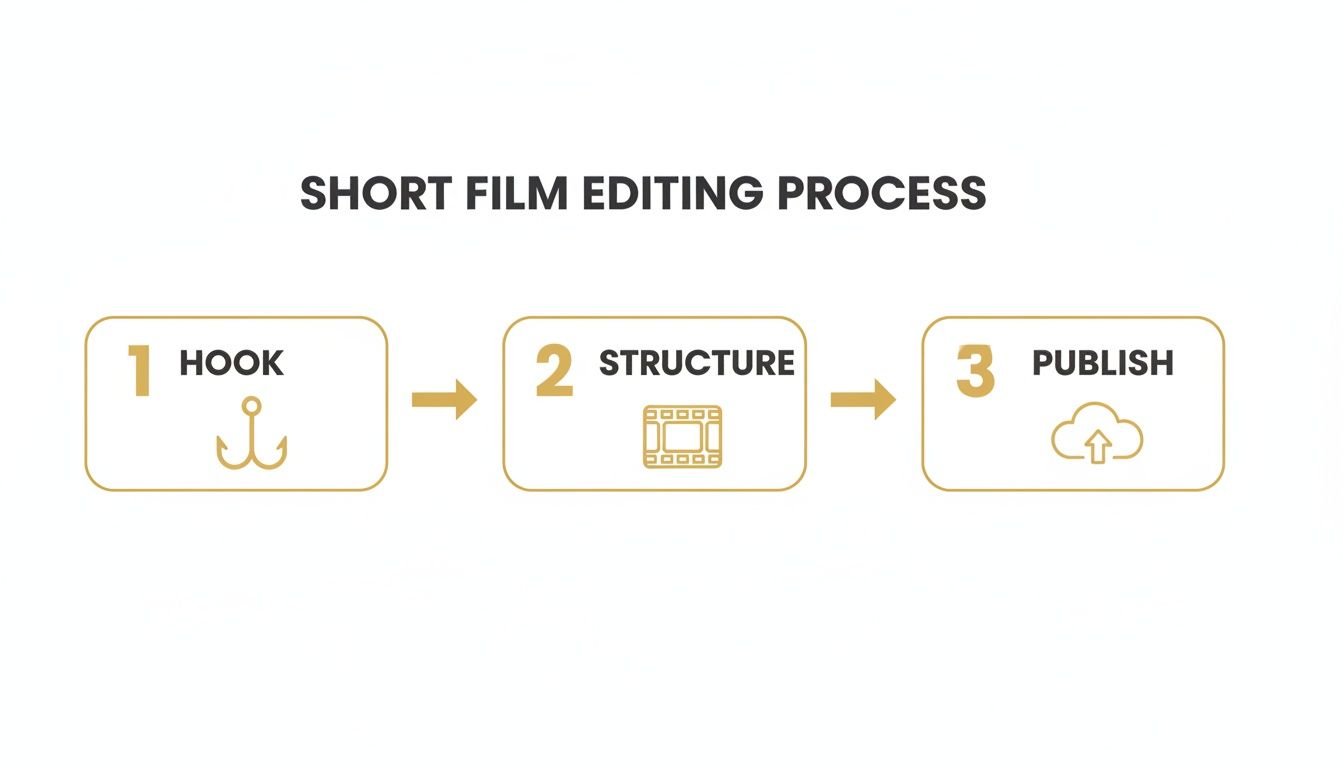
It all starts with stopping the scroll. From there, you guide the viewer through a well-paced narrative and finish with an algorithm-friendly upload. Skipping any step sabotages your video's potential.
The goal is a repeatable system. A solid framework lets you focus your energy on creativity and speed, not reinventing the process for every video. This consistency separates professionals from amateurs.
Here's a quick overview of the entire workflow.
YouTube Shorts Editing Workflow at a Glance
This table breaks down the essential stages of editing a high-performing Short. Use it as your checklist for moving from concept to a fully optimized video.
| Stage | Objective | Key Action |
|---|---|---|
| 1. The Hook | Stop the scroll within the first 1-2 seconds. | Open with a question, a bold statement, or high-action visuals. |
| 2. The Structure | Keep the viewer engaged until the end. | Use fast-paced cuts, a clear story arc, and compelling visuals. |
| 3. The Polish | Enhance clarity and watch time. | Add dynamic captions, sound effects, and relevant background music. |
| 4. The Publish | Optimize for discoverability and engagement. | Craft a keyword-rich title, use relevant hashtags, and select a compelling thumbnail. |
Following these stages ensures you're not just making a video, but engineering content designed to succeed on the platform.
How AI Is Changing the Game for Builders
The tools we use are evolving. For creators who need to produce at scale, AI platforms are a secret weapon. Creating faceless content or jumping on trends by cloning a viral video—what once took hours—can now be done in minutes.
This is where a tool like VidCloner becomes useful. It automates the most time-consuming parts of the process. For example, you can:
- Clone a viral video: Find trending user-generated content (UGC). Instantly swap the person with your own AI influencer to ride the trend.
- Automate faceless content: Quickly remake popular formats for reaction or meme channels without showing your face.
Using AI for this kind of UGC automation transforms a tedious editing job into a simple, repeatable task. Discover more strategies for building efficient content systems on the VidCloner blog.
Now, let's dive into each stage of this editing workflow with specific, actionable steps.
Part 1: Engineer a Killer Hook to Stop the Scroll
Your Short lives or dies in the first three seconds. If you don't grab attention instantly, the viewer swipes. A powerful hook is the entire foundation of a high-performing video.
Your goal is to be a pattern interrupt—jolt someone out of their mindless scrolling. You do this by creating urgency, sparking intense curiosity, or showing something so unusual they have to stop.
Hook Formulas That Work
Forget vague openings. Your first seconds must punch hard. These three formulas consistently work in successful Shorts.
- The Problem Question: Pose a direct question that taps into a viewer's desire. Example: "Are you still making this one mistake with your credit score?" This creates an open loop they'll stay to close.
- The Contrarian Take: Start with a bold statement that goes against common wisdom. Example: "Cardio is the worst way to lose weight. Here's what to do instead." It triggers curiosity and makes people want your reasoning.
- The Visual Shock: Open with a shot so unexpected it forces a stop. This could be a dramatic physical reaction, a shocking before-and-after, or an object that's completely out of place. The visual itself is the question.
The secret is creating an "information gap." You present a problem, question, or puzzle. The rest of your Short is the promise of a solution. That promise earns you watch time.
Building Your Edit Around the Hook
Once you have a hook, the entire edit must serve it. Every cut, sound effect, and text overlay builds on that initial promise. This is especially true in the tight 9:16 vertical format.
Think of your editing pace as a sprint. Use quick, punchy cuts—often less than a second long—to build momentum. If your hook was a question, the first shots should visually tease the answer without giving it away.
This strategy is critical if you're scaling content, particularly with faceless channels or automated UGC. When using a tool like VidCloner to remake a viral video, the AI's effectiveness depends on your source material. If the original clip didn't have a strong hook, you're just cloning a dud. Your job is to find a format that nails those first three seconds.
Quick Tips for an Unskippable Opening
Weave these simple editing tactics into your workflow to make hooks stickier.
- Start in Motion: Your first frame should never be static. Open with immediate movement to catch the eye.
- Use a Hook Sound: A well-placed "whoosh," "ding," or even a subtle gasp at the start grabs auditory attention.
- Front-Load the Payoff: If your Short solves a problem, get the core keyword on screen as text within the first second. This instantly confirms the viewer found the right video.
Part 2: Master Rhythm and Visuals to Keep Them Watching
You’ve nailed the hook. Now you must earn the rest of the view. If the pace drags or the video is hard to follow, the viewer is gone.
The rhythm of your video is everything, and you control it with cuts. Quick, hard jump cuts are your best friend for high-energy content like tutorials or memes. They snap attention from one shot to the next, creating urgency.
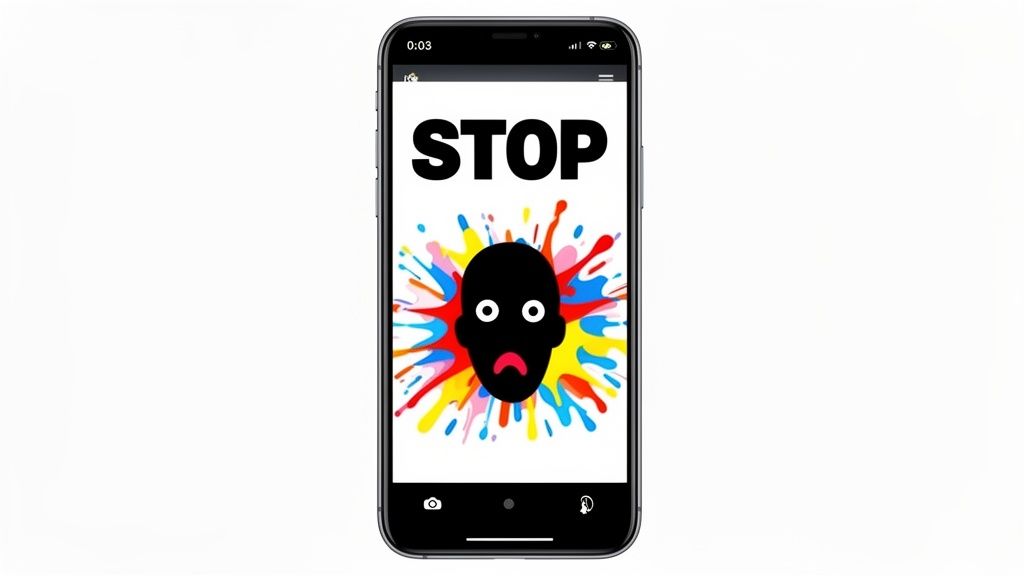
For storytelling, you may need a smoother feel. That's where J-cuts and L-cuts come in. With a J-cut, the audio from the next scene starts before you see the video. With an L-cut, the audio from the previous shot continues over the new clip. Both techniques create a polished, immersive flow.
Let Sound Drive Your Edits
Audio is 50% of the experience. For Shorts, trending audio is also a massive lever for discovery. Spot sounds about to blow up by looking for the small upward-trending arrow next to the music icon in the feed.
Once you pick a track, make your visuals dance to its rhythm. Every cut, zoom, or text pop-up should land on a beat. This synchronization separates polished videos from amateur ones.
The quickest way to make an edit feel "off" is to ignore the music's timing. When visual cuts align with audio, the video becomes incredibly satisfying to watch. It's a small detail with a huge impact on retention.
This is critical if you're automating content, like for faceless channels. When you use a tool like VidCloner to remake a viral video, you're not just copying visuals—you're copying rhythm. Replicate the original creator's timing for the same satisfying sync.
Make Your Captions Impossible to Ignore
Most people watch videos on mute. With over 80% of social videos viewed without sound, on-screen text isn't optional; it's essential. Captions must be bold, clear, and instantly readable on a small screen.
Here’s a no-nonsense guide to captions that work:
- Choose the Right Font: Use a thick, sans-serif font like Montserrat Bold or The Bold Font. Avoid skinny or script fonts.
- Create Strong Contrast: Your text must stand out. The classic combo is bright text with a black stroke (outline). A semi-transparent background box also works.
- Mind Your Placement: Keep text in the "safe zone"—the center third of the screen. This ensures nothing is cut off by YouTube's interface.
A little animation goes a long way. Simple effects, like a word popping in, can add emphasis. Don't overdo it. The goal is clarity, not a motion graphics piece.
Part 3: Scale Your Output with AI Automation
The biggest hurdle for creators is the relentless need for new content. Repetitive editing tasks consume hours. This is where an AI-assisted strategy transforms your workflow, turning a bottleneck into a content engine.
Instead of manually grinding out every video, you can automate creation for specific formats. This is a game-changer for jumping on trends, building faceless content channels, or producing UGC-style videos at scale.
Cloning Viral Videos for Quick Wins
Think about that viral UGC-style video blowing up your feed. The old way to recreate it involved filming, acting, and editing. With AI, you can skip most of that.
The process is direct:
- Find a viral TikTok or Short that fits your niche.
- Use an AI tool to swap the person in the video with your own AI influencer or avatar.
- The AI handles motion tracking and editing, producing a new video that captures the original's spirit.
This is a goldmine for reaction content. You can generate dozens of variations in the time it took to film one original clip, letting you test ideas at an incredible pace.
This isn't about killing creativity; it's about automating the boring parts. By cloning the format, you focus on finding trends and crafting messages, not getting stuck in technical edits.
Automating Faceless and Meme Content
Faceless content channels are booming. They deliver value without being tied to a personality. AI makes scaling these channels absurdly efficient. Functions like "Remake" in modern platforms let you instantly regenerate popular meme formats.
Here's a look at how some of these platforms are designed for this exact purpose.
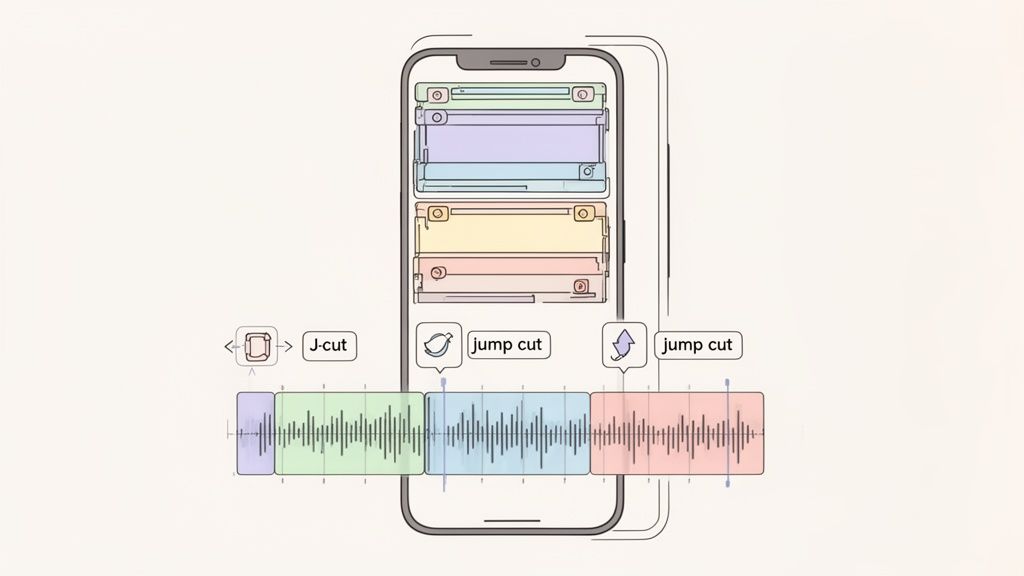
The user interface is often built around a simple command: paste a link, pick an avatar, and hit generate. This kind of UGC automation and faceless content creation sidesteps the friction of traditional editing.
This workflow is the new playbook. Feed the system a link to a hot video, and it produces a fresh version for your channel. To scale your output and capitalize on trends, you can learn how to clone or remake viral videos with AI using emerging tools from companies like VidCloner. It’s working smarter, not harder.
Part 4: The Final Polish and Publish
You’ve crafted a compelling edit. Now, the crucial final step: getting it from your editor to YouTube without losing quality or discoverability. This is your pre-flight checklist.
Getting export settings right is non-negotiable. A sharp edit turning into a pixelated mess is almost always due to the wrong export specs. Use these settings to ensure every Short looks crisp.
The Technical Export Checklist
Before you hit "render," double-check your settings. It doesn't matter if you're using CapCut on a phone or DaVinci Resolve on a desktop—these numbers are your golden ticket.
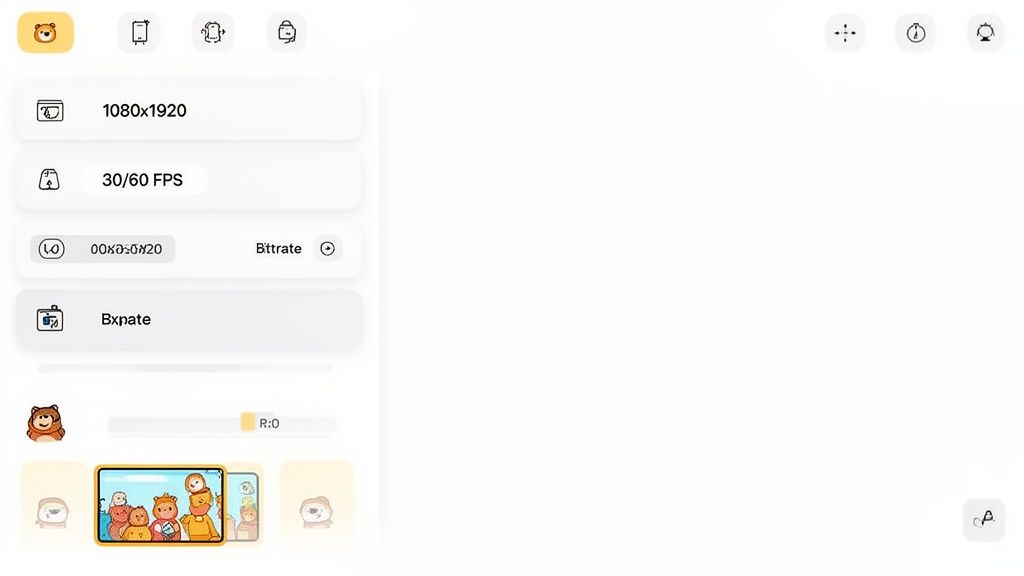
- Resolution: Always export in 1080x1920. This is the native vertical HD resolution YouTube wants. 4K is overkill and can cause processing glitches.
- Frame Rate (FPS): Stick to 30 FPS or 60 FPS. For fast motion, 60 FPS keeps everything smooth. For most content, 30 FPS is fine.
- Bitrate: Aim for 10-15 Mbps. This gives YouTube enough data for a high-quality picture without creating a massive file.
Think of these settings as the "dress code" for the YouTube algorithm. Nail these specs every time to give your video the best possible starting point.
With your video file ready, it's time to switch from editor to marketer.
Crafting a Title and Hashtags That Work
Your title and hashtags signal to YouTube what your Short is about and who should see it. Be direct, but with intrigue.
Keep your title short and punchy. Create a "curiosity gap." Instead of "My Morning Coffee Routine," try "This One Ingredient Changed My Coffee Forever." It teases a solution.
For hashtags, a mix of broad and specific tags is all you need.
- Broad Tags: You must include #Shorts and #YouTubeShorts. These are fundamental sorting tags.
- Niche Tags: Add 3-5 tags specific to your topic. For a video about an AI tool, use
#AItools,#contentcreation, and#facelesschannel.
This approach helps your video get discovered. It’s a vital step when you're scaling up and need every video to perform. Many creators using AI tools to remake content rely on this metadata to connect with the right audience. If you're exploring this workflow, you can check out different VidCloner plans for creators.
Why Your Thumbnail Still Matters for Shorts
Shorts autoplay, so who cares about the thumbnail? You should.
The custom thumbnail is what people see on your channel page, in search results, or in the suggested videos sidebar. A lazy thumbnail is a missed click.
Scrub through your video and find a visually striking, high-contrast frame. It should instantly tell a viewer what the video is about. Your thumbnail is your video's business card—make it a good one.
FAQ: Common Questions About YouTube Shorts Editing
Here are answers to common questions from creators and marketers building their workflow.
How can I quickly find trending audio for my YouTube Shorts?
Use the YouTube mobile app. While scrolling the Shorts feed, look for the music icon with an upward-trending arrow. This signals a sound is gaining momentum. You can also check the official charts in the "Audio" library when creating a Short. For extra intel, watch trends on TikTok's Creative Center, as they often cross over.
Can I monetize faceless YouTube Shorts channels?
Yes. Faceless channels are fully eligible for the YouTube Partner Program. The key milestones are 1,000 subscribers and 10 million public Shorts views in 90 days. Beyond ad revenue, many of these channels generate income from affiliate marketing, digital products, or brand deals. This is why the automation of faceless content is such a powerful business model.
What is the best video editor for YouTube Shorts?
For quick mobile edits, CapCut is the go-to. For professional desktop work, DaVinci Resolve offers a powerful free version. However, if your goal is scaling output, the best "editor" is an AI automation platform. These tools are content engines that let you clone viral formats in minutes, solving for speed and volume. They are ideal for high-volume publishing strategies.
What is the best length for a YouTube Short?
Shorts can be up to 60 seconds long. The 50-60 second range is great for maximizing total watch time, a key metric for the algorithm. However, a punchy 15-30 second video can be more powerful for a quick meme or a straight-to-the-point hook. The rule is simple: tell a complete story with zero filler. Always aim for an average view duration (AVD) over 70%.
How do I automate UGC-style videos for my brand?
UGC automation involves using AI to create videos that mimic the authentic style of user-generated content. Instead of hiring multiple creators, you find a high-performing video format and use a tool like VidCloner to generate variations with different AI influencers or brand messaging. This allows you to test ad creatives and social content at scale without the logistical overhead of traditional production. It's a fast, data-driven approach to content creation.
Ready to stop grinding on manual edits and start scaling your content? With VidCloner, you can automate the creation of viral-style UGC, reaction videos, and faceless content in minutes. Paste a link, pick an avatar, and let AI handle the rest. Try it now at https://vidcloner.com.