The Ultimate YouTube Tags List for 2026
Build a better YouTube tags list with our copy-ready templates, tool reviews, and AI workflow tips. Find high-performing tags for any niche.
Stop looking for a universal youtube tags list. It slows down good publishing decisions.
Tags still help, but they work best as support metadata. They give YouTube extra context, catch alternate phrasing, and help clean up edge-case search intent after the title and description already state the topic clearly. If those core fields are weak, tags will not rescue the upload.
Format now changes tag strategy more than many creators admit. Shorts, faceless explainers, AI avatar videos, cloned UGC, and trend remakes should not share the same recycled tag block. A copy-paste list across every upload usually muddies relevance, wastes character space, and makes your metadata harder to scale across a channel.
That is why this guide focuses on systems, not giant keyword dumps.
The useful approach is simple. Build a small tag framework for each format, keep reusable templates for recurring series, and adjust only the variables that change, like topic, product, audience, and angle. That matters even more if your workflow includes AI video production tools such as VidCloner, where one concept can turn into multiple versions across different formats and hooks. Those videos need tags that reflect the final packaging, not just the source script.
Hashtags are a separate decision. They affect presentation differently, especially on Shorts, and they should not be treated as a substitute for tags.
Use this guide like an operator. Pick the tool that fits your publishing process, generate fast starting sets, and build copy-paste tag templates that match modern formats, including Shorts, AI-cloned UGC, and other AI-assisted video workflows.
1. TubeBuddy
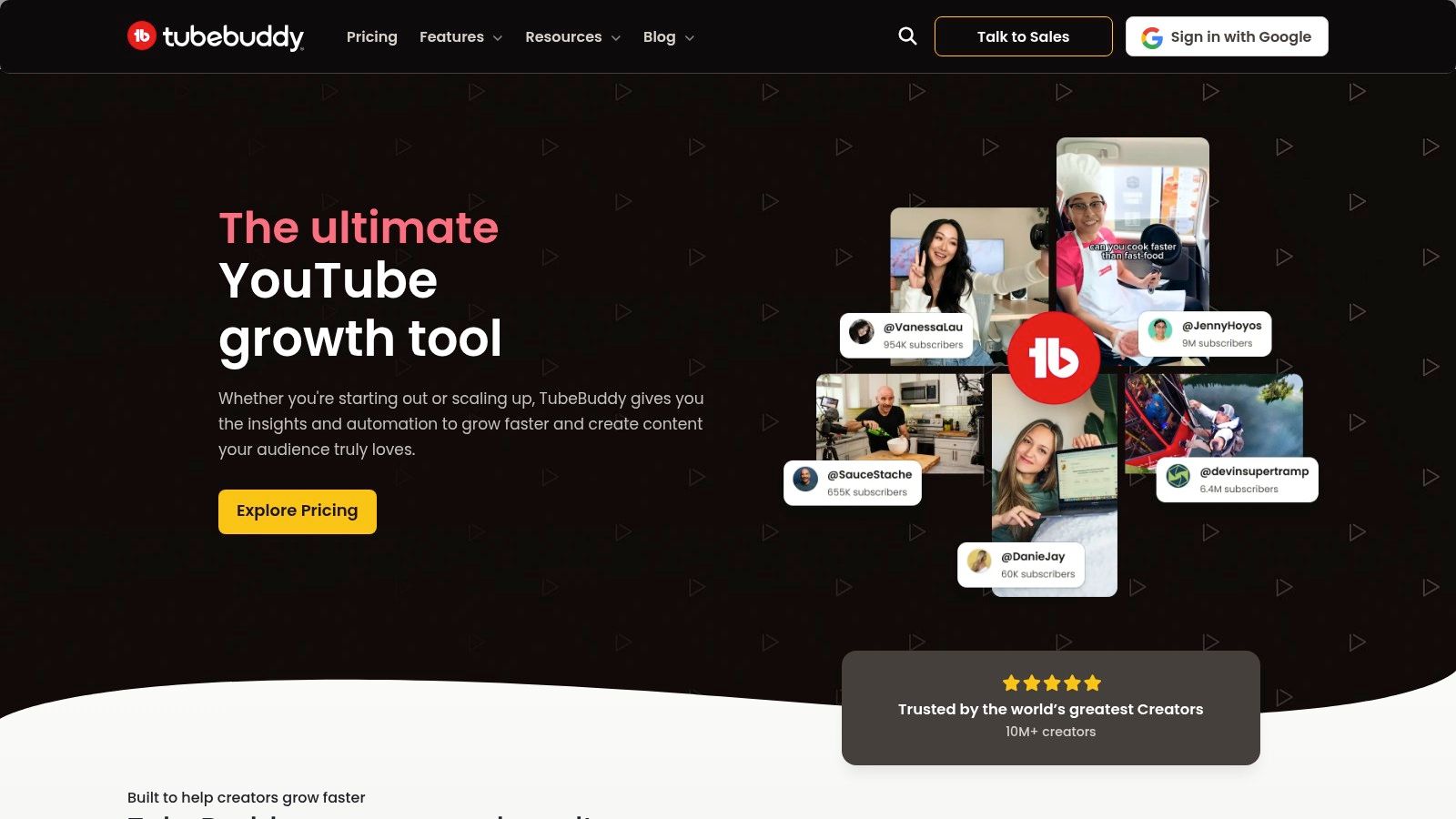
TubeBuddy remains one of the simplest methods for creating a functional youtube tags list within your existing publishing environment. That is the core advantage. You avoid switching between multiple tabs to evaluate phrasing, store reusable tag groups, and optimize previous uploads.
The browser extension matters more than the headline features. Keyword Explorer helps, but the bigger win is operational. Saved Tag Lists, tag sorting, SEO Studio, and bulk metadata tools make TubeBuddy useful when you're running a real channel and not just uploading occasionally to test ideas.
Where TubeBuddy works best
If you're publishing series content, TubeBuddy is strong because it turns tags into a system instead of a one-off task. You can keep baseline lists for recurring formats like product tutorials, reaction clips, AI avatar explainers, or faceless commentary, then swap only the variables that change.
A practical build looks like this:
- Primary intent tag: Match the core query exactly, such as the main tutorial phrase or reaction format.
- Long-tail support tags: Add variations that reflect how people search, including alternate phrasing and niche modifiers.
- Format tags: Use tags that define the video type, such as faceless tutorial, AI avatar, or Shorts remix.
- Series tags: Reuse campaign or recurring-show labels so older uploads reinforce relevance across your library.
Practical rule: TubeBuddy is best when you already know your content buckets and need speed, consistency, and cleanup across many videos.
TubeBuddy is also a good fit if your tag process sits next to title and description optimization. The tool is built around that workflow, not just tag generation in isolation.
Trade-offs
The downside is simple. The best parts of TubeBuddy sit deeper in the product, and some creators won't love that pricing details and advanced workflows become clearer once you're already in the ecosystem. If you only want a lightweight tag generator, TubeBuddy can feel heavier than necessary.
Still, it suits channels that need process. If you're posting remade viral formats from a tool like VidCloner, this is one of the better ways to keep your tags aligned across clones, remakes, and follow-up uploads without redoing everything manually. You can check the platform at TubeBuddy's website.
2. vidIQ
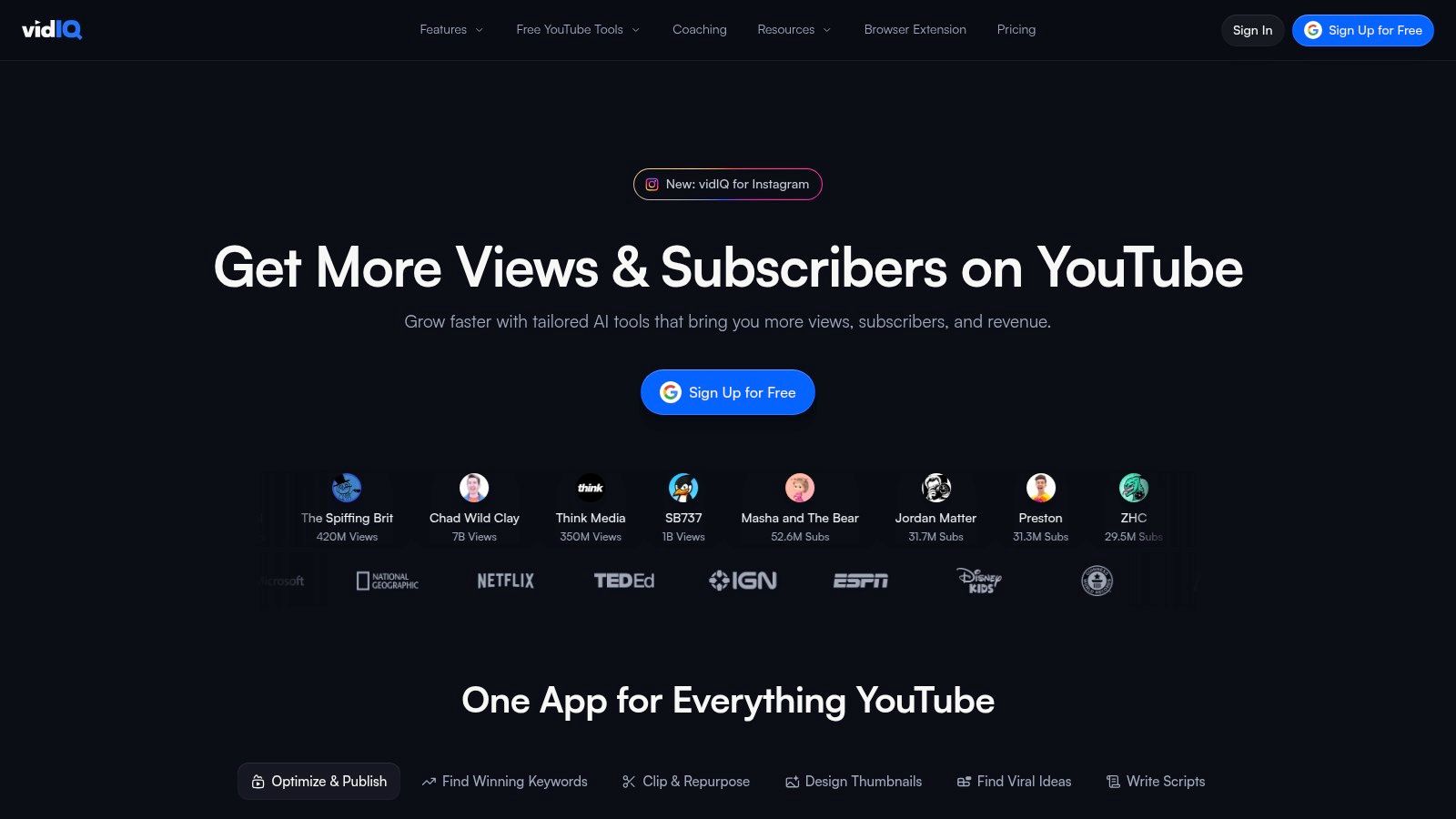
vidIQ is better for creators who don't just want tags. They want trend signals, niche ideas, and publishing prompts all in one place. That's why it appeals to Shorts-heavy creators and people testing multiple angles fast.
The tag functionality is useful, but the broader discovery layer is the reason to use it. If your workflow starts with "what should I make next?" rather than "how do I optimize this upload?", vidIQ often feels more natural than stricter SEO-first tools.
Best use case for fast-moving formats
vidIQ is strong when your niche changes weekly. Meme pages, UGC operators, AI influencer creators, and faceless channels often chase moving patterns instead of evergreen search terms. In that situation, rigid saved tag lists can get stale fast.
A broader suite helps in this case:
- Trend discovery: Surface rising topics before you commit to production.
- In-platform suggestions: See optimization ideas while you're still shaping the upload.
- Competition context: Sense whether a term is too broad or still worth pursuing.
- AI support: Speed up ideation when you're testing several title and tag angles at once.
One verified creator-side signal is adoption. A VidIQ survey cited in optimization data says 68% of Pro-tier YouTube creators surveyed relied on tag generators like TubeBuddy or vidIQ for A/B testing, according to DataReportal's referenced YouTube stats page. Treat that less as proof of guaranteed results and more as a sign that advanced creators don't ignore workflow tooling.
The channels that move fastest rarely build tags from scratch. They adapt templates, watch trends, and ship.
Trade-offs
vidIQ can feel broad if your only job is creating a youtube tags list. The interface leans toward channel growth, not just metadata. Some people like that. Some don't.
It also means the stronger AI and productivity features tend to sit on paid plans. If you're a creator who wants daily niche scanning for Shorts, trend remakes, and AI-cloned reaction formats, that trade-off makes sense. If you only need to generate a compact tag set before upload, a simpler tool will feel faster. You can explore it at vidIQ.
3. Rapidtags
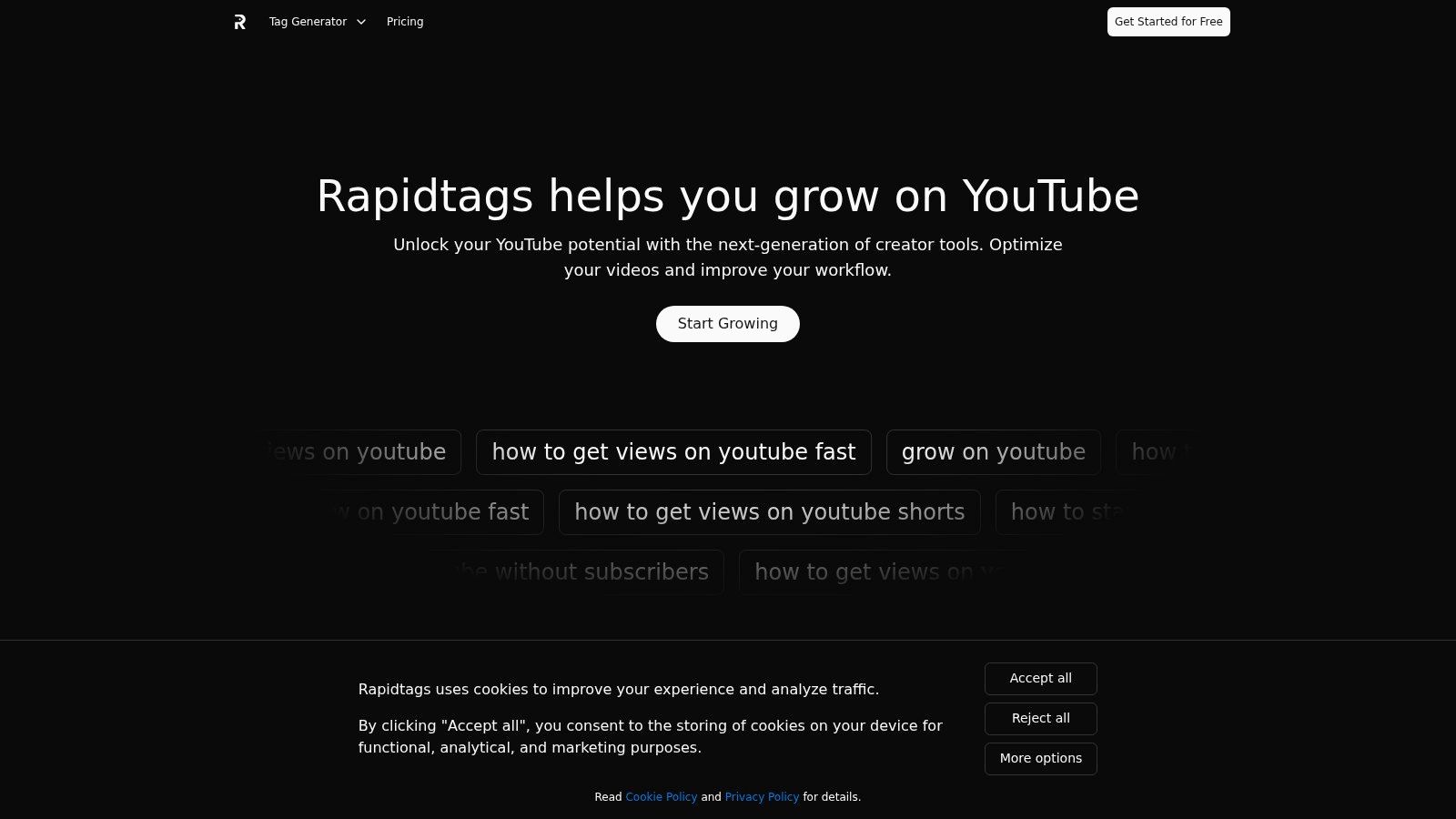
Rapidtags is useful for one job. Get a fast tag draft, trim it, paste it, move on.
That narrow focus is the point. A lot of creators waste time inside bloated optimization suites when the primary bottleneck is speed at upload. If the title, thumbnail, and topic are already set, a lightweight generator often gets the job done faster than a full research platform.
Why speed matters here
Rapidtags works best after you've already made the strategic decisions. You know the target query. You know whether the video is a Short, tutorial, reaction, remake, faceless explainer, or AI-cloned UGC asset. Now you need supporting tag variations that reflect that format without spending 20 more minutes on metadata.
That makes it a practical fit for high-volume publishing. Shorts creators, clip channels, and teams producing AI-assisted video variations usually need consistency more than discovery. For that workflow, Rapidtags gives you a usable first pass.
A simple process works well:
- Enter the core topic first: use the main search phrase, not a vague category.
- Cut generic tags fast: remove anything that could apply to half of YouTube.
- Keep phrasing that matches viewer intent: question-based, use-case, and format-specific terms usually survive.
- Add production context yourself: tags like AI avatar, faceless, UGC ad, product demo, or reaction edit only belong if they describe the actual video.
This is also where Rapidtags fits the angle most tag roundups miss. It is good for building repeatable templates for newer formats. If you're publishing Shorts at volume, you can keep a base tag set for topic plus format, then swap the specific query each time. If you're producing AI video with tools like VidCloner, the same logic applies. Build a reusable structure around product, audience, format, and intent, then adjust only the few tags tied to the current script.
Where it falls short
Rapidtags will feel thin if your process starts with research instead of upload execution. It does not replace competitor analysis, trend tracking, or broader content planning. That trade-off is fine if you already have a topic pipeline. It is limiting if you still need help deciding what to make.
I use tools like this when volume matters and perfection does not. For a one-off flagship upload, deeper research can pay off. For weekly Shorts, remixed clips, and AI-generated variants, fast and consistent usually beats elaborate. You can try it at Rapidtags.
4. Keyword Tool
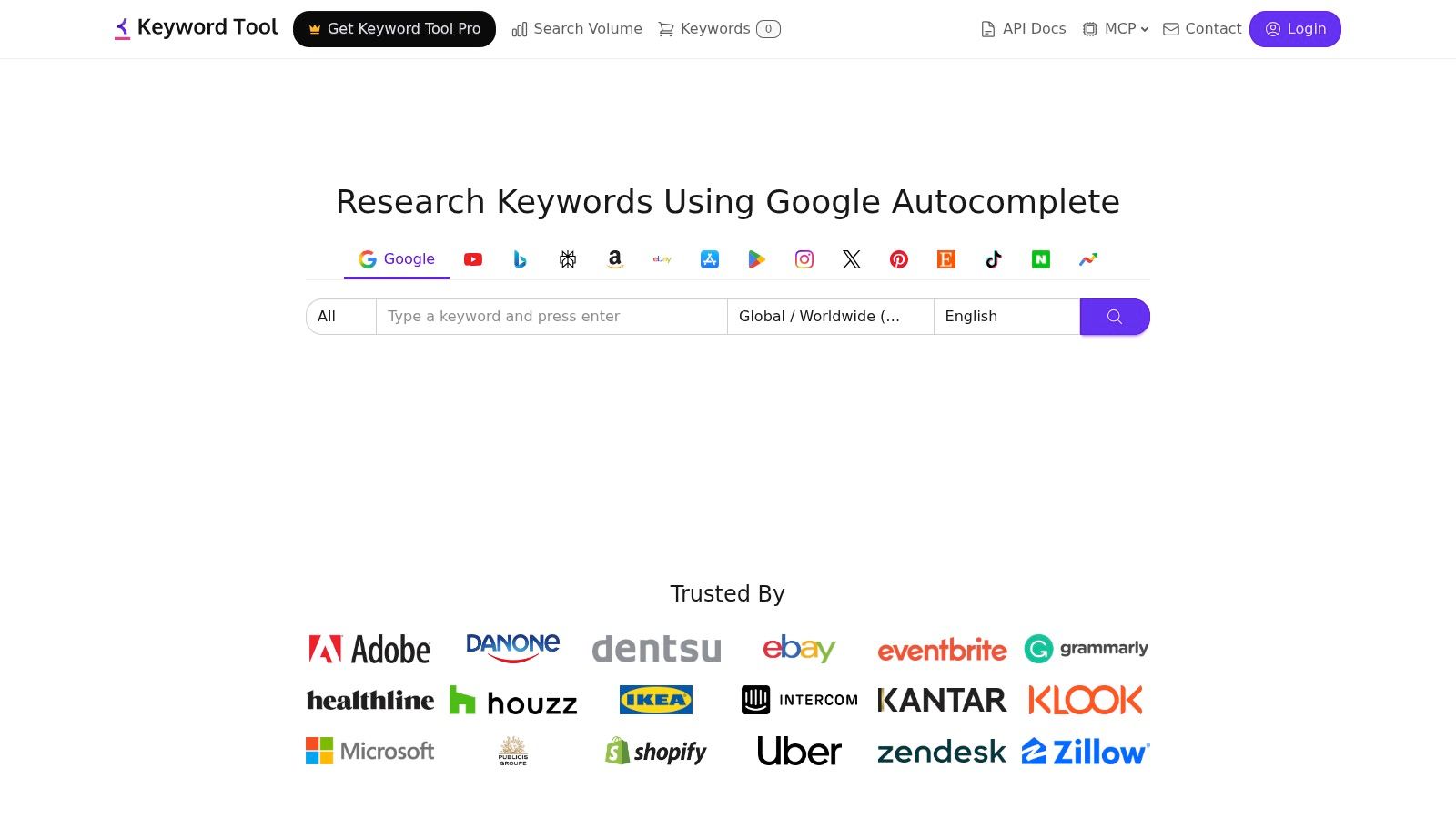
Keyword Tool is less about final tags and more about mining language. That's the distinction. It pulls YouTube-specific autocomplete suggestions, which makes it useful for building long-tail sets before you narrow them into a final upload list.
If you're creating faceless explainers, B2B demos, software walkthroughs, or AI-assisted tutorials, this matters because the winning terms are often hidden in autocomplete phrasing rather than obvious head keywords.
Best for long-tail tag building
The strongest use of Keyword Tool is pre-production. Instead of asking "what tags should I add?", ask "what exact wording does this niche use?" That's how you get from generic terms to something closer to search intent.
This is especially relevant for modern faceless formats. One research gap identified in creator analysis is that most youtube tags list content ignores AI avatar videos, screen-recorded remakes, and other no-face workflows, even as faceless niches have surged since mid-2025, according to TubeLab's faceless niche analysis. That gap is real. Generic tag lists don't help much when your format is unusual.
A practical structure:
- Seed phrase: "AI video editing tutorial"
- Use-case expansions: product demo, workflow, beginner guide, creator setup
- Audience modifiers: for beginners, for agencies, for ecommerce, for SaaS
- Format modifiers: faceless, AI avatar, screen recording, remake, explainer
Field note: If autocomplete keeps adding the same modifier, that's usually a sign to test it in your title first and reserve tags for alternate phrasings.
Trade-offs
Keyword Tool gets expensive for creators who only need occasional tag ideas. It's better for people who build content calendars, batch exports, or run multi-platform research. Since it also supports other platforms, it can sit well in a workflow where one idea starts on TikTok, gets remade into YouTube Shorts, and later expands into long-form.
For that kind of system, Keyword Tool is useful. For one-off uploads, it may be too much. You can try it at Keyword Tool.
5. Ahrefs
Ahrefs is the premium option for creators who think beyond tags. It makes the most sense when YouTube content also supports search, blog traffic, product discovery, or category authority.
That means Ahrefs isn't the best pure youtube tags list tool for most creators. It is, however, a strong research layer when you want tags to align with broader demand and competition instead of guessing from intuition.
When Ahrefs earns its cost
If you run a channel tied to a business, Ahrefs can help you prioritize topics before you're anywhere near the metadata field. That changes the role of tags. Instead of stuffing in every possible phrase, you build a smaller set around validated demand and known competition.
Specificity is where tag strategy gets useful. A verified Ahrefs-related data point cited in market research notes that creators using tag analytics tools saw better watch time retention than those who didn't benchmark tags against competitors, as summarized in HubSpot's YouTube statistics page. The key takeaway isn't "buy more software." It's that competitive context improves tag choices.
Use Ahrefs if you're doing things like:
- Coordinating video and blog strategy: One keyword cluster can support both.
- Evaluating SERP intent: Some topics are better as search-first videos than feed-first Shorts.
- Filtering weak ideas early: Good for expensive production workflows.
- Mapping content gaps: Helpful for agencies and brand channels.
Trade-offs
Ahrefs has a real learning curve. If you're not comfortable with keyword reports, SERP interpretation, and SEO workflows, it can feel like using a power drill to hang one photo frame.
For creators making remade trend content, it works best when paired with a simpler publishing tool. Research with Ahrefs in the planning stage, then keep execution light at upload. That's usually the right split. You can find the platform at Ahrefs.
6. KeySearch
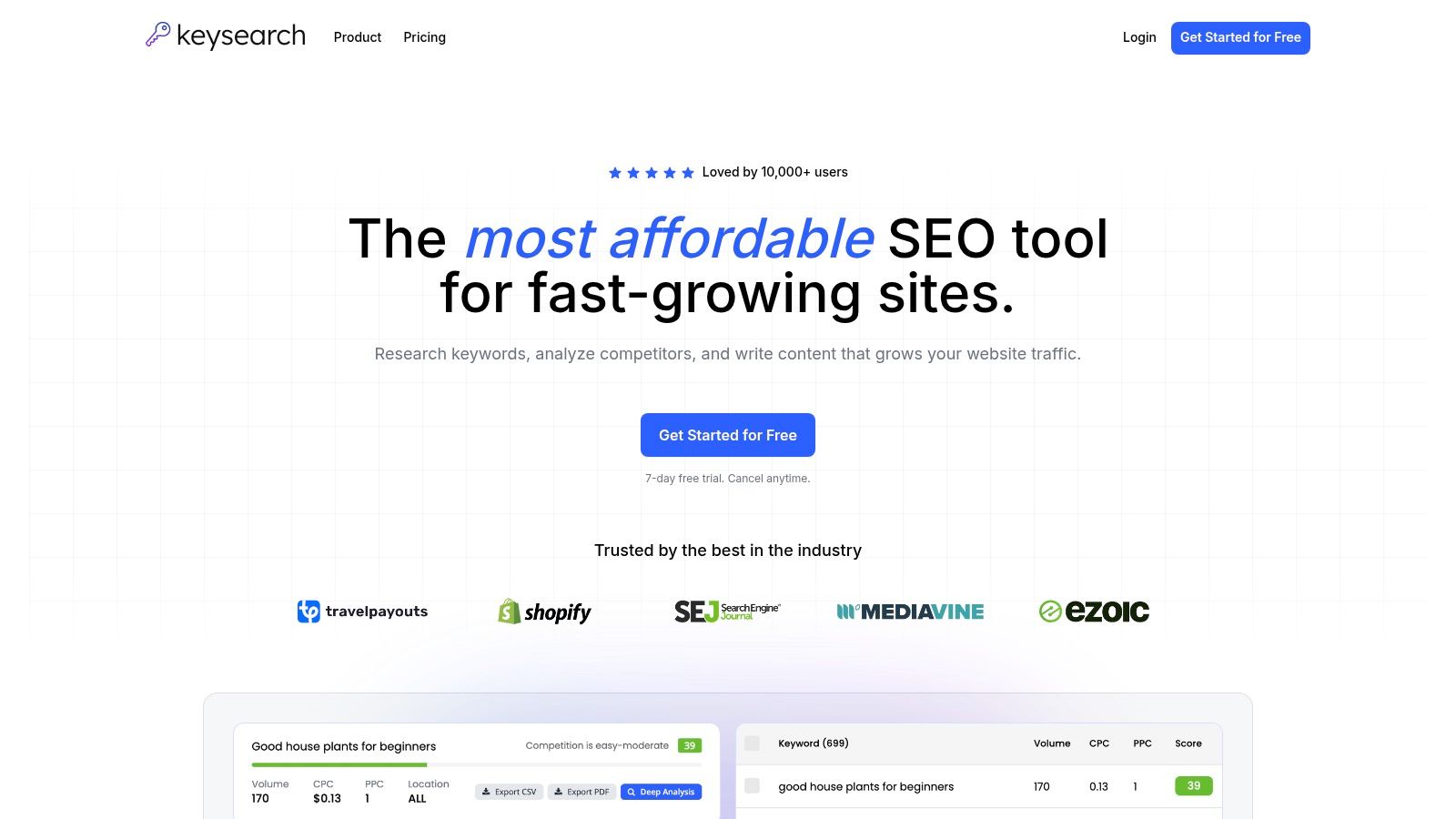
KeySearch is a strong budget pick for creators who need search-driven tag ideas without adopting a full SEO stack. It gives you enough keyword and competitor context to build tighter YouTube tags list options fast, especially if your channel mixes evergreen videos, Shorts, and lower-lift AI-assisted production.
That last use case matters. If you're producing volume content, including AI-cloned UGC, faceless explainers, or remake-style videos, you do not need fifty tag suggestions. You need a repeatable way to get to the right eight to fifteen tags, then reuse that workflow across uploads.
Where KeySearch fits
KeySearch works best for channels that plan around searchable topics first, then adapt metadata by format. I like it for creators who need one core phrase, a handful of close variants, and a quick read on how crowded the topic is before they publish.
It is also one of the easier tools to turn into a tag template system. That makes it practical for modern workflows where one topic might become:
- A long-form search video
- A YouTube Short
- An AI voiceover clip
- An AI-cloned UGC ad-style creative
The tag sets should not be identical across those formats. KeySearch helps you generate the base phrase set, then trim by intent. Search-first videos can carry more exact-match variants. Shorts usually need fewer tags and tighter topical alignment. AI-generated videos need extra discipline because generic tags make them look interchangeable fast.
A simple workflow that scales
Use KeySearch like a filter, not a tag dump.
- Start with the exact topic: Use the phrase a viewer would type.
- Collect close variants only: Keep related wording that matches the same intent.
- Check competing videos: Look for repeated phrasing in titles and visible metadata patterns.
- Split by format: Build one small tag cluster for long-form, another for Shorts, and another for AI remake or UGC-style versions.
- Cut anything vague: If a tag could fit twenty unrelated videos, remove it.
That process is useful if you're creating videos in tools like VidCloner or any AI workflow that can generate multiple versions of the same concept. The production gets faster. Metadata can get sloppy unless the tag process gets tighter at the same time.
Trade-offs
KeySearch does not give you the depth, integrations, or broader market data you get from higher-end platforms. That is the trade-off. You trade breadth for speed and a lower monthly cost.
For many solo creators, that is the right deal.
If your upload strategy depends on a fast, reusable tagging system instead of heavy SEO reporting, KeySearch can handle the job. It is especially useful if you want to turn keyword research into copy-paste tag templates for recurring formats instead of rebuilding your tags from scratch every time. You can review it at KeySearch.
7. Morningfame
Morningfame works well for creators who do worse with more data.
That sounds backward, but it is a real problem. A lot of tag tools hand you a huge list, and the result is predictable. You keep too many weak variations, mix search intents, and publish with metadata that looks busy instead of specific. Morningfame cuts that down. It pushes you toward terms your channel has a realistic shot at using well, then folds title, description, and tag choices into one guided workflow.
That matters because tags still play a supporting role, not a lead one. As noted earlier, they will not save a weak video, but they can help YouTube sort context, misspellings, variants, and format cues when the topic is already clear.
Use Morningfame when you need stricter choices and better metadata discipline.
I like it most for creators who publish repeatable formats and need guardrails. That includes Shorts series, reaction formats, and AI-generated remakes where the production process is fast enough to create metadata mistakes at scale. If you're building videos with tools like VidCloner, Morningfame helps narrow each tag set to the actual topic plus the format layer, instead of stuffing in broad tags that fit half the platform. That makes it easier to turn good tag decisions into copy-paste templates for recurring uploads.
There is still a trade-off. The invite-only model adds friction, and experienced operators may hit the ceiling quickly. If you want heavy exports, looser workflows, or more manual control over keyword sets, Morningfame can feel restrictive.
For newer channels and solo creators, that restriction is often the feature. It reduces bad choices, keeps tag lists tighter, and makes it easier to build a repeatable system for modern formats instead of rewriting metadata from scratch every time. You can check it out at Morningfame.
YouTube Tag Tools: 7-Way Comparison
A bigger tool stack does not automatically produce better tags. The best option is the one that matches how fast you publish, how much metadata you reuse, and whether you need tag ideas, workflow control, or bulk research for formats like Shorts, faceless videos, and AI-cloned UGC.
The practical split is simple. Some tools help you generate tags fast. Others help you build repeatable systems, which matters more if you're creating recurring uploads or producing AI video variations with tools like VidCloner.
| Tool | Implementation complexity | Resource requirements | Expected outcomes | Ideal use cases | Key advantages |
|---|---|---|---|---|---|
| TubeBuddy | Low to Medium, browser extension with in-Studio panels | Moderate, free tier; advanced SEO and bulk tools on paid plans | Better metadata, tag prioritization, and workflow efficiency (A/B tests, bulk edits) | Creators who want deep YouTube Studio integration and workflow automation | Deep integration with YouTube Studio; strong workflow controls and detailed SEO audit features |
| vidIQ | Low, extension plus web app, straightforward setup | Low to Medium, free tier available; AI features on paid plans | Improved trend discovery, keyword suggestions, and in-video optimization | Ideation, trend scouting, and creators who want daily insights and coaching | Clear free tier; strong trend and niche discovery; AI-assisted features |
| Rapidtags | Very Low, single-purpose web tool, instant use | Minimal, free tier; low-cost paid plans with caps | Fast generation of 500-character tag lists and simple exports | Quick tag creation for fast uploads or when only tags are needed | Extremely fast and simple; low entry cost |
| Keyword Tool (KeywordTool.io) | Low, web-based autocomplete tool | Medium to High, Pro needed for volumes, historical data, API | Large long-tail keyword and tag sets plus exportable research data | Building large tag libraries and handling high-volume workflows | Massive suggestion sets; multi-platform research and API access |
| Ahrefs | Medium to High, full SEO suite with a learning curve | High, premium pricing for enterprise-level data | Deep demand and competition insights, click metrics, and SERP context | Agencies and professionals aligning YouTube with broader SEO | High-quality data; rich metrics for strategic planning |
| KeySearch | Low to Medium, straightforward interface with helpful modules | Low, affordable plans with generous limits | Reliable keyword and tag discovery plus basic rank tracking | Solo creators or small teams who need value without enterprise cost | Clear pricing and generous limits; useful feature mix for creators |
| Morningfame | Low, guided, checklist-driven interface (invite-only) | Low, modest monthly cost but requires invite to start | Channel-specific keyword scores and simpler pre-publish optimization | Beginners and small channels needing guidance and fewer choices | Beginner-friendly guidance; specific suggestions and lightweight analytics |
The trade-offs matter more than the feature list.
TubeBuddy is the better pick if you want templates, bulk edits, and a cleaner publishing workflow inside YouTube Studio. vidIQ is stronger for creators who chase trends and want a faster read on adjacent topics. Rapidtags is the speed option. It is useful when you already know the topic and just need a usable tag block in seconds.
Keyword Tool and Ahrefs make more sense for research-heavy teams. They are less attractive if your real problem is execution. A solo creator posting Shorts, AI avatar explainers, or cloned UGC usually gets more value from fast repeatability than from another layer of SEO data.
KeySearch sits in the middle. It gives smaller channels enough research depth without pushing them into agency pricing. Morningfame stays useful when discipline is the bottleneck and bad tag choices keep creeping into uploads.
For modern workflows, that last point matters. If you're building batches of videos from the same source script, remixing winning concepts into Shorts, or publishing AI-generated variants, the best tool is usually the one that helps you turn one good tag set into five reusable templates with minor edits, not the one with the longest keyword export.
Build Your Tag Strategy, Not Just a List
A youtube tags list does not need to be long. It needs to be reusable.
That shift matters more than another export from a keyword tool. Generic tag dumps fall apart fast when you're publishing Shorts, faceless explainers, AI avatar videos, or cloned UGC at volume. What works is a simple tagging system you can copy, adjust in minutes, and apply across formats without turning every upload into a research session.
Start with a three-part structure:
- Primary topic tag: the exact subject of the video
- Support tags: close variants, subtopics, and plain-language search phrases
- Format and context tags: only the labels that help classify the asset, such as shorts, ai avatar, faceless, ugc ad, reaction, tutorial, or region-specific phrasing
Keep the list tight. Tags still sit in the supporting metadata bucket on YouTube, so stuffing 30 loosely related phrases usually creates more noise than value.
For hashtags, restraint matters even more. Broad tags like #Shorts are crowded, and they do very little to explain why your version deserves a click. Use format hashtags if they help with classification, then spend the rest of your effort on niche wording that matches the actual video angle.
Here is the fast version I use for repeatable production workflows:
- Shorts template: main topic, topic variant, short form version, shorts, niche keyword
- AI avatar template: main topic, ai avatar, explainer, niche keyword, audience keyword
- Cloned UGC template: product or topic, ugc, review angle, pain point, audience intent
- Faceless tutorial template: task keyword, how to phrase, software or tool name, tutorial, beginner or advanced modifier
That is where tool choice starts to matter in practice. TubeBuddy helps if your bottleneck is execution and reuse inside your publishing process. vidIQ is better if you need trend discovery before scripting. Rapidtags is useful for speed, not depth. Keyword Tool, Ahrefs, and KeySearch make more sense if you're building tags from search phrasing and broader keyword research. Morningfame is a strong fit if you need simpler guardrails and less room for bad decisions.
AI video workflows need one extra step. If you are using a tool like VidCloner to remake a proven concept, do not copy the original creator's metadata and call it done. Rebuild tags around your version's hook, audience, and use case. An AI-cloned UGC ad, a reaction remix, and a faceless recap can all come from the same source clip and still need different tag sets because the search intent is different.
A practical rule helps here. If a tag would apply equally well to ten unrelated videos in your backlog, it is probably too broad to earn its spot.
If you want better inputs before building your own templates, this guide on determining YouTube search data is a useful next step. The key advantage is not building a huge tag bank. It is creating a small set of detailed templates you can test, refine, and reuse across every format you publish.